



edit an Indesign script that indents paragraphs to the last word of the preceding paragraph?
This question follows on from a question on StackExchange in 2015 — to which @mdomino very kindly supplied a fantastic script that generates a contextual indent...
This script works well, unless my text frame and copy already has a left indent applied. I usually have a default left indent so that that lists, bullets etc can be set to hang outside the left margin. So it would be super useful to know how to adapt this script to take into account any existing indent value.
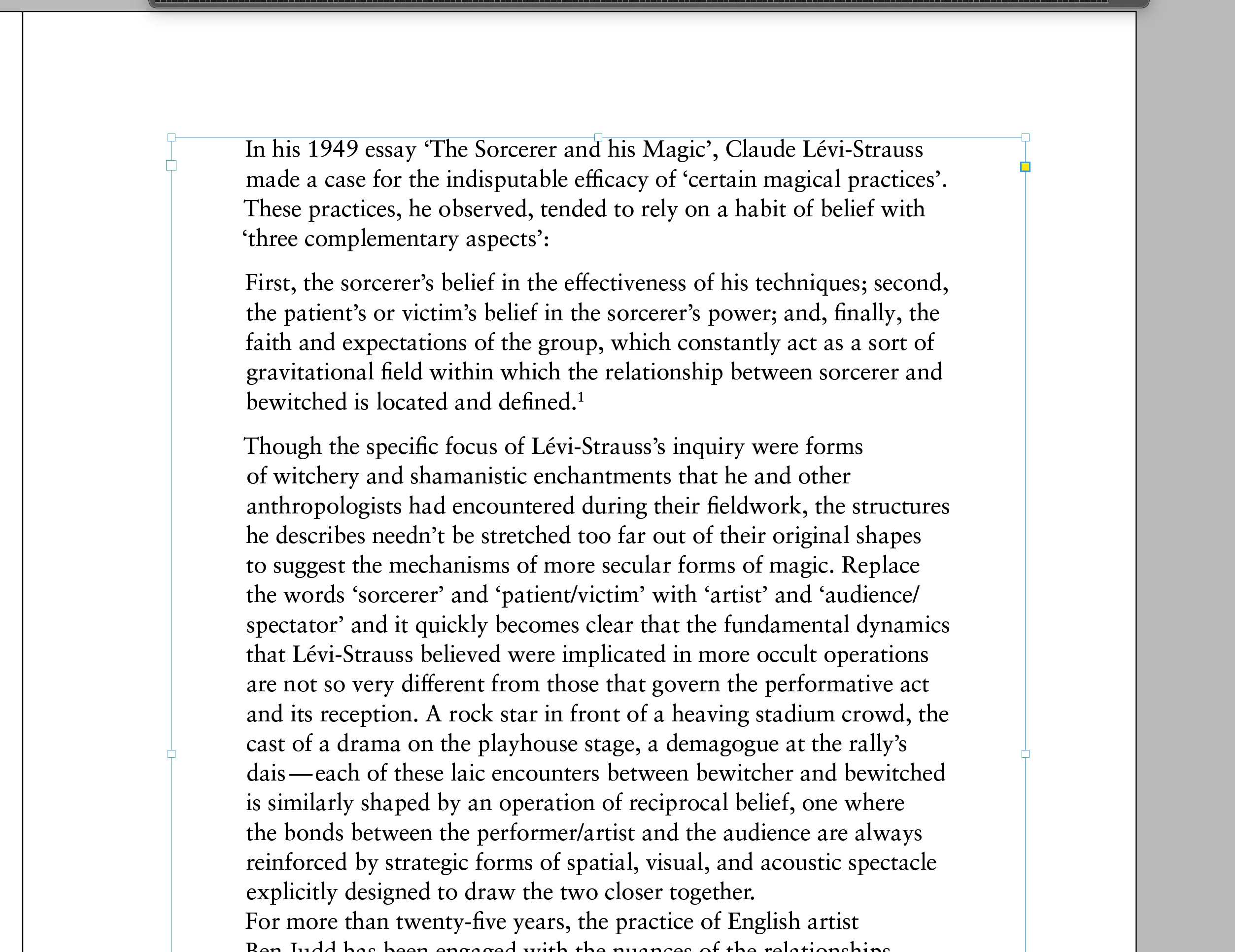
In this example below, my text has an existing 40pt left indent. The script has done its thing and left-indented to the end of the preceding line — but ADDING the existing indent to the newly calculated indent value... (you can see the text BEFORE running the scrip at the bottom...)
fig.1 below shows text frame after running the script — indents have been added that also include the 40pt left margin
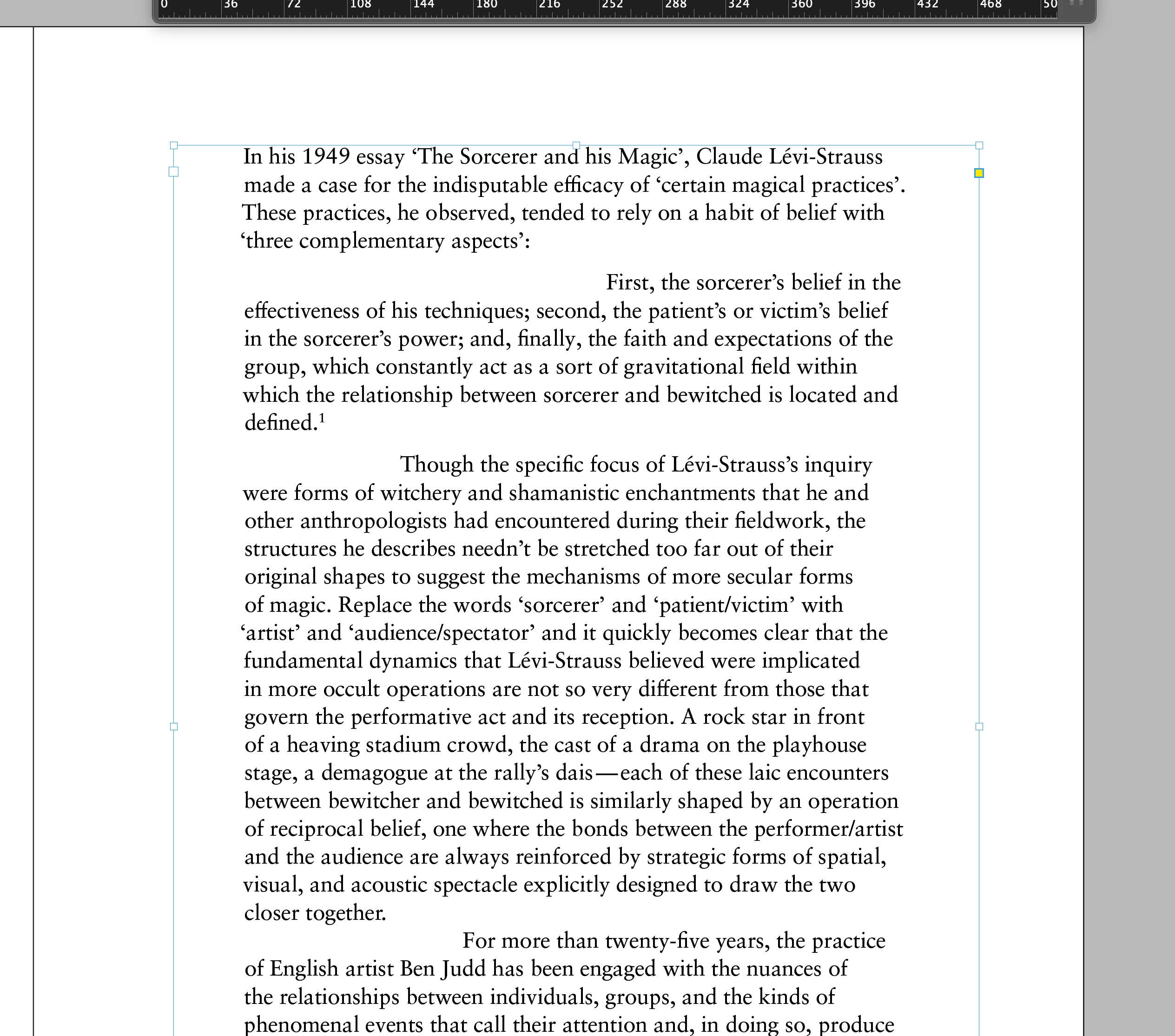
fig.2 below shows text frame beofre running the script — with 40pt left margin
I am new to scripting and .jsx — if anyone knows how to adapt this script to take into account a global indent value that would be very helpful. I'm not sure where, for exampel, Id find the .jsx value that covers text indent.
It could be that this value is added manually to the script, or via a dialogue request...?
thanks for your time!
Heres the script in question, reproduced on the understandign that this was originally supplied by Timo Rychert
#target InDesign

var defaultIndent = 0;

//Checks if a text frame with 2 or more paragraphs was selected.
if (app.selection.length < 1 || !(app.selection[0].parentStory.paragraphs.length > 1)) {
  alert("Error\nSelect a text frame with at least 2 paragraphs and try again.");
  exit();
}

var story = app.selection[0].parentStory;
var paragraphs = story.paragraphs;

// loops through all paragraphs, checks the position of the last letter of the previous
// paragraph and sets the indent of the first line of the current paragraph accordingly.
for (var i = 1; i < paragraphs.length; i += 1) {

  // leaves the script, if the paragraph has moved out of the last text frame in the meantime.
  if(paragraphs[i].parentTextFrames.length === 0){
    break;
    }

  var prevChar = paragraphs[i - 1].characters[-2];
  var leftEdge = paragraphs[i].parentTextFrames[0].geometricBounds[1];
  var indentPos = prevChar.endHorizontalOffset - leftEdge;

  paragraphs[i].firstLineIndent = indentPos;

  // if the paragraph has moved out of the textframe it means that the first word
  // does not fit in the first line and indent will be reset to the default value.
  if(paragraphs[i].parentTextFrames.length === 0){
    paragraphs[i].firstLineIndent = defaultIndent;
  }
};
 AdChoices