Known Participant
September 30, 2021
Question

EPUB Help please

  • September 30, 2021
  • 2 replies
  • 720 views

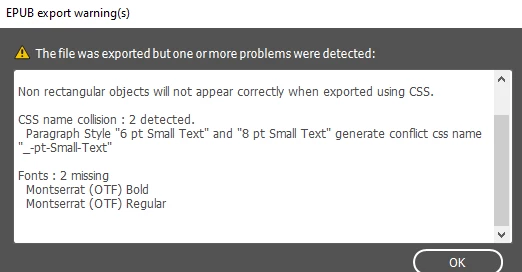
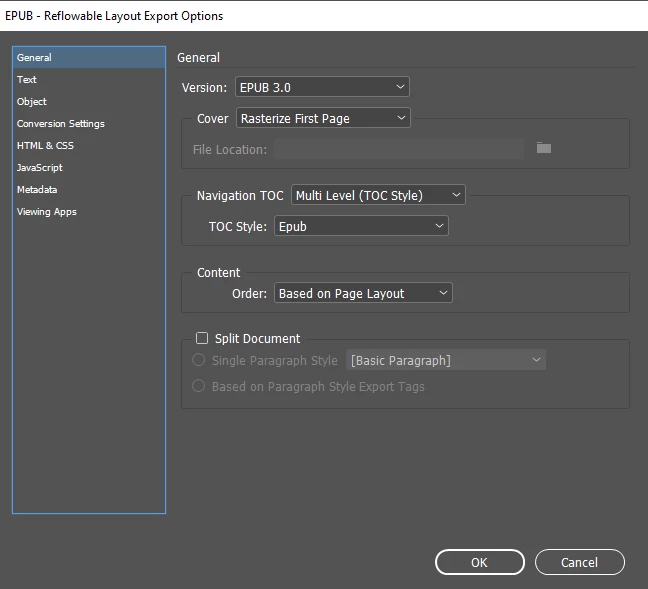
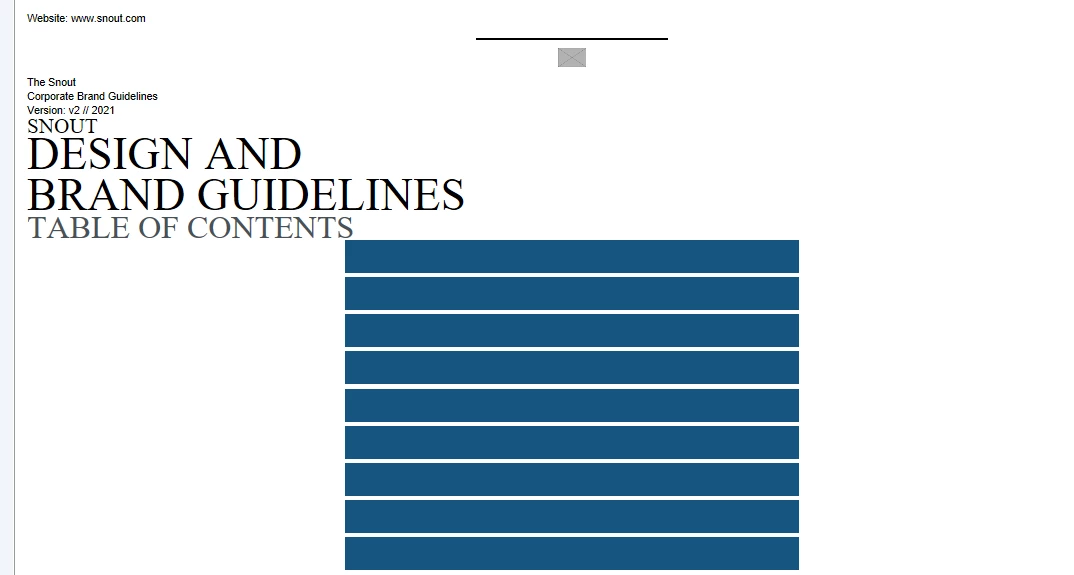
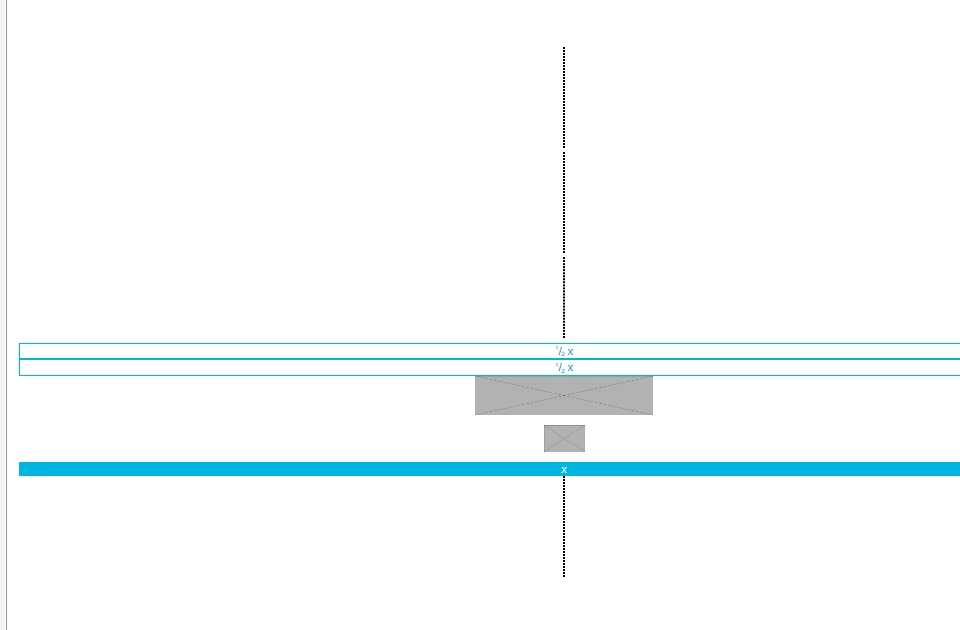
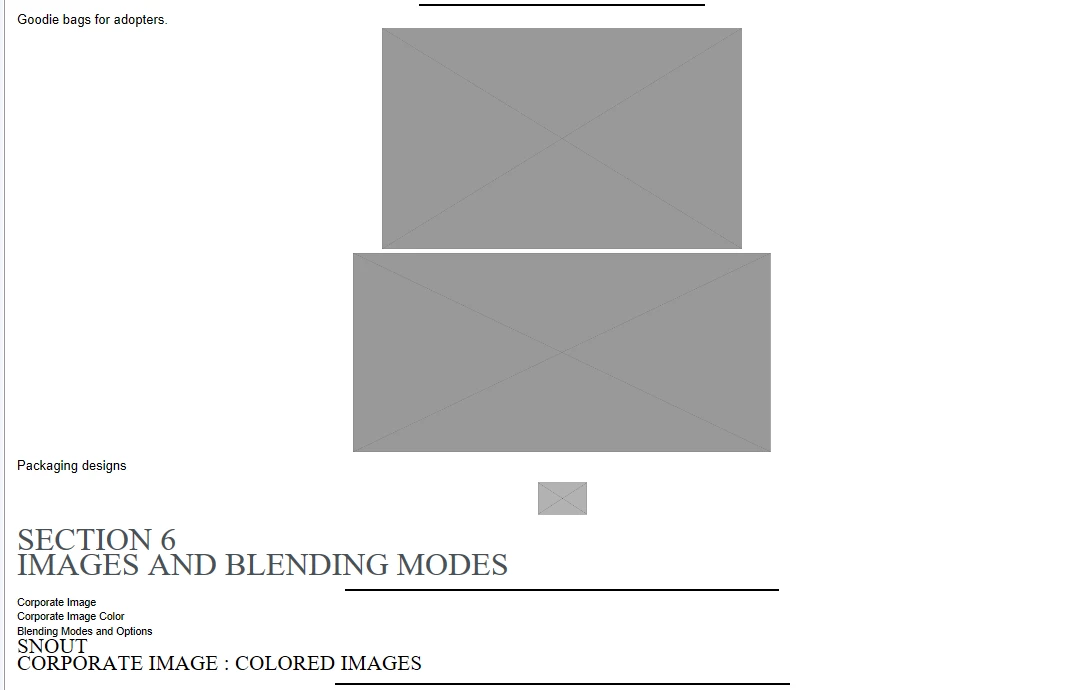
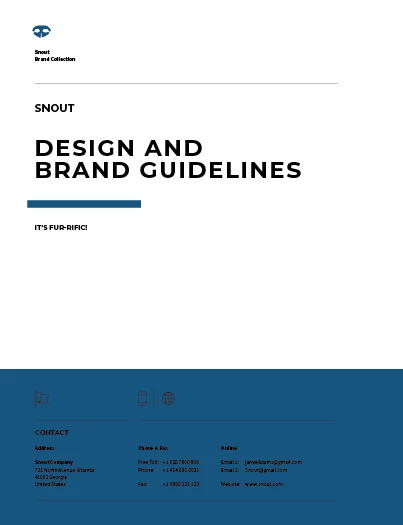
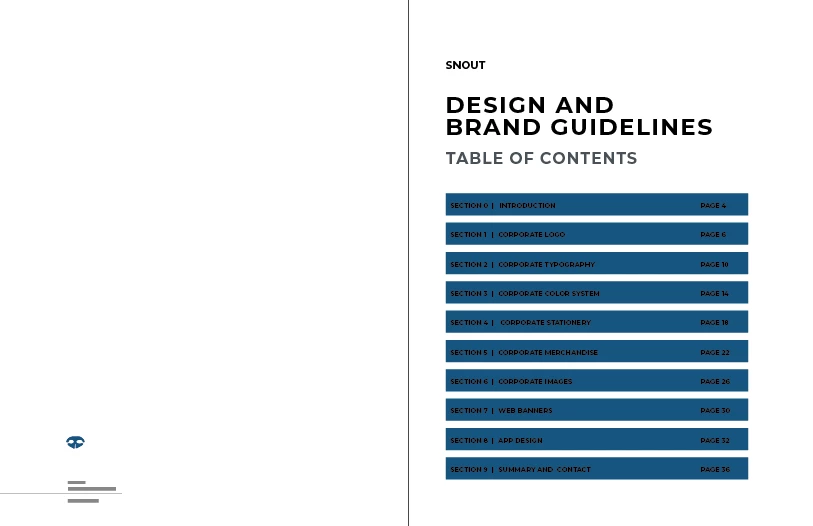
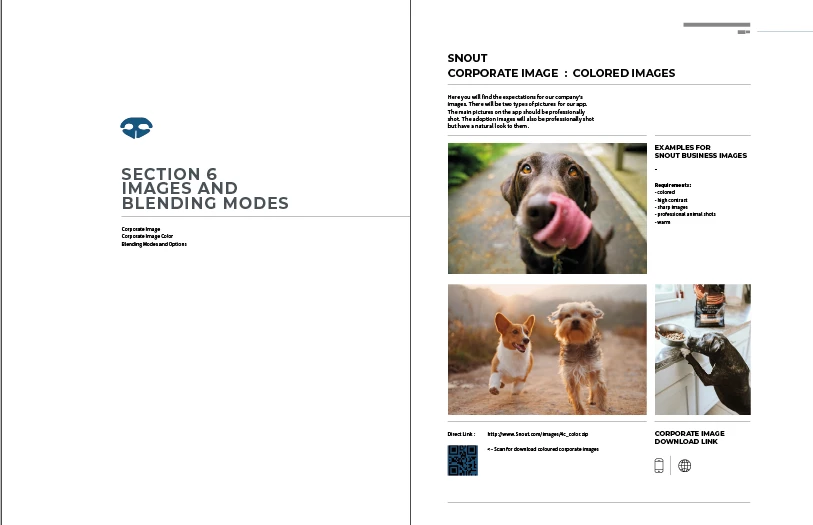
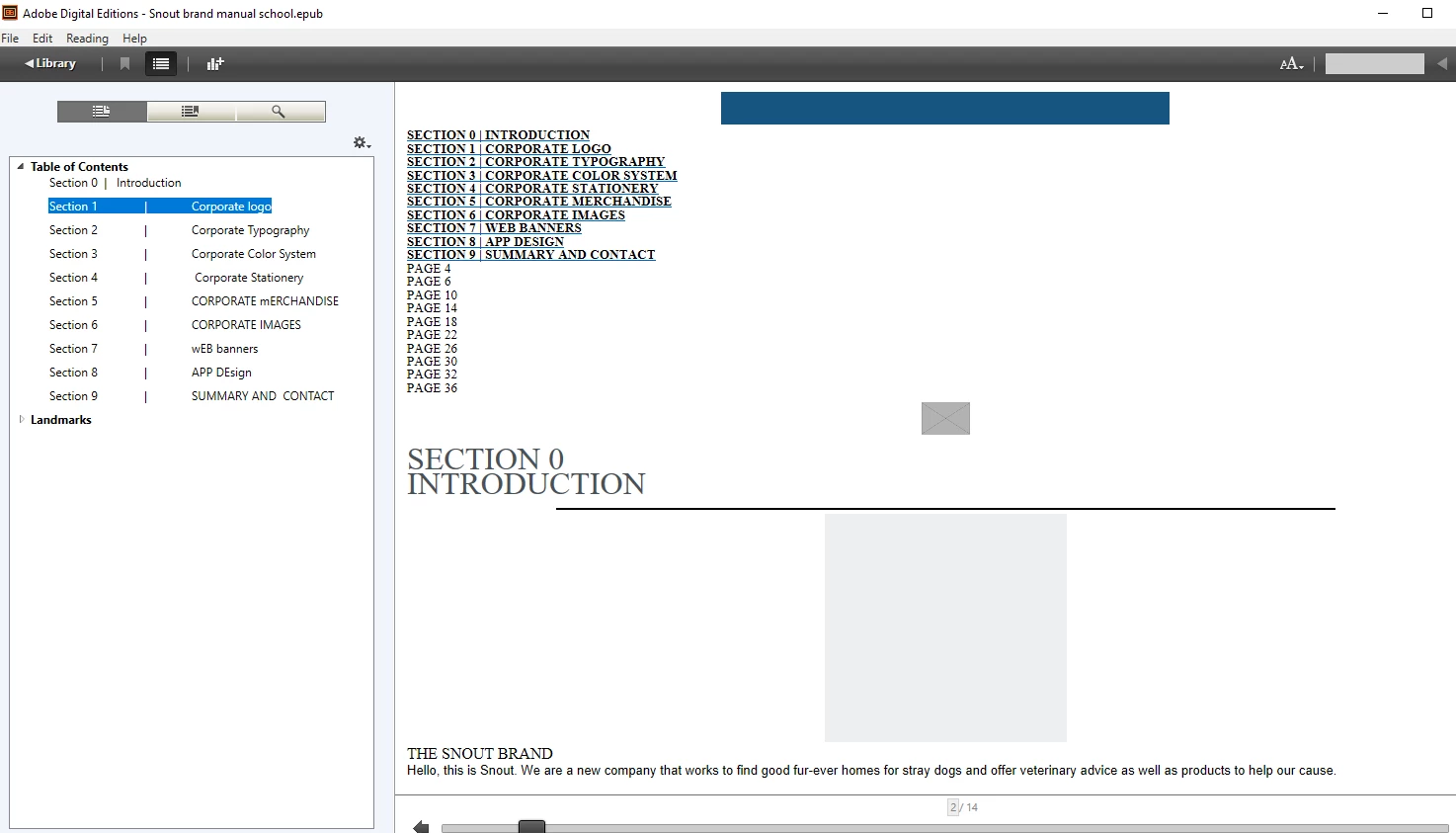
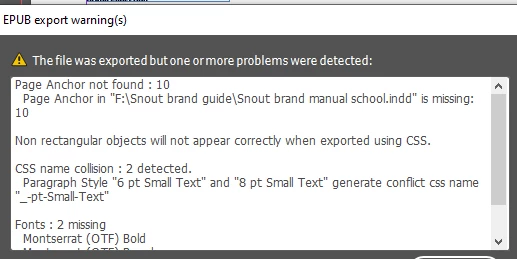
My teacher wants us to make an EPUB for this Branding guide we had to create for class a while back. He never clearly said if we have to make a Reflowable EPUB or a Fixed one. He kind of left it up to us but said it had to be responsive and the text needed to flow which sounds like a Reflowable EPUB to me. Anyway, I have been trying to make this document interactive with a Table of Contents and previewing it by exporting it into Adobe Digital Editions which is such a pain in the butt. I noticed that besides everything coming out a complete mess, my pictures are not showing at all. I haven't anchored them yet. I also keep getting this message about errors but my document in InDesign shows no errors. Even my table of contents is a mess, everything is out of order. What am I doing wrong? I try watching tutorials but it's different because they are making a TOC from scratch. My brand guide was a template I bought that already had TOC made. I'm sending pictures below to show what it should look like and what I am getting from creating an EPUB as well as the error warnings I received. If someone could help I would appreciate it. 
This topic has been closed for replies.

2 replies

Derek Cross
Braniac
September 30, 2021

Sounds like the teacher wants a Reflowable ePub. It's not an intuitive format to produce (all text to have Paragraph and Character Styles, no page numbers, all images to be anchored and InDesign Master Pages not recognised). Also Digital Editions is not a particularly good ePub viewer, If you're on a Mac try the iBooks reader.

But a FXL ePub might be better if you have lots of images – but its not reflowable.

I suggest you take the online video course on LinkedIn Learning (you can get 30-days free access): https://www.linkedin.com/learning/indesign-cc-to-epub/ebook-vs-epub


Lisa5D5EAuthor
Known Participant
September 30, 2021

I actually have watched LinkedIn learning tutorials. In fact, I believe the one you sent me was one I watched. It didn't help. I followed it but I said before my Table Of contents came out all messed up. I made a paragraph style for the text like the lady said, went to TOC STYLE checked the anchor and if you see my pics you can see how it turned out. I did add hyperlinks to my table of contents so someone can click it to be taken to that chapter. I'm not sure if maybe adding a hyperlink could have messed it up???

Derek Cross
Braniac
September 30, 2021

As I said, producing Reflowable ePubs is not intuitive - If you're really interested in doing this and you have the time, I suggest you make up a simple practice document and go over the tutorial again, carefully.  Nothing has changed in InDesign over recent versions so the tutorial I mentioned should be up-to-date.

As a matter of interest, which version of InDesign and OS do you have?

BobLevine
Braniac
September 30, 2021

All I can tell you is that in my opionion, based on the screenshots and the info you've supplied is that this project is totally unsuitable to reflowable epub.


Also, Adobe Digital Editions is a hot mess. For Mac/iPad use the Books app. For Windows, Thorium Reader.

Lisa5D5EAuthor
Known Participant
September 30, 2021

I followed a few LinkedIn learning tutorials the lady said Adobe Digital Edition was good for PC so I used it. Then again, she uses Mac and she made the tutorial in 2018. I hate to have to download something else after I already downloaded that one. Have you tired  the Adobe one before? What is the difference between the two?

Lisa5D5EAuthor
Known Participant
October 1, 2021

What kind of interactivity have you included in your PDF?


Pictures, some are jpg and some are png. None of my pictures are showing. I
noticed that when I go to the epub interactive preview it doesn't reload
when I start it. At school, it reloaded each time I played something. Could
it be an issue with the preview? My pictures show on my InDesign document
but not in the preview. [image: doc and preview.png]