


Error Message About Font Being Part of Condiitonal Text
I've seen a few other posts about this but they were older and no one really provided an answer for my specific situation.
I was having some trouble with an 8-page InDesign CC 2014 file (on a Mac) so I tried to export it as an IDML file. As soon as I clicked "export," InDesign crashed. I tried a few more things, such as saving the file as 1, 2, or 3 of the pages at once, and every time I tried to export, the same thing happened. So I created a new file, imported the text again (from Excel), and applied all the paragraph style to the text. Everything seemed fine until I tried to copy a bit of the text. When I selected "Copy," InDesign hung and I had to force quit.
After that, I decided to change the parameters of some of the paragraph styles to see if that might help. As I was trying to make changes, I selected "Bullets and Numbering" because one of my paragraph style includes bullets. I'll cut to the chase. After pulling all my hair out, I started getting a message that there was a missing font:
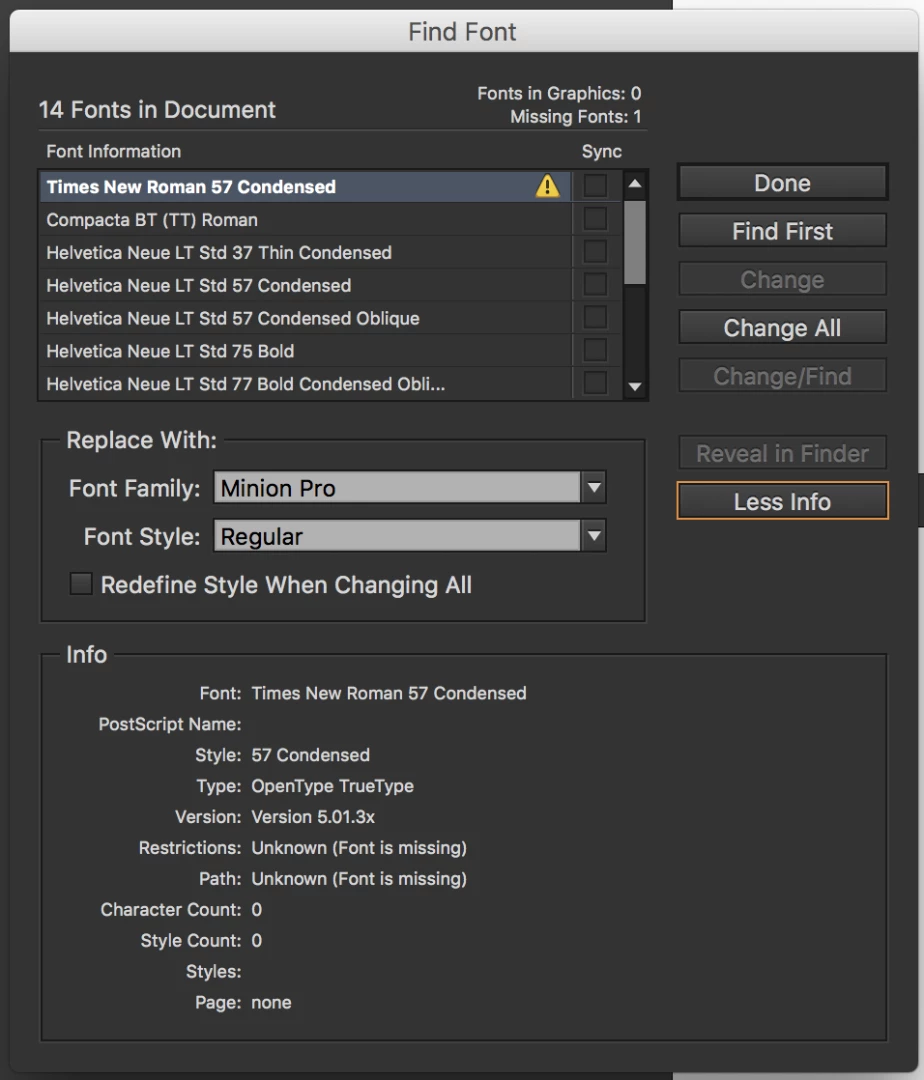
As you know, there is no such thing as Times New Roman 57 Condensed. When I tried to change the font, I received this message:
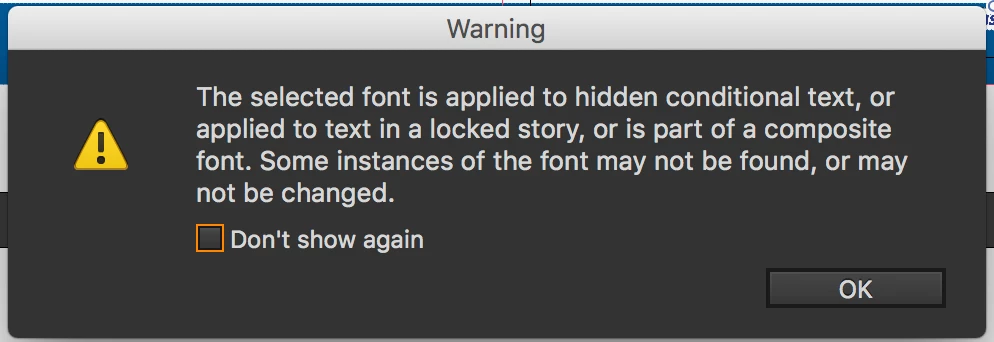
I don't have any hidden conditional text (no hidden or conditional either), no locked stories, and, as far as I know, no composite fonts (I'm not even sure what that is). I also tried clicking "Redefine Style When Changing All," like I read on another post, but I got the same error message as above.
Isn't there a way I can look at the XML or something to try to find the instance of the font and delete it?
Better yet, does anyone know what's going on and how to fix it?
Thanks,
Lloyd
 AdChoices