



Answered
Export PDF result is not page size
When I use File/Export the resulting PDF shown in Acrobat appears to have the InD page size.
BUT when the PDF is imported into InDesign, the page boundaries are incorrect.
I have to add a white background to the page in order for the PDF to capture the page size.
I've used InDesign for, well, decades and this is unusual.
Indesign file view:
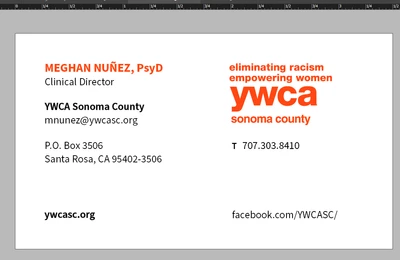
View in Acrobat - correct margins

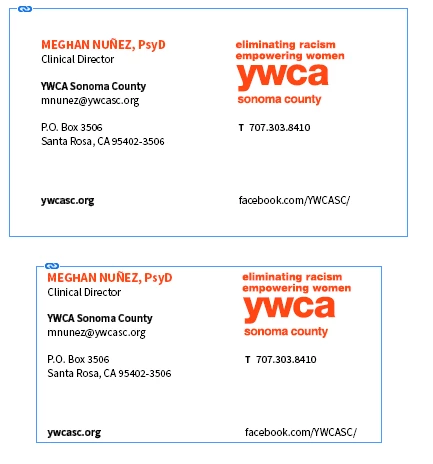
Export PDF imported into InDesign: page margins wrong
Examples PDFs: top with white background added to page; bottom without background
 AdChoices