New Participant
July 27, 2020
Answered

Exported PDF images not rendering well on screen

  • July 27, 2020
  • 3 replies
  • 1618 views

Hi there! 


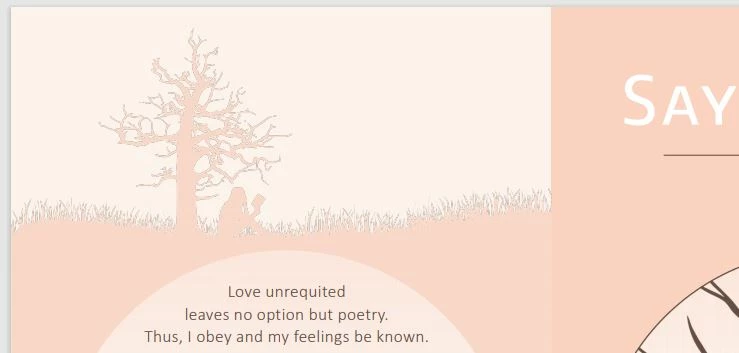
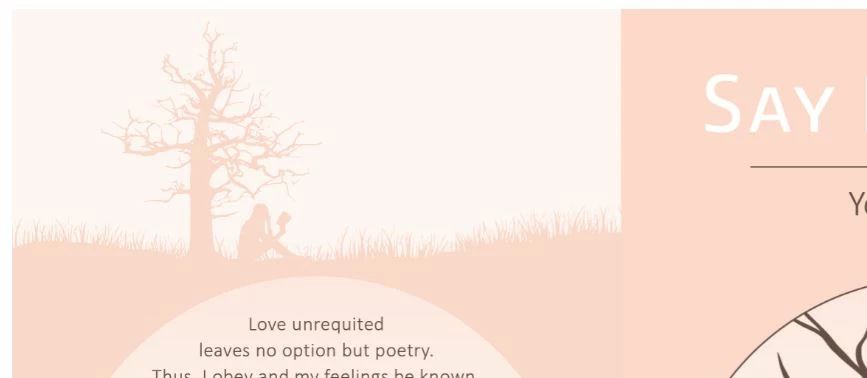
I have a book cover file on InDesign where I have imported Illustrator PNG's. It shows well in the program, and when I export it to JPEG, but when I export it to print PDF it has a weird dark border between two layers of images (see files for reference). When I export it to interactive PDF it doesn't have this problem. 


Is it just a screen rendering problem, and will it print well? Should I export it as something else? 


This topic has been closed for replies.
Correct answer rob day

Should I try to insert AI files instead of PNGs?


Yes—there’s no reason to rasterize your AI file.

3 replies

Derek Cross
Adobe Expert
July 27, 2020

You should place your images in RGB color mode in InDesign (and keep them as native AI files).

Luke Jennings3
Inspiring
July 27, 2020

How does the print PDF look in Acrobat or Reader with the Use Overprint Preview preference set to Always? (recommended)

How does the outline look when you zoom in? Exporting to an interactive PDF will remove overprinting, which might explain the display difference. It's also possible someone added trapping in Illustrator, or that your print PDF was exported at a higher resolution.

I suspect it's just an issue of your PDF viewer, if it looks OK in Acrobat or Reader, you should be OK for print. 

Also, I agree with Mike that vector art is preferred, if you have it. And don't use spot colors if you are not printing with spot colors, although you could possibly print your cover with 2 colors. Don't forget bleed and a spine, if needed.

Mike Witherell
Adobe Expert
July 27, 2020

If you are using Illustrator files, they would not be PNG bitmap images; they would and should be native .AI vector files. Also, what color model are your placed files? What color model is your InDesign document?

Mike Witherell
New Participant
July 27, 2020

Thanks for your response! What I did was I exported from Illustrator the images as PNG and then dropped them into InDesign. My AI file is in CMYK mode, as well as my InDesign one. Should I try to insert AI files instead of PNGs? 

rob day
rob dayCorrect answer
Adobe Expert
July 27, 2020

Should I try to insert AI files instead of PNGs?


Yes—there’s no reason to rasterize your AI file.