Participant
March 8, 2024
Question

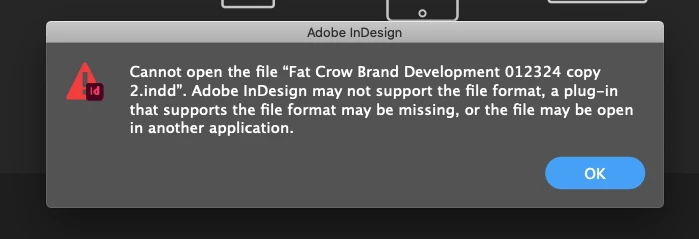
File Won't Open

  • March 8, 2024
  • 3 replies
  • 134 views

What can I do to recover this file?!?

This topic has been closed for replies.

3 replies

Barb Binder
Community Expert
Community Expert
March 9, 2024

Hopefully, you can just open your back-up file. If you forgot to back up to an external drive or a cloud drive, see if this link is helpful: https://helpx.adobe.com/indesign/kb/troubleshoot-file-issues.html


If you don't routinely back up your work, this will serve as a reminder of why it is an important part of our daily workflow. 

~Barb 

~Barb at Rocky Mountain Training
Robert at ID-Tasker
Legend
March 9, 2024

@joslinr1566194


That's the standard message when file is corrupted.


And as @Peter Spier said - there are a lot of reasons for corruption:

- too much undo data - file got so big that it got corrupted internally,

- not properly closed system - file wasn't saved before the shutdown - e.g. power loss,

- network error - file saved remotely and connection has been lost,

- disconnection of external drive before all data has been flushed from the cache / buffor, 

- physical error on the media, 

Etc. 


If it was your file - do you have a backup? 


If you've received it from somebody - ask for it again. 


Peter Spier
Community Expert
Community Expert
March 8, 2024

There are some possibilities here for waht's wrong.

First, if the file wasn't properl;y closed there may still be a lock file (.idlk) in the same folder as the .indd file and you should delete it.

Second, if this is a file from a previous version or another user on another system, there really might be a missing plugin.

Third, it's not really an InDesign file at all, but something else that the extension has been changed on.

Fourth, this is a synch file for a cloud-stored file. If that's the case you can probably download the file to your system first, then open it locally.