I turned it off in Font Book. Does it need to be completely deleted?
I try drowning it in the river to make this process easier. Thank you.
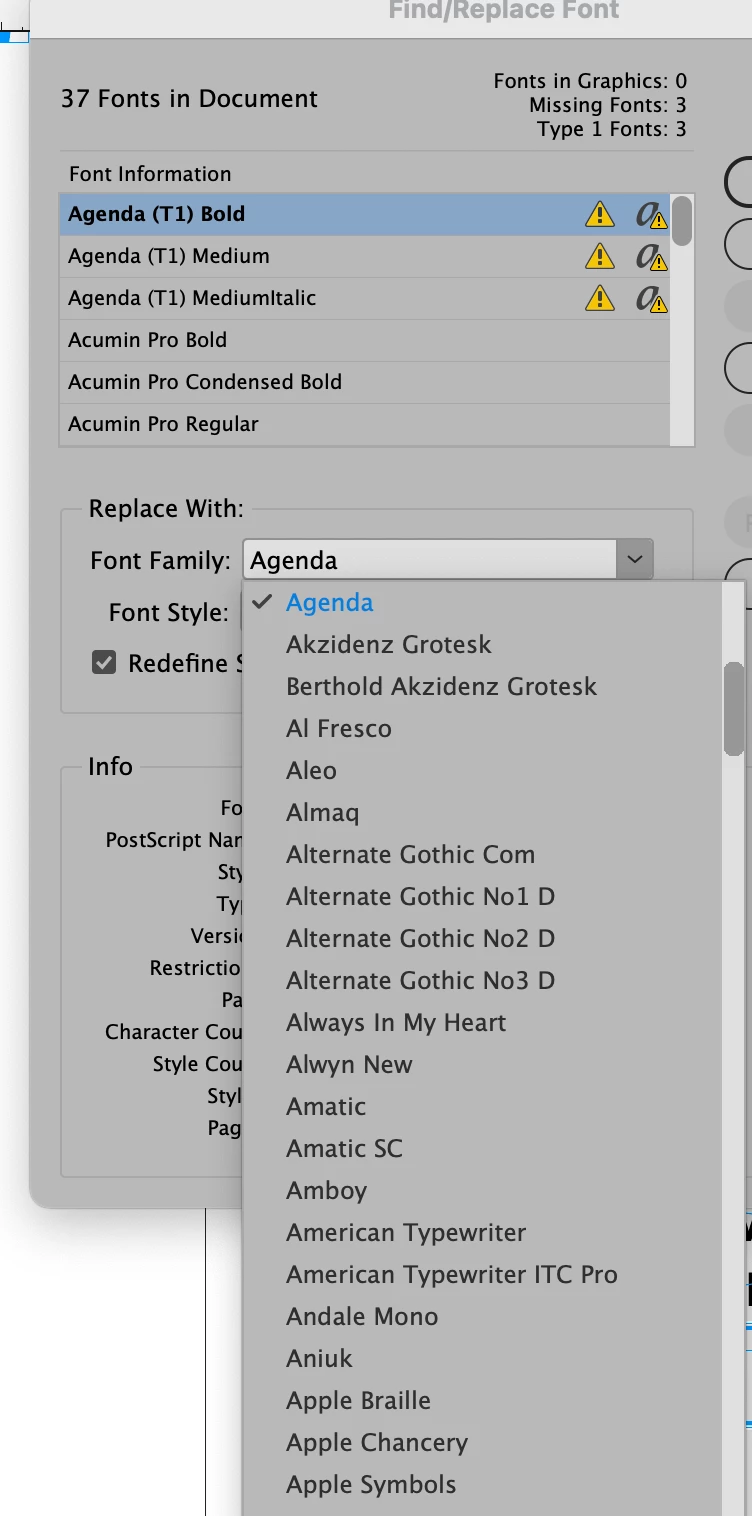
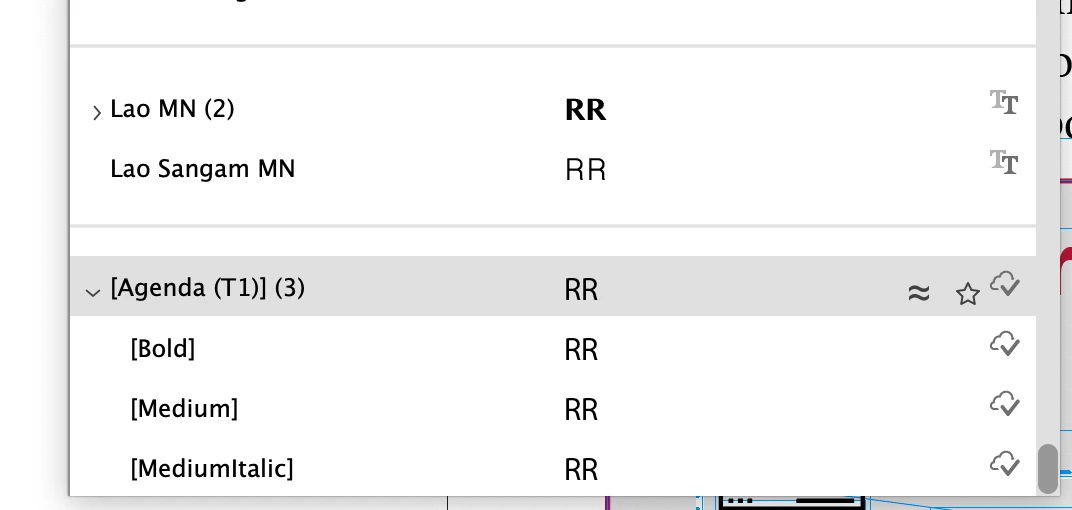
"Since Both versions are name "Agenda" in the Find/Replace Font window, you cannot tell which one, the Type 1 version or the AdobeFont version you are selecting."
If you've deactivated teh Type 1, all you'll have is the Adobe Fonts OTF versions anyway. Besided, you'll know as soon as you replace. If the alert goes away, you're good.
"Does it need to be completely deleted?"
As long as it's deactivated, you should be fine. Font Book removed its auto-activation ability long ago so it shouldn't reactivate without you doing it. Since in Agenda's case, the font files have the same internal Postscript name, they can't be activated at the same time anyway. If you were using a 3rd party font manager, then yes, I would delete the Type 1 fonts completely just so they don't get auto-activated.
What I find helpful is to;
1. Delete any unused styles, both Paragraph and Character
2. Double-Check the "Basic Paragraph" style to make sure it hasn't ANY Type 1 font still referenced, in case it was ever modified by you or anyone else.
3. Start your Find/Replacing with a base font, so in this case, Agenda Medium. Some of the others may replace on their own along the way depending on how a style was applied (e.g. Italic)



 AdChoices