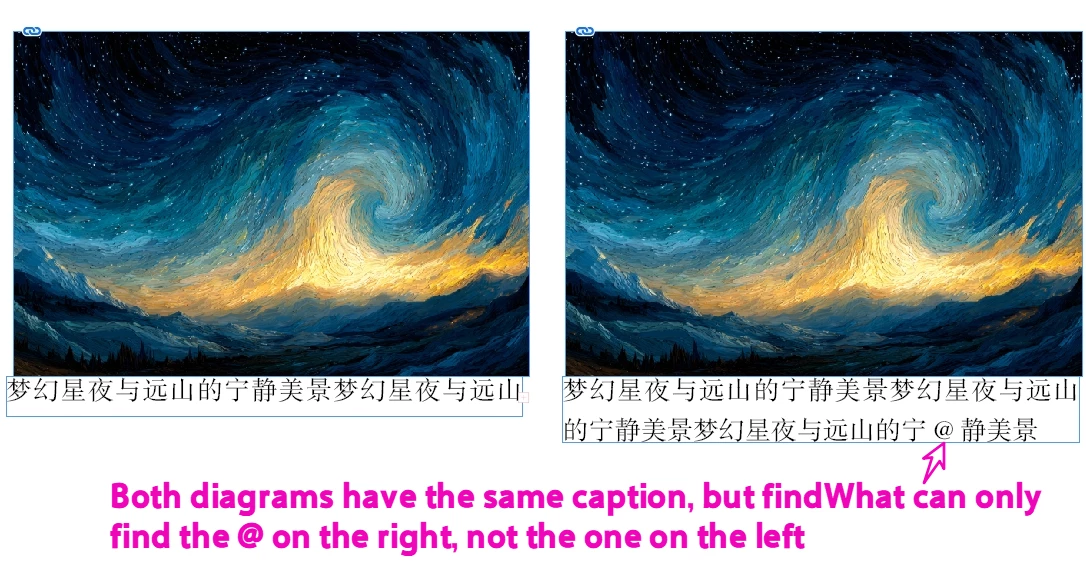
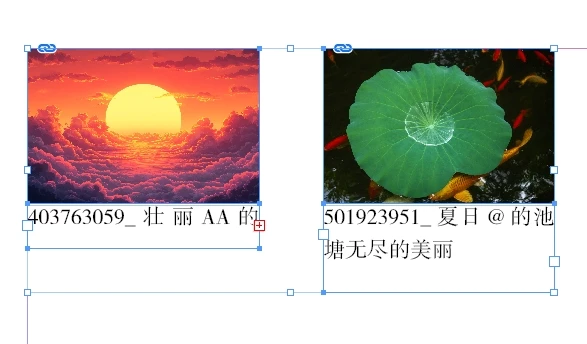
Answered
If you chose images and text, how do you differentiate them and target only the text?
At the top, I don't know how to exclude non-textframe.
var doc = app.activeDocument,
item = doc.selection[0];
...
if (('Image' === item.constructor.name) ||
('TextFrame' === item.constructor.name)) {
try {
noselectMain());
}
if (!item){
selectMain());
}

You would have to loop thru the selected objects and check for text frames:
//a mixed selection
var sa = app.selection
for (var i = 0; i < sa.length; i++){
//get text frames in the selection
if (sa[i].constructor.name == "TextFrame") {
//a returned array of results fom the selected text
var res = getGrepSearch("@|AA|BB", sa[i])
alert(res)
for (var j = 0; j < res.length; j++){
//alert(res[j])
};
}
};
/**
* Gets results of a text search as an array
* @ param the Grep search string
* @ param the text to search
* @ return result as an array
*/
function getGrepSearch(fp, s){
app.findGrepPreferences = app.changeGrepPreferences = app.findChangeGrepOptions = null;
app.findChangeGrepOptions.properties = {includeHiddenLayers:true, includeLockedLayersForFind:true, includeLockedStoriesForFind:true, includeMasterPages:true}
app.findGrepPreferences.findWhat = fp;
return s.findGrep()
}Sign up
Already have an account? Login
To post, reply, or follow discussions, please sign in with your Adobe ID.
Sign inSign in to Adobe Community
To post, reply, or follow discussions, please sign in with your Adobe ID.
Sign inEnter your E-mail address. We'll send you an e-mail with instructions to reset your password.