


Force some text to bottom of text frame...sort of like a footnote.
Hello,
I have sort of a unique problem. I'm formatting a long multipage document, it's a choose your own adventure-like novel. Sometimes at the end of the page is a list of choices that is suppose to sit on the bottom margin. Currently I have the document formatted so that when the regular text ends I have a column break and the choices are in a separate text box that is aligned to the bottom (see screen cap)
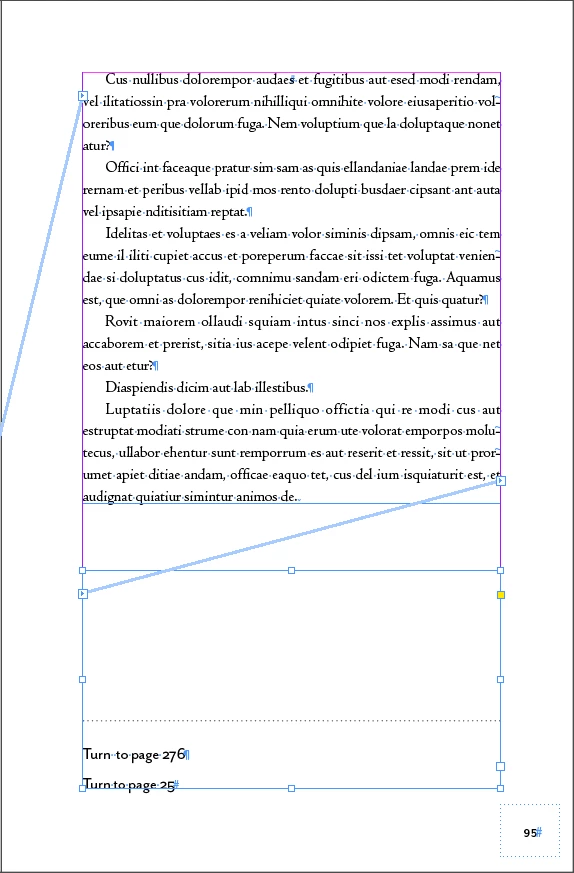
This works okay, except that this text isn't fully written yet, so I expect lots of reflow, so I will have to delete and add a bunch of these boxes to fix it. I don't like this option because I can't really think of a good way to put it on a master page (since the text ends in different places on different pages) and there's no way to style the "Turn to page" text to sit at the bottom of the page independent of the rest of the text.
I thought I'd sort of be able to treat these as footnotes and achieve the desired formatting, if I could get rid of the numbers. The issue with that is even though I can make the notation within the text white (and therefore invisible) I can not make the numbered list within the footnotes disappear (see screen cap)
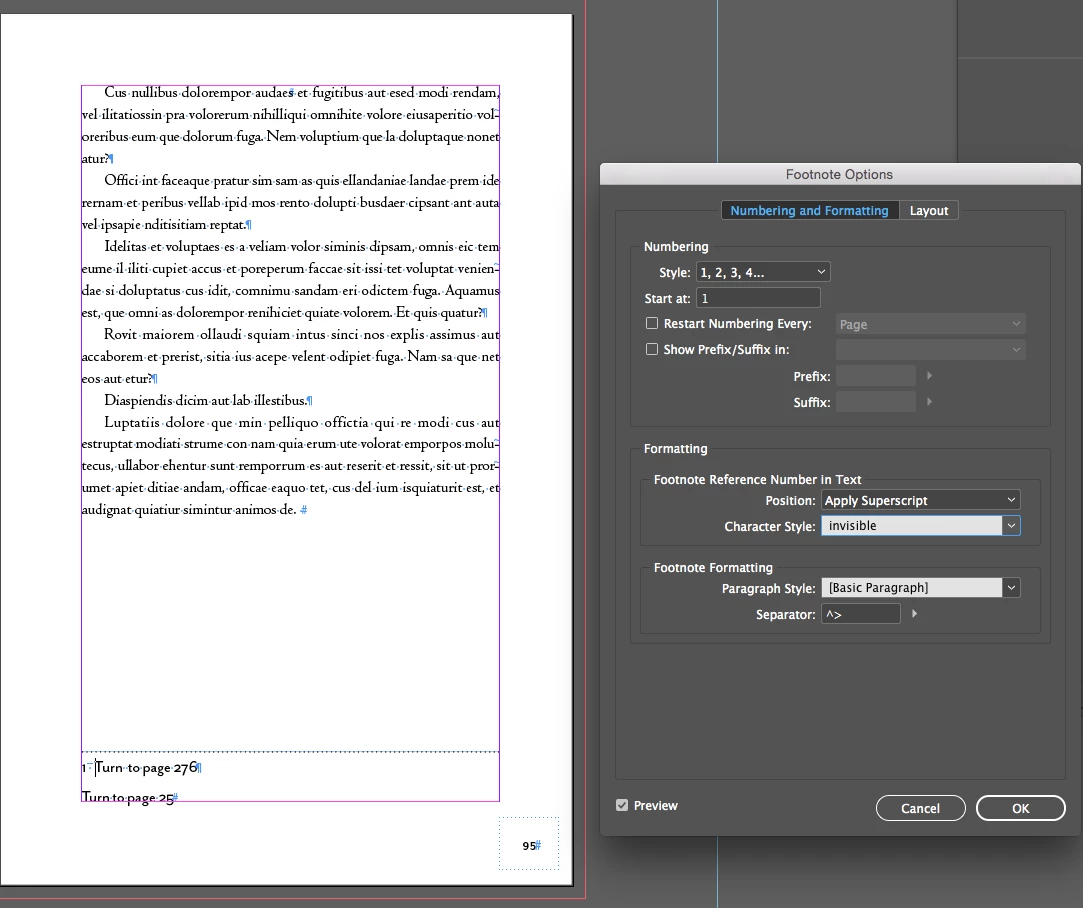
Does anyone have a clever solution for how to format this?
 AdChoices