


January 19, 2017
Question

Full file path intermittently doesn't show in MacOS Sierra when relinking in InDesign 2017

  • January 19, 2017
  • 2 replies
  • 686 views

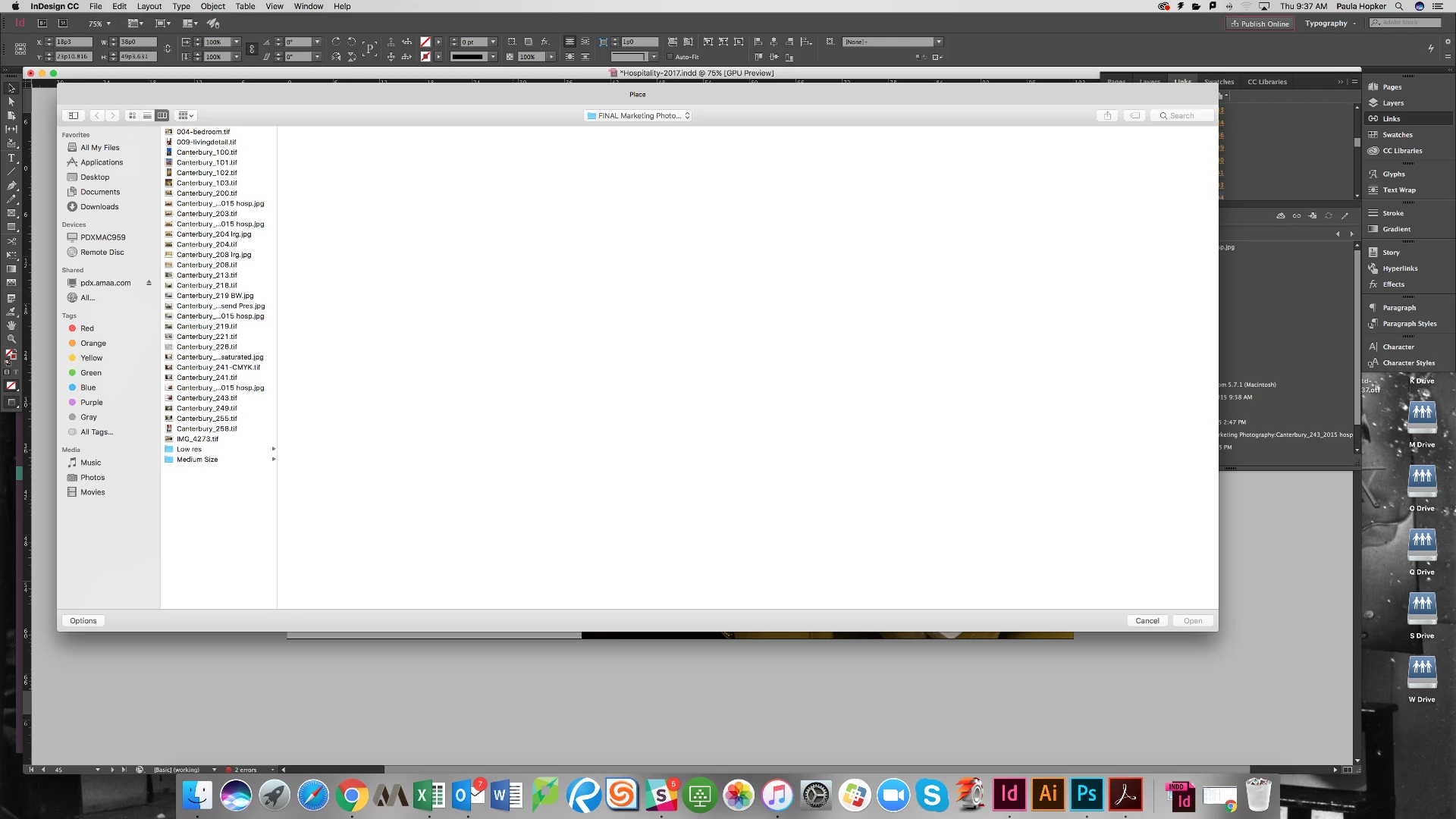
When I go to link something in InDesign, it just pops to the folder and doesn’t show the path (even though I have it selected to show the path)… Not ideal when I have to relink a ton of images in a portfolio

Closing out of the window and relinking will sometimes bring the full path, but it is hit or miss. This started happening after the update to MacOS Sierra
This topic has been closed for replies.

2 replies

January 19, 2017

not quite, you see how you have your path documents/aeris, well there is a longer path to my screen shot but instead it just shows the one folder.

I tried to delete prefs (as per my other question on the forum but the shift+control+option+command wouldn't prompt it (I've tried the same thing on CS 6 on another machine and I deleted prefs right away so it isn't something I am doing wrong).

Thanks!

Barb Binder
Community Expert
Community Expert
January 19, 2017

Ah, I see it now. I'm still on El Capitan because of the issues with the Sierra upgrade, so maybe it's Sierra?

Did you try the alternate way to delete prefs? If you read through that link, you can locate and delete files to accomplish the same thing as pressing all the keys.

Otherwise, it's time to report it as a bug.

~Barb at Rocky Mountain Training
Steve Werner
Community Expert
Community Expert
January 19, 2017

If this is what you mean, I don't seem to have that problem with Sierra and InDesign CC 2017. I'm seeing a full path:

Barb Binder
Community Expert
Community Expert
January 19, 2017

You are talking about the top line of your screen shot, where it says Place and not Relink and the path, as expected?

Does deleting prefs help?

Troubleshooting 101: Replace, or "trash" your InDesign preferences

If not, maybe you want to file a bug report:

Wishform - Adobe InDesign

~Barb at Rocky Mountain Training