Participant
June 7, 2020
Answered

Grayscale script for Indesign 2019/15

  • June 7, 2020
  • 3 replies
  • 1446 views

Hello! I tried looking for a script for grayscale for indesign , but none of them were able to work .

I tried the scripts on multiple versions of indesign ,but nothing happens,I tried checking on the menus, but i didn't find anything.

So please help me find a good script that works on Indesign 2015.
*Mac edition
This topic has been closed for replies.
Correct answer rob day

InDesign doesn’t have a grayscale color space or mode, you would define a desired gray swatch as a Black only CMYK value (i.e. 0|0|0|50).


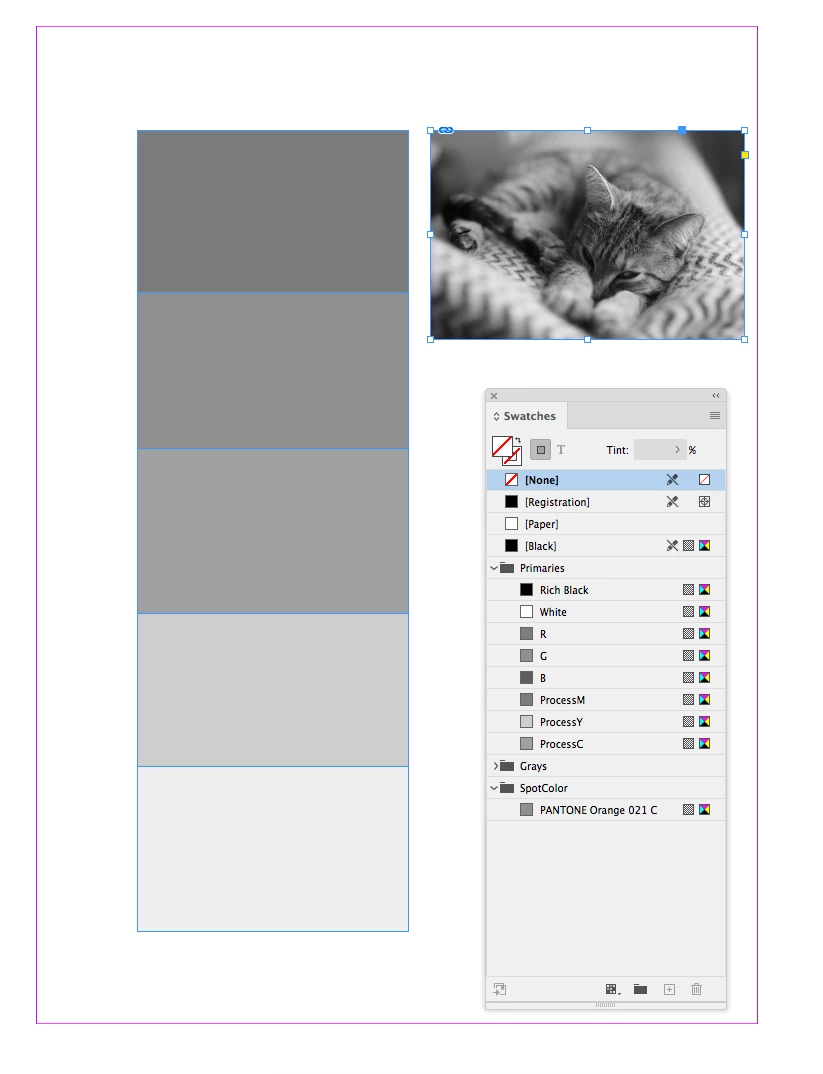
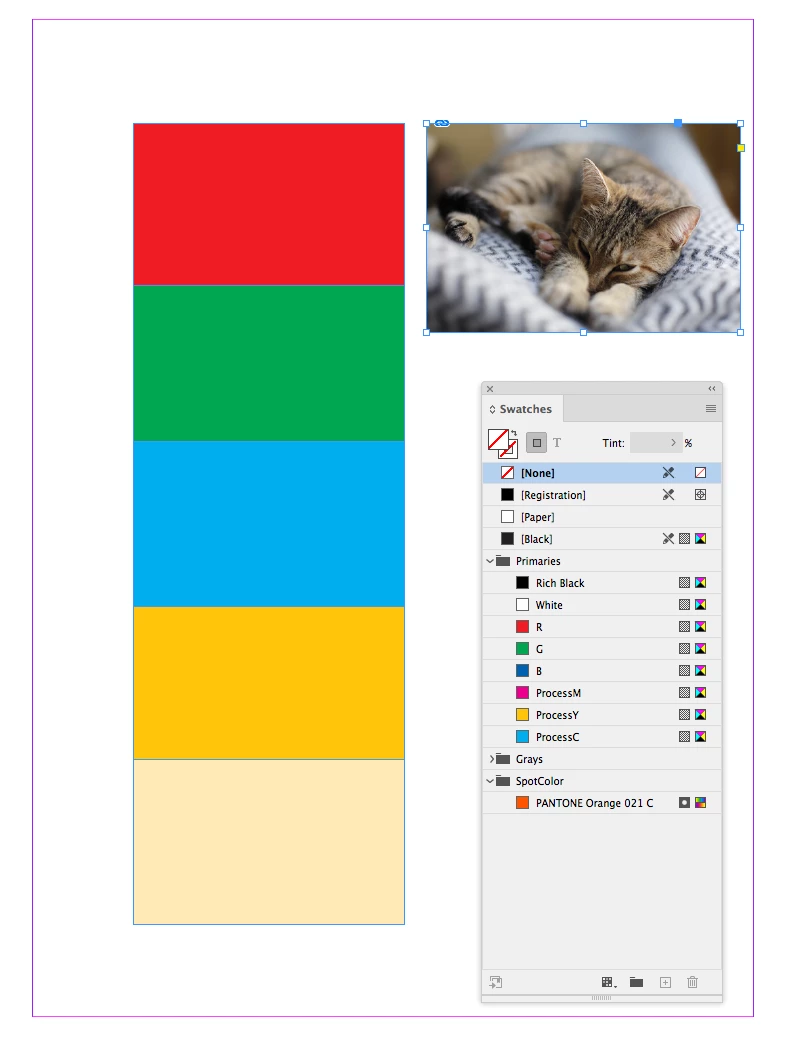
If you are using OSX this .zip archive contains 2 AppleScripts that will convert colors to their CMYK black equivalent. One converts only the native InDesign colors and swatches, and the other converts swatches and placed images via Photoshop. I’ve tested in CC2020 and it should work.


The archive also includes some dot gain profiles if you want to color manage the conversion. See the readme.


http://www.zenodesign.com/forum/ConvertToGS2.zip


3 replies

Ashutosh_Mishra
Inspiring
June 21, 2020

Hi there,


Sorry to hear about your experience. I hope your issue is resolved by now. If earlier response helped, we'd appreciate if you can mark the earlier response correct. If you used any other method, you may share it with us. It'll help other users with the similar concern as yours.

Looking forward to your response.


Regards,

Ashutosh

rob day
Community Expert
rob dayCommunity ExpertCorrect answer
Community Expert
June 7, 2020

InDesign doesn’t have a grayscale color space or mode, you would define a desired gray swatch as a Black only CMYK value (i.e. 0|0|0|50).


If you are using OSX this .zip archive contains 2 AppleScripts that will convert colors to their CMYK black equivalent. One converts only the native InDesign colors and swatches, and the other converts swatches and placed images via Photoshop. I’ve tested in CC2020 and it should work.


The archive also includes some dot gain profiles if you want to color manage the conversion. See the readme.


http://www.zenodesign.com/forum/ConvertToGS2.zip


Willi Adelberger
Community Expert
Community Expert
June 7, 2020

What shall the script do? If you want to get a greayscale PDF you have 2 possiblities:

  1. Export the INDD file as PDF and choose a greyscale color profile and convert it to that profile in the PDF export settings (print).
  2. Export the PDF and convert it to greascale in Acrobat Pro with the greyscale setting in the Preflight Presets (maybe that you have to choose a different set as it is shown by standard)