Inspiring
February 1, 2019
Question

GREP change first letter of section marker to different font and size?

  • February 1, 2019
  • 1 reply
  • 498 views

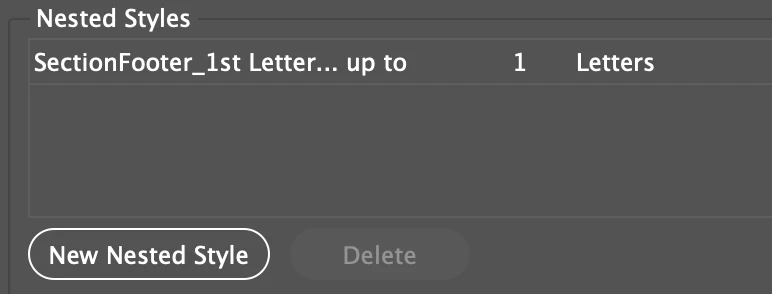
I tried using nested styles but it wouldn't work. Is it because it is a section marker?

This is on a master page. I'd like to change the section marker to look like the one below (just a text on the screencap, that's why I was able to change the font for the first letter).

Thanks in advance!

This topic has been closed for replies.

1 reply

Colin Flashman
Community Expert
Community Expert
February 1, 2019

Unfortunately, yes. At the time of writing this answer, GREP styles won't work on text variables as they are only seen as one character, rather than their true text. It also prevents a text variable going over two lines.

It's a shame because it would allow an alternative technique of using a single master page to make moving side tabs plausible: https://indesignsecrets.com/moving-side-tabs-using-only-one-master-page-and-chartwell-bars.php

The article shows the issue in the story editor illustration in the last part of the article.

However, there is a movement to change this over on the uservoice page: Grep style formatting for variables – Adobe InDesign Feedback

If the answer wasn't in my post, perhaps it might be on my blog at colecandoo!