


Participating Frequently
May 30, 2024
Answered

Grep for finding and changing chapter titles.

  • May 30, 2024
  • 2 replies
  • 718 views

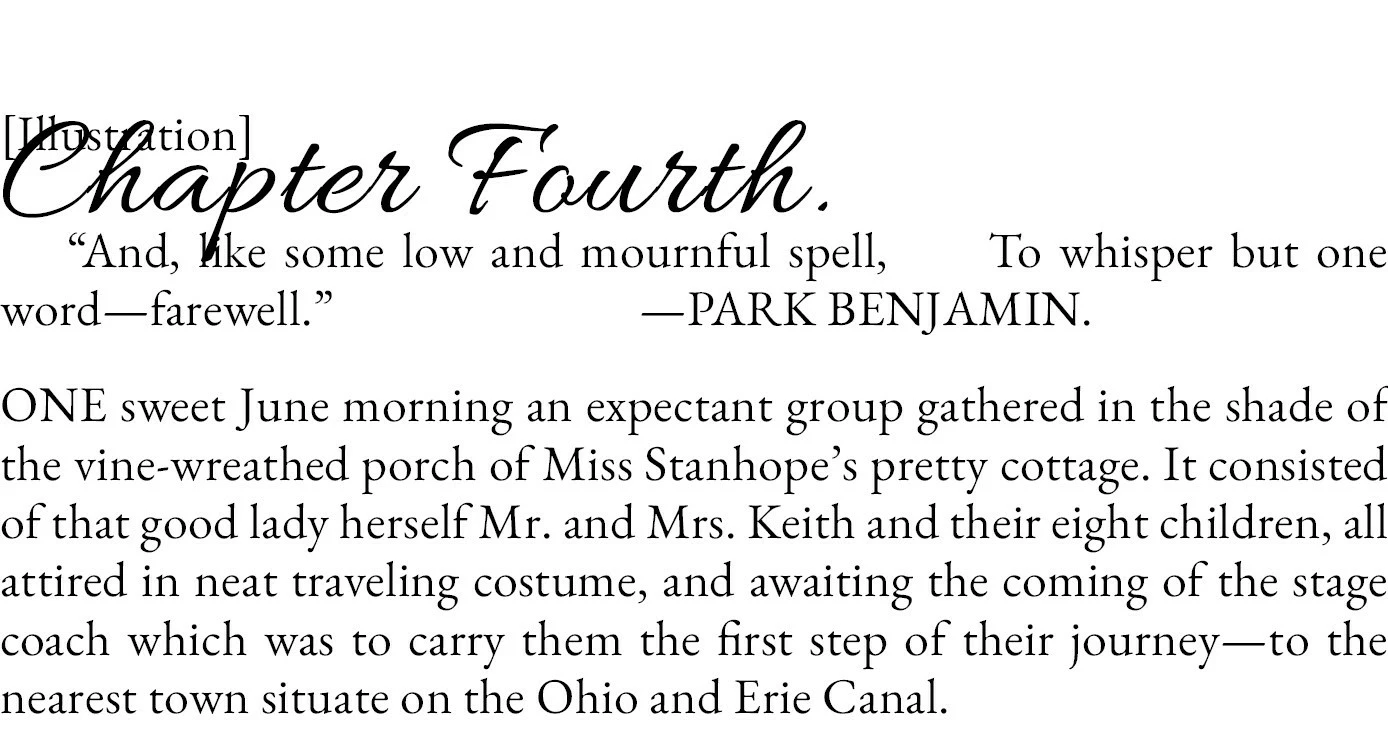
I'm trying to change the chapter titles to have numbers instead of text designating which chapter number it is in the book (ex. Chapter Fourth to Chapter 4). What would be the Grep query for this? Everything I've tried just generates cannot find match.
This topic has been closed for replies.
Correct answer Barb Binder

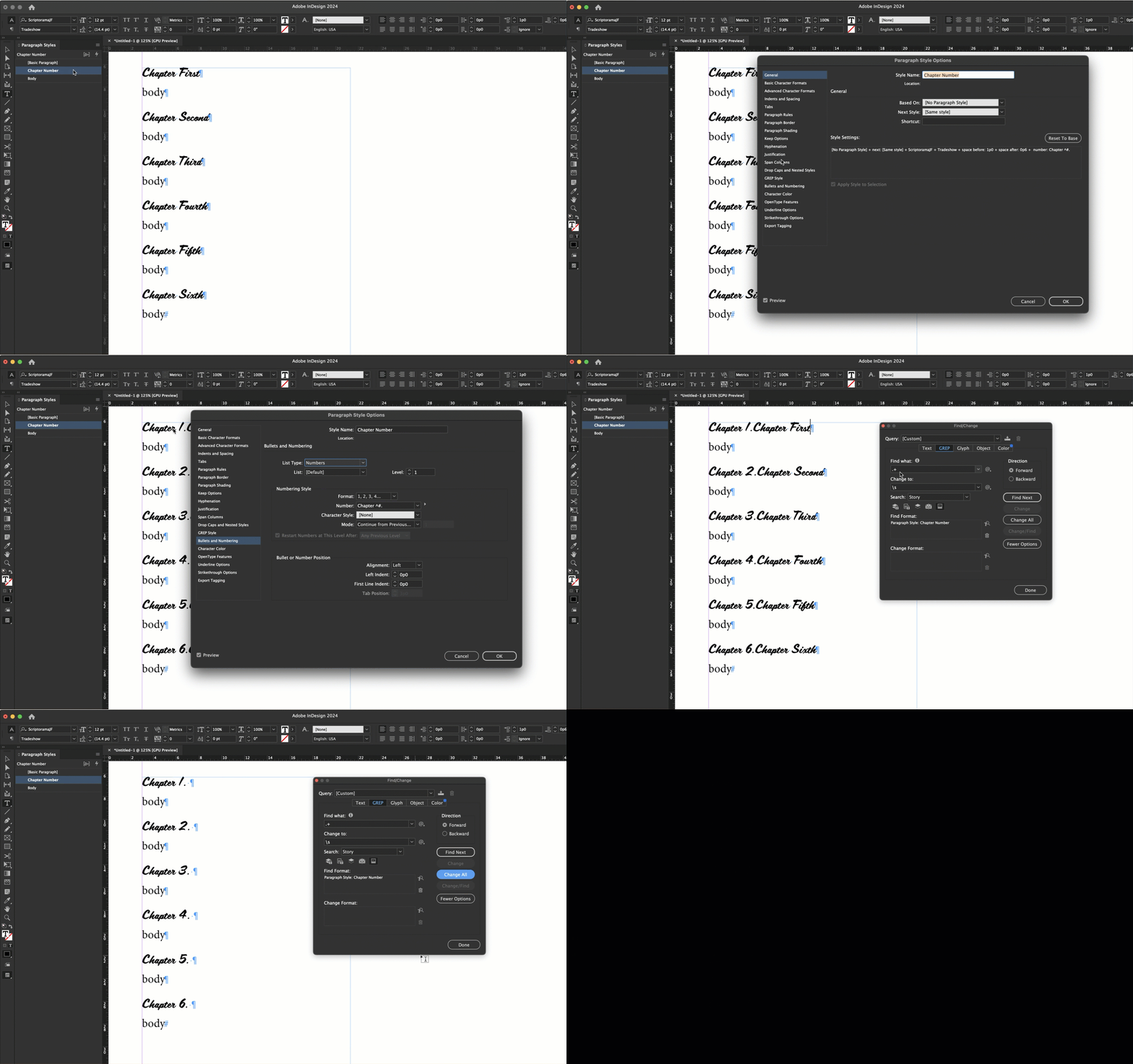
Here is an ever-so-slightly simpler variation on Eugene's answer (just one find/change) with a quick demo:


1. Edit your Chapter Number style to add the auto-numbers. If the entire document is in one file, use: 

Chapter ^#.

but if you are pulling multiple InDesign files into a book use

Chapter ^H.

2. Find/Change > GREP

   Find: .+ (to match everything on that line) and Paragraph style: Chapter Number (or whatever you named the style)

   Change: \s (because autonumbers need at least one character on a line or they don't work)

   Change All

2 replies

Barb Binder
Barb BinderCorrect answer
Community Expert
May 31, 2024

Here is an ever-so-slightly simpler variation on Eugene's answer (just one find/change) with a quick demo:


1. Edit your Chapter Number style to add the auto-numbers. If the entire document is in one file, use: 

Chapter ^#.

but if you are pulling multiple InDesign files into a book use

Chapter ^H.

2. Find/Change > GREP

   Find: .+ (to match everything on that line) and Paragraph style: Chapter Number (or whatever you named the style)

   Change: \s (because autonumbers need at least one character on a line or they don't work)

   Change All

~Barb at Rocky Mountain Training
Community Expert
May 31, 2024

Thanks, great you were able to put that together. I'm not always at the computer.

Barb Binder
Community Expert
May 31, 2024

I know! It's so hard when we are on our phones/ipads. I don't know how other people do it. 


~Barb

~Barb at Rocky Mountain Training
Community Expert
May 30, 2024

You can find a pattern - but you can't replace a pattern

That is the GREP would be 

Chapter\h[First|Second|Third|Fourth|Fifth|etc)


But you can't replace it with 

1 2 3 etc


Your best bet is to have a Paragraph Style and set the Automatic Numbering

And in the Automatic Numbering type in

Chapter^#

(I think it's that experiment with first)


Then search for

^Chapter\h.+?$


Then replace the whole line for the numbered paragraph which will always be

Chapter followed by the number


This describes my method

https://www.pubcom.com/blog/tutorials/indesign/toc-3/index.shtml


Then it's just find and replace to remove the text completely

And leave a blank character return - which inserts the autonumber - which will be Chapter 1/2/3/4 etc. 

Participating Frequently
May 31, 2024

Thank you.