


Known Participant
November 6, 2020
Answered

GREP Help- multiple words end of paragraph only

  • November 6, 2020
  • 3 replies
  • 1812 views

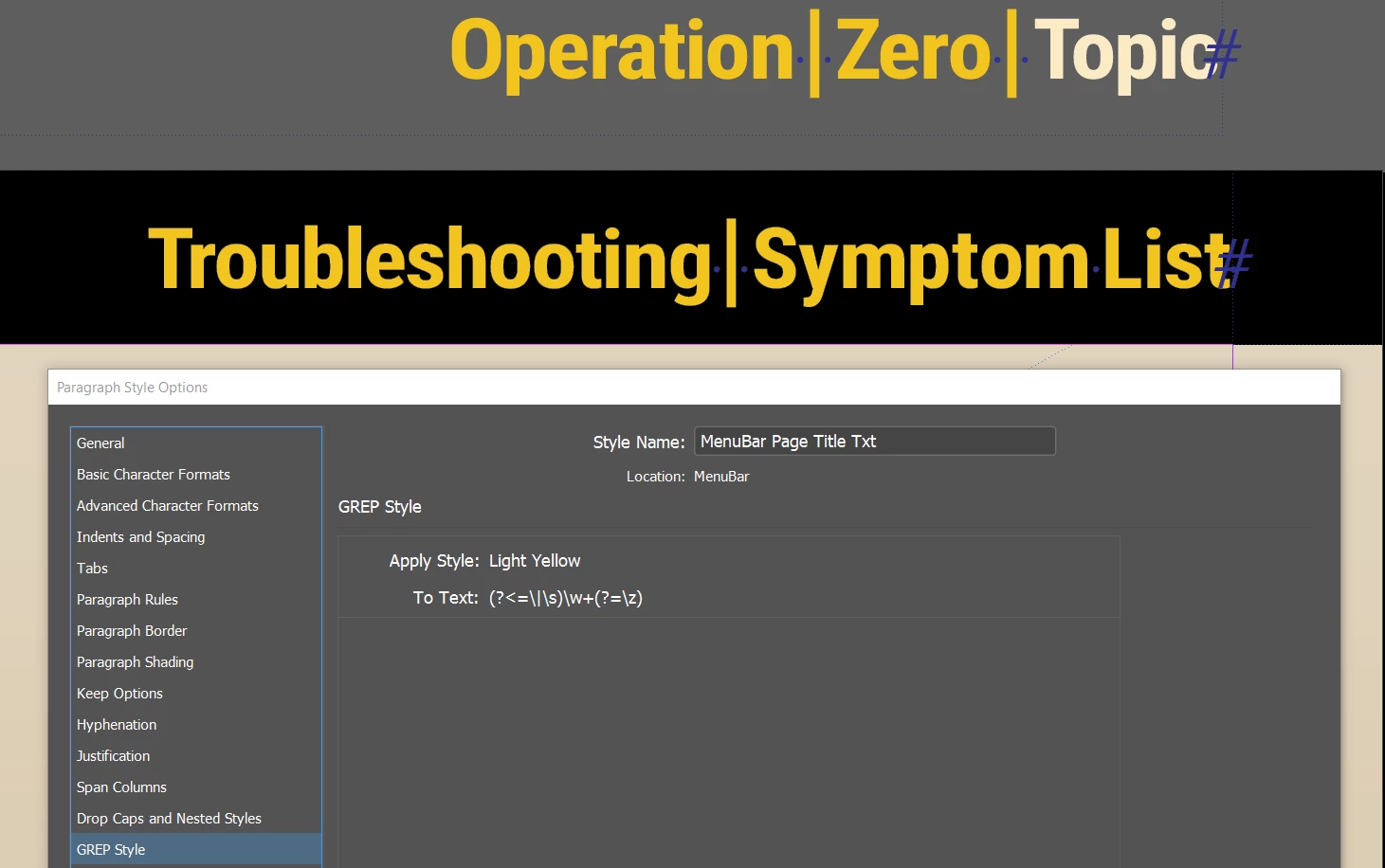
I'm new to GREP styles in InDesign. I've been searching and studying and can't find an answer to this yet, and I need to solve this for a project. I have a heading that shows readers what page/section they are on using words or phrases separated by pipes. I need to set all the words at the end of the series (after the last pipe) to Light Yellow. So far I can only get it to do this if there's one word, but I need it to set in the case of multiple words (2 or more) as well.  In this example, you can see my problem. The \w+ gets me what I want if there's only one word, but as you can see, if there's more than one word there's no change because the space is not a word character.
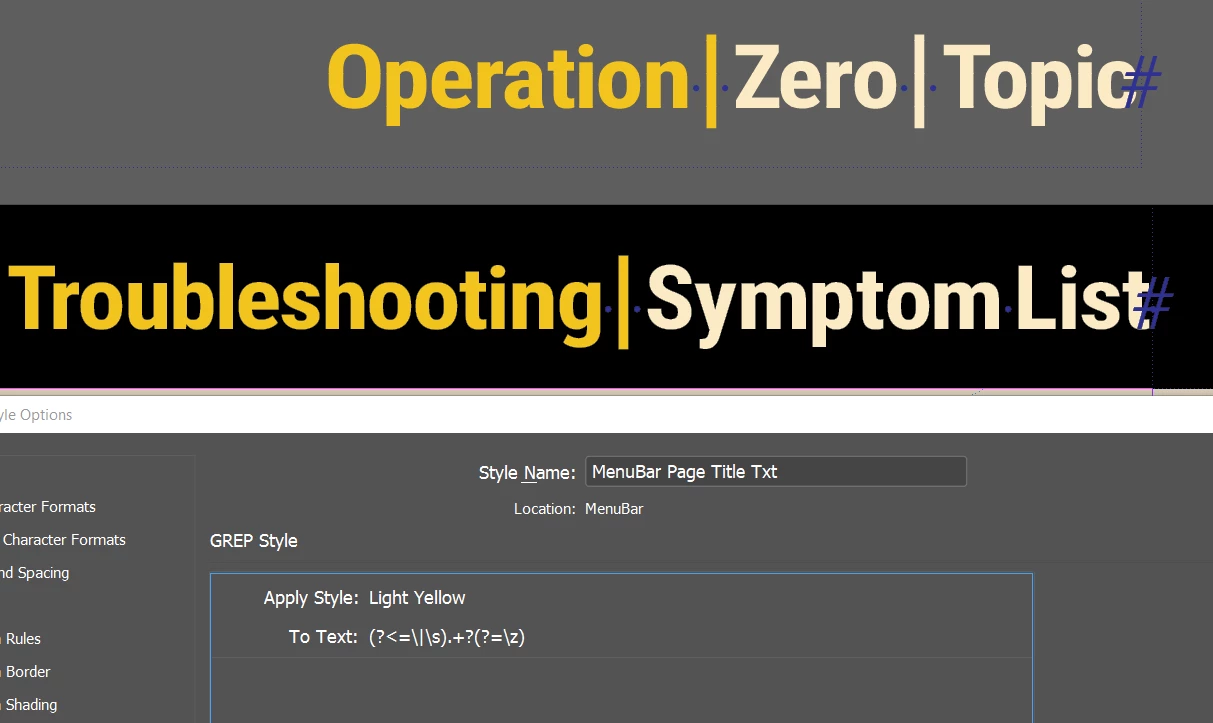
If I use .+ or .+? it works for multiple words, but since the pipe is included in "any character" it finds everything after the first pipe to the end of the story. I need only what's after the last pipe in the story colored Light Yellow. 
Any help in solving this would be greatly appreciated. Maybe I'm just going about this all wrong?

Steve
This topic has been closed for replies.
Correct answer jctremblay

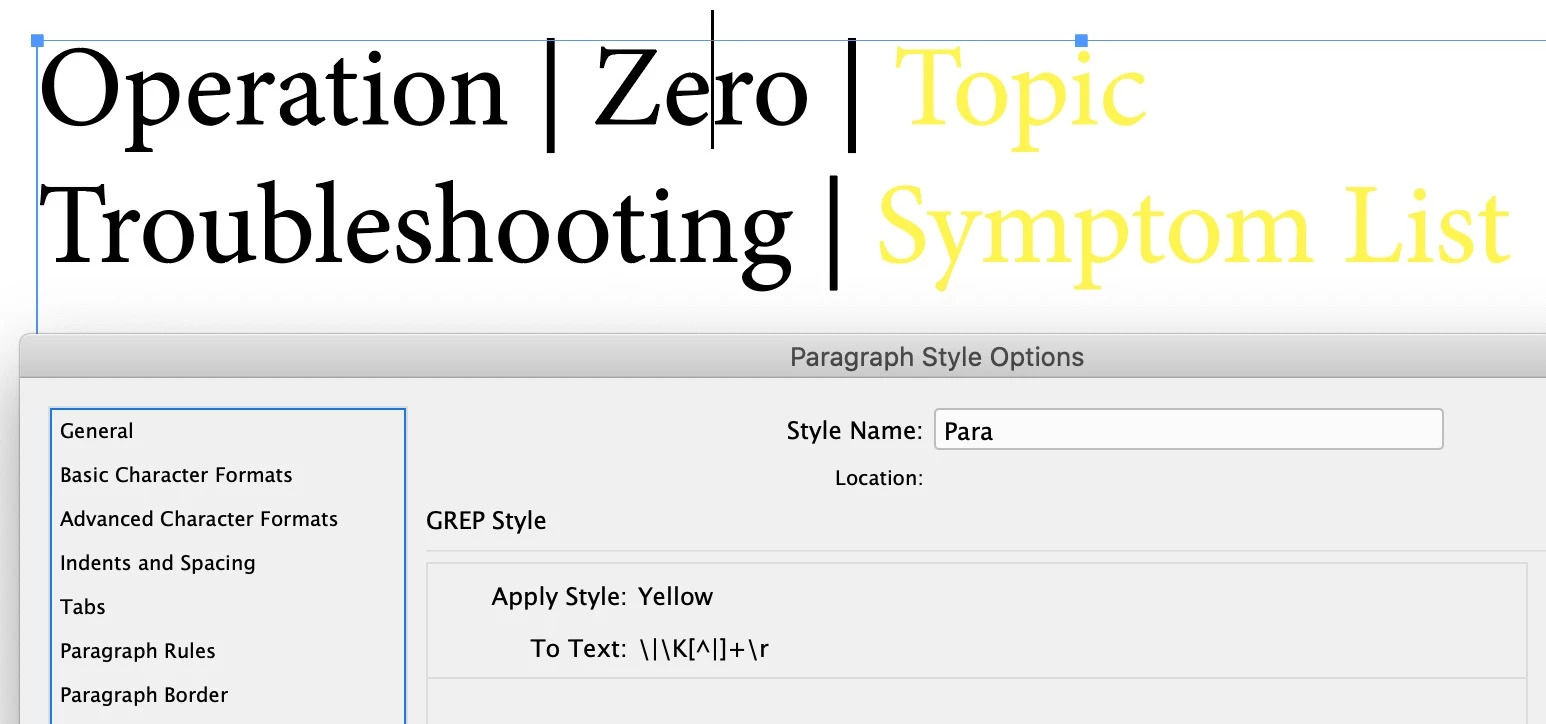
Try this:

\|\K[^|]+\r


3 replies

Marc Autret
Legend
November 6, 2020

What's the problem with


[^|]+$


?

Known Participant
November 6, 2020

Marc, that works too! But I don't understand why. You're just telling it to exclude pipes one or more times to end of paragraph, but I don't see where you're telling it to find something? How does it this work? Grateful for the help. 

jctremblay
Community Expert
Community Expert
November 6, 2020
[^|]+

This means anything that is not a pipe, one or more time.


jctremblay
Community Expert
jctremblayCommunity ExpertCorrect answer
Community Expert
November 6, 2020

Try this:

\|\K[^|]+\r


Known Participant
November 6, 2020

Thank you Jean-Claude! That worked after replacing the \r with \z because there's no paragraph mark at the end, just an end of story mark. edit: I found that $ at the end works also, which is strange because theoretically \r is the same as $, right?


That said, I'm not clear on how your expression works. I'm not familiar with \K so I looked for it, and my results say it means "lookbehind, clear position" which I don't really understand. Using that, I read your expression as searching for:


pipe character > lookbehind, clear position > exclude pipe character > one or more times > end of paragraph (or end of story)


I'm confused. Could you please explain \K? 


Community Expert
November 6, 2020

How about the following

\|[^\|]+$

-Manan