
jesuiscarles
Known Participant
April 12, 2018
Resuelto

Grid not aligning to document, and margin not aligning to grid

  • April 12, 2018
  • 2 respuestas
  • 2550 visualizaciones

Hey,

I'm just wondering: Is there a way to get InDesign to exactly match your grid to your document? No matter my calculations, it's always just a little bit off, and it's super frustrating. I'll add some screens to show you what I mean:

This is my doc:
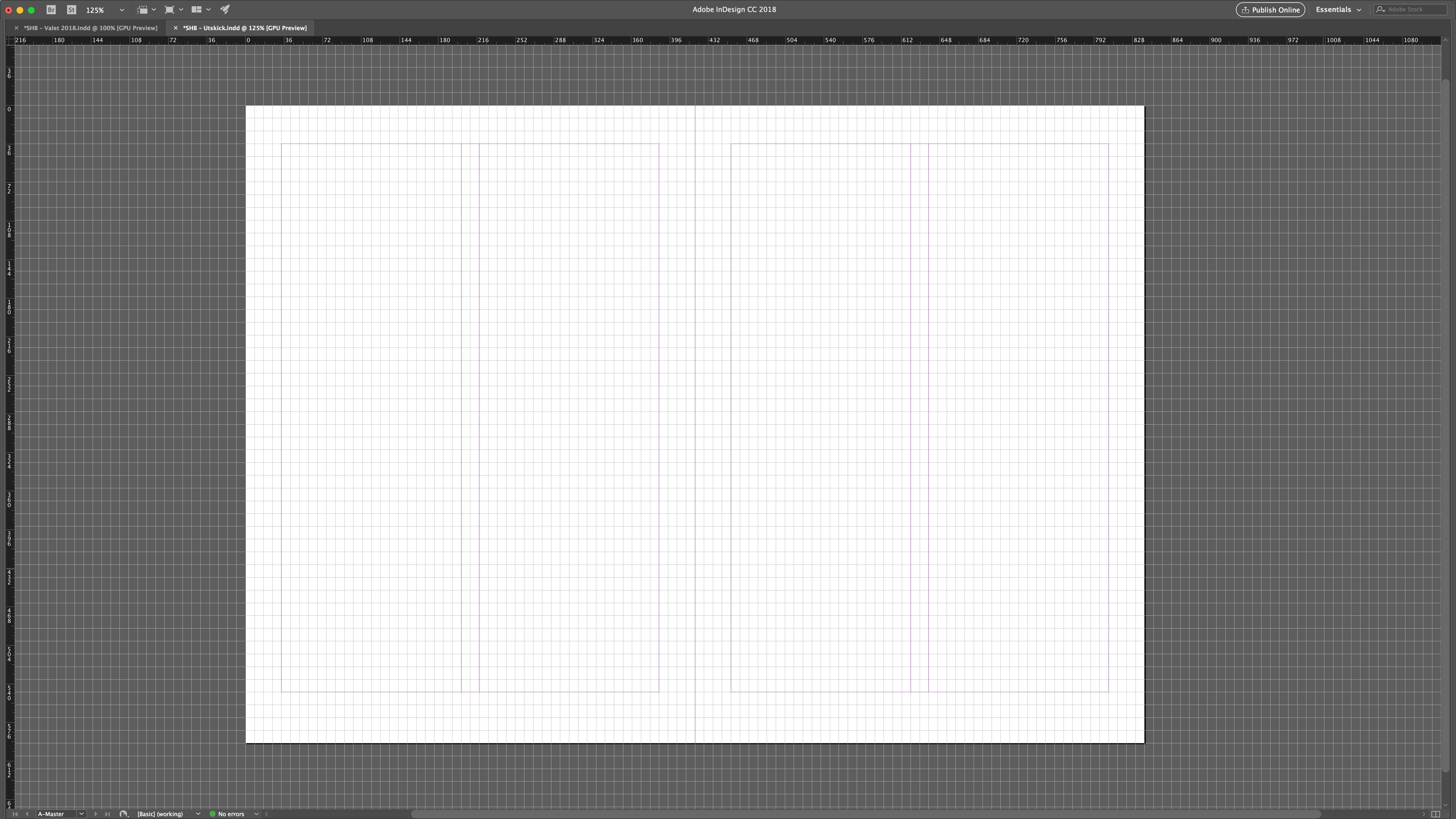
And here is a closeup of the far left end of the document:
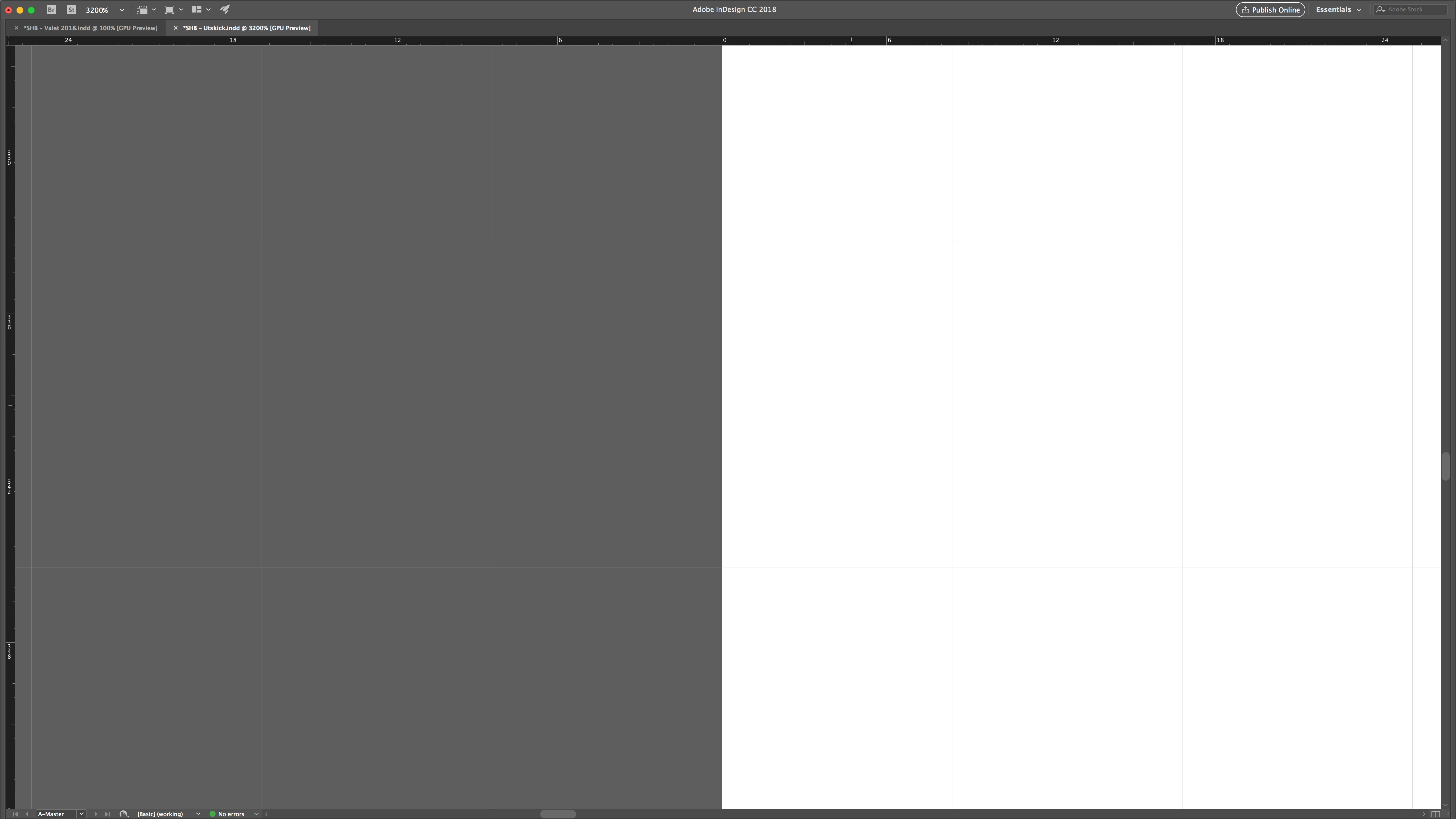
So far, so good. But, as we move further towards the right end, things begin to skew. This is the far right end for comparison:
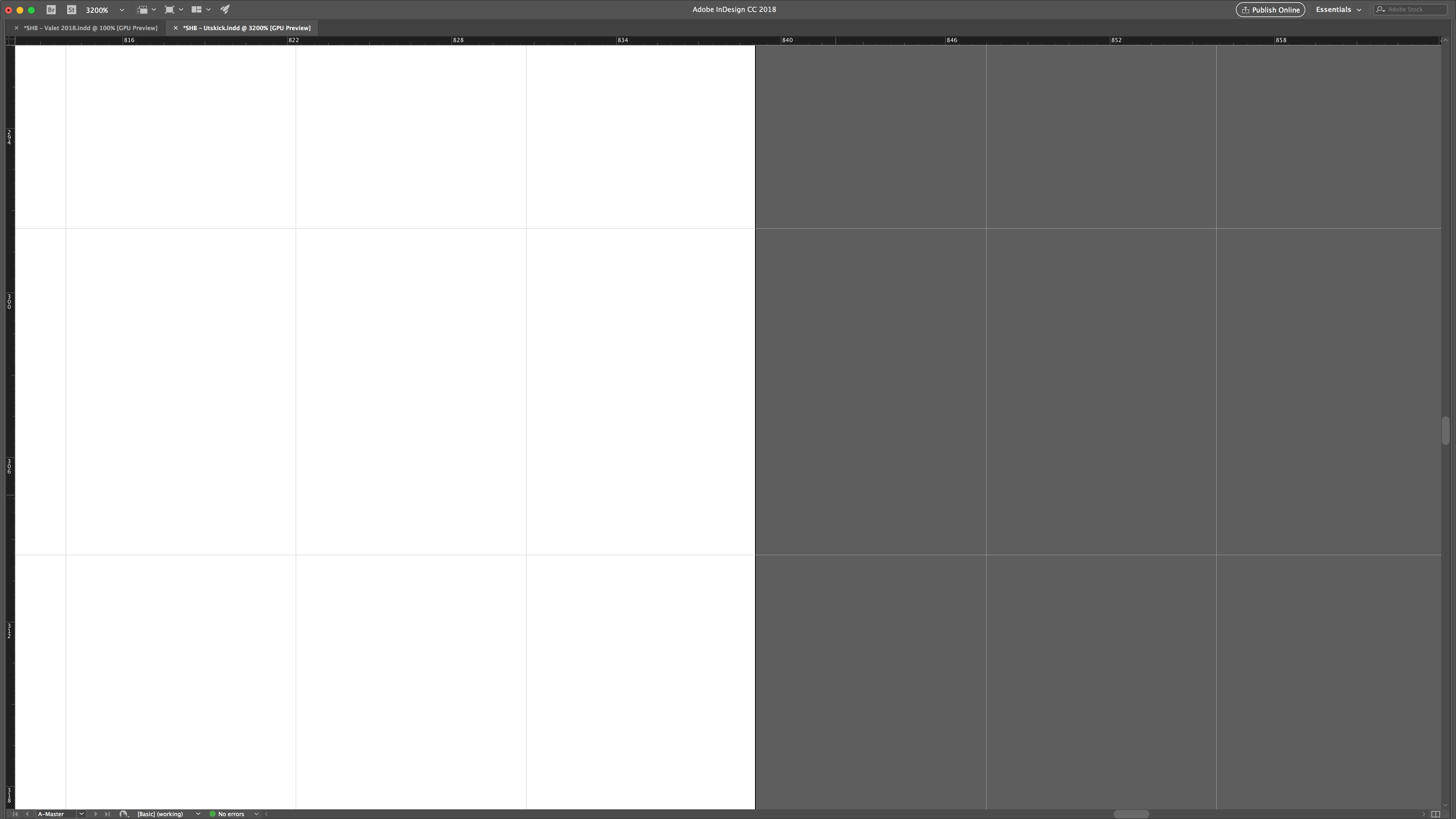
It's off! And I really don't want it to be. Here is a closeup of the far right margin line:
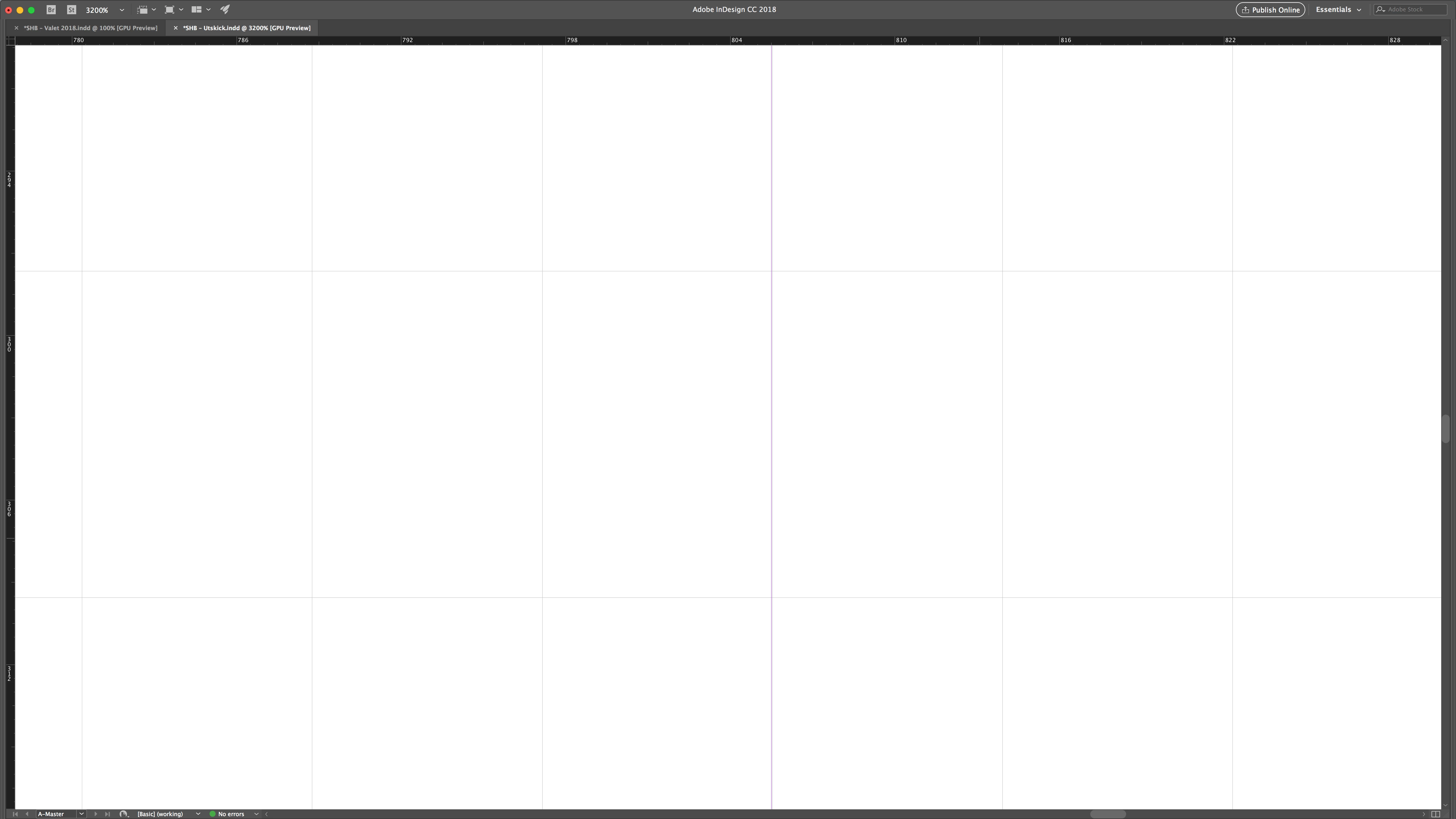
But this is not just a single instance problem – it happens whenever I set up a grid system in InDesign. Does anyone have a solution? Is there a built-in feature of which I am not aware? If you made it this far, thank you for your time in any case.

    Este tema ha sido cerrado para respuestas.
    Mejor respuesta de Laubender

    But that's just a conversion issue, I've already calculated the grid based on the document's size in points. If I do it in millimeters, the results will be the same (with the added trouble of converting my font leading from pt to mm).

    My question is whether or not InDesign contains a feature which will, automatically, even out these small inaccuracies, inaccuracies which are bound to be there when restricted to working with three decimals.


    Now that I know, that you want to set your document grid to 50 units horizontally and 50 units vertically per page, try the following:

    1. Do not use the predefined document preset for A5 documents.

    Instead use a custom one where you type in 148 mm x 210 mm.

    2. Then go to preferences and do the following for the document grid:

    Horizontal: 148mm/50 > Press Tab

    Vertical: 210mm/50 > Press Tab

    Does that change something with precision if you zoom in to 4.000 % ?

    Regards,
    Uwe

    2 respuestas

    Community Expert
    April 12, 2018

    Hi,

    how is your document grid defined?
    How is your page size?
    How is the unit for horizontal and vertical rulers?

    Regards,
    Uwe

    jesuiscarles
    Known Participant
    April 12, 2018

    Here is my setup:

    But that's not really the issue – I get that there will be inaccuracies when dividing a document like this. What I am really wondering is weather or not InDesign contains a feature that overrides (so to speak) your settings to even out these small inaccuracies.

    If, say, you have 49 lines in your document grid, and your settings cause there to be a 0,02 pt. bleed, shouldn't ID be able to divide this bleed evenly among the 49 existing lines so that your grid fits your document perfectly?

    Community Expert
    April 12, 2018

    Thank you for posting the numbers.

    How is your exact page size?

    Regards,
    Uwe

    amaarora
    Community Manager
    Community Manager
    April 12, 2018

    Hi,

    You can check these links for setting up Grids in InDesign..

    InDesign tutorial: Setting up your baseline grid | lynda.com - YouTube

    Online Baseline Grid Calculator for InDesign

    If not, try this Fitbaseline script which i know works great.

    https://indesignsecrets.com/fitbaseline-a-better-way-to-work-with-baseline-grids.php

    -Aman

    jesuiscarles
    Known Participant
    April 12, 2018

    I should have mentioned that it is my document grid I'm having difficulties with, but thank you.