



Answered
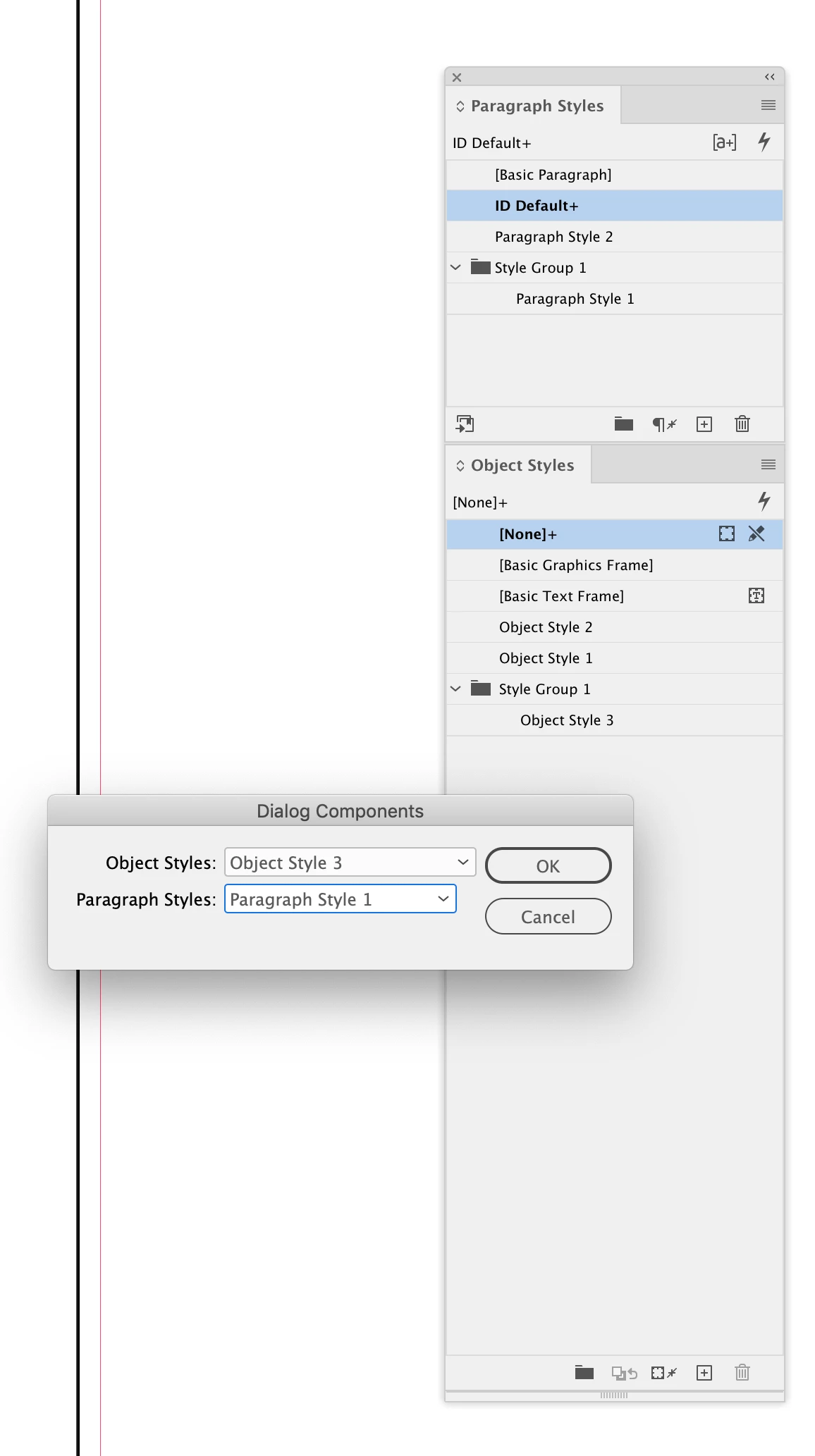
Help adjusting a script I found to change text frame object style based on paragraph style
I found this great script where you pick an assigned 'object style' and it will move all items of that style to the layer you pick. I'm trying to tweak it so it will instead change any text frames with a specified paragraph style and assign it with an object style.
I got the first part changed, but I need help with:
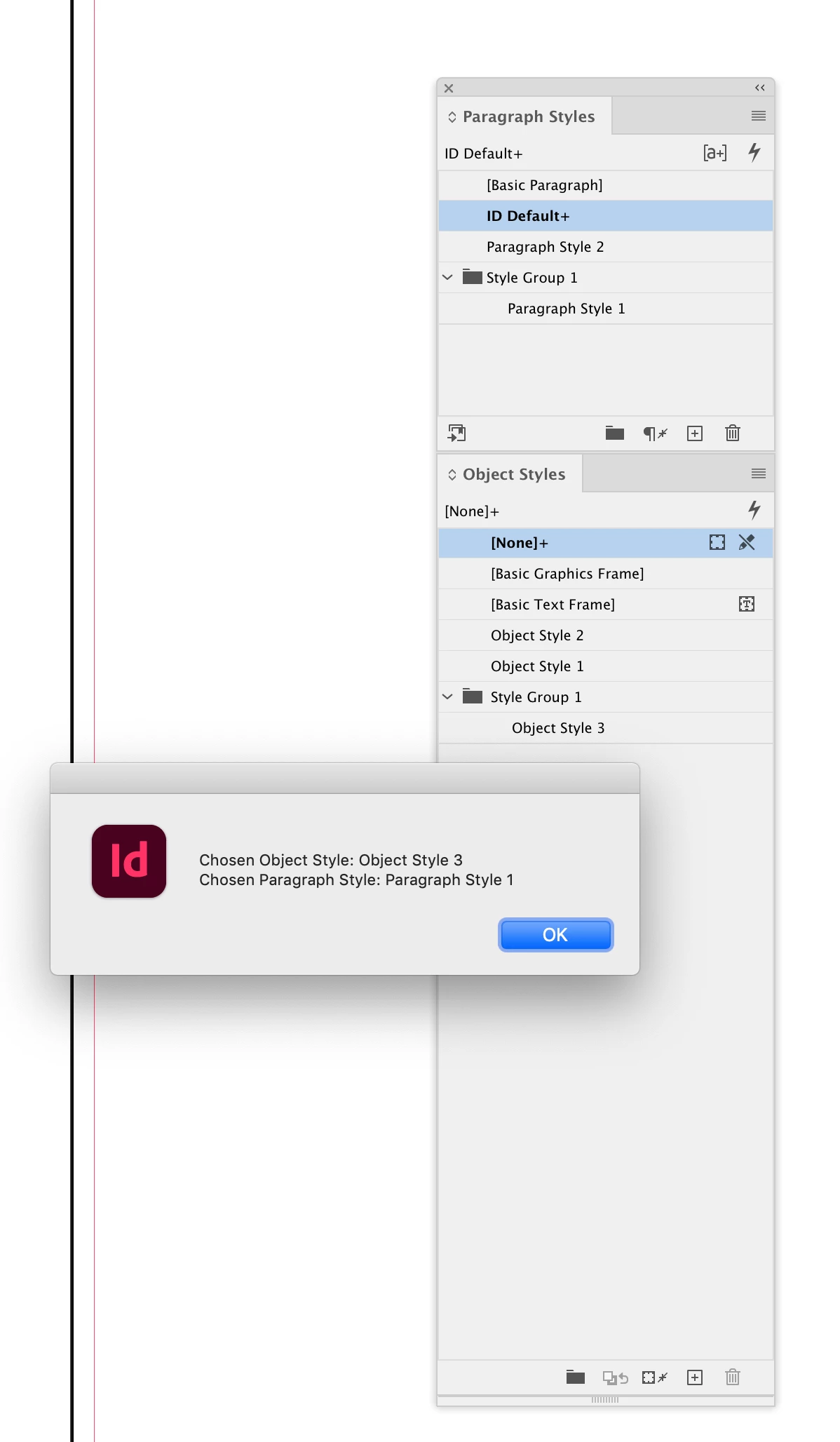
- first part: language to include all items that are in folders within both paragraph and objects styles. right now it just pulls items that are not in folders
- The second part: code originally moved item in first selection to layer in the second selection ... instead I want it to find all frames containing paragraph style from first selection and assign object style from second selection.
Any help would be great! Thank you!
//This script moves paragraphs with selected paragraph style to selected layer
var myDoc = app.activeDocument;

var w = new Window ("dialog", "Choose paragraph Style and Layer", undefined, {closeButton: true});
w.orientation = "row";
w.alignChildren = ["right", "center"];

w.add("statictext", undefined, "Assign all frames with");
var paragraphStyle = w.add("dropdownlist", undefined, myDoc.paragraphStyles.everyItem().name); // paragraph style list -- what do i adjust to include items within folders too?
paragraphStyle.selection = 0;

w.add("statictext", undefined, "style as");
var applyObjStyle = w.add("dropdownlist", undefined, myDoc.objectStyles.everyItem().name); // objectStyles list -- what do i adjust to include items within folders too?
applyObjStyle.selection = 0;

var button = w.add ("button", [0,0,96,20], "OK", {name: "Ok"});

var paraStyleName, objStyleName;

button.onClick = function(){
    paraStyleName = paragraphStyle.selection.text;
    objStyleName = applyObjStyle.selection.text;
    w.close();
}
w.show();
//NEED HELP WITH CODE BELOW TO assign paraStyleName with objStyle Name
var pageItems = myDoc.pageItems;

if (parseFloat(app.version) < 6) // "app.version < 6" if it's running under an earlier version than CS4, as earlier versions don't support "Undo" in scripts
    doUndoWrapper();
else
    app.doScript(doUndoWrapper, ScriptLanguage.JAVASCRIPT, undefined, UndoModes.ENTIRE_SCRIPT, "Move to layer");
//< END OF doUndoWraper

function doUndoWrapper(){
    // unlock locked objectStyles
    var lockedobjectStyles = {};
    for(var layer = 0; layer < myDoc.objectStyles.length; layer++){
        lockedobjectStyles[myDoc.objectStyles[layer].name] = myDoc.objectStyles[layer].locked;
        myDoc.objectStyles[layer].locked = false;
    }

    if(paraStyleName && objStyleName){
        //for(var i = 0; i < pageItems.length; i++){
        for(var i = --pageItems.length; i >= 0; i--){
            if(pageItems[i].appliedparagraphStyle.name === paraStyleName && pageItems[i].itemLayer.name != objStyleName){
                try{
                    // unlock locked paragraphs
                    var paragraphWasLocked = false;
                    if(pageItems[i].locked){
                        paragraphWasLocked = true;
                        pageItems[i].locked = false;
                    }

                    // move paragraphs to layer
                    pageItems[i].itemLayer = myDoc.objectStyles.item(objStyleName);

                    // proceed until you bleed, lol!
                    var iterator = 0;
                    while(iterator < 1000 && pageItems[i].itemLayer.name != objStyleName){
                        pageItems[i].itemLayer = myDoc.objectStyles.item(objStyleName);
                        iterator++;
                    }

                    // locking back locked paragraphs
                    if(paragraphWasLocked){
                        pageItems[i].locked = true;
                    }
                }catch(e){
                    alert(e, "Script Error", true);
                }
            }
        }
    }
}
 AdChoices