Participant
May 29, 2024
Answered

Help! columns from document disapear when i go to my master/parent page?

  • May 29, 2024
  • 2 replies
  • 381 views

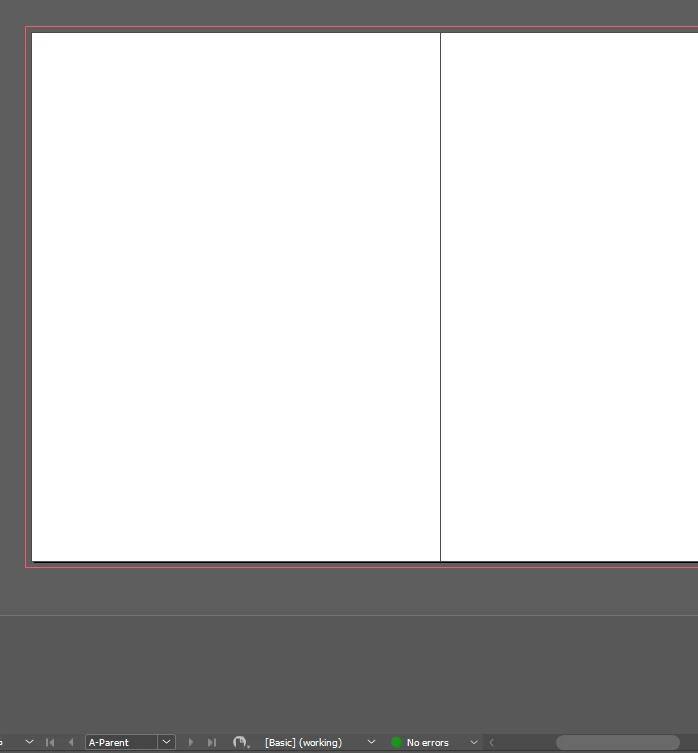
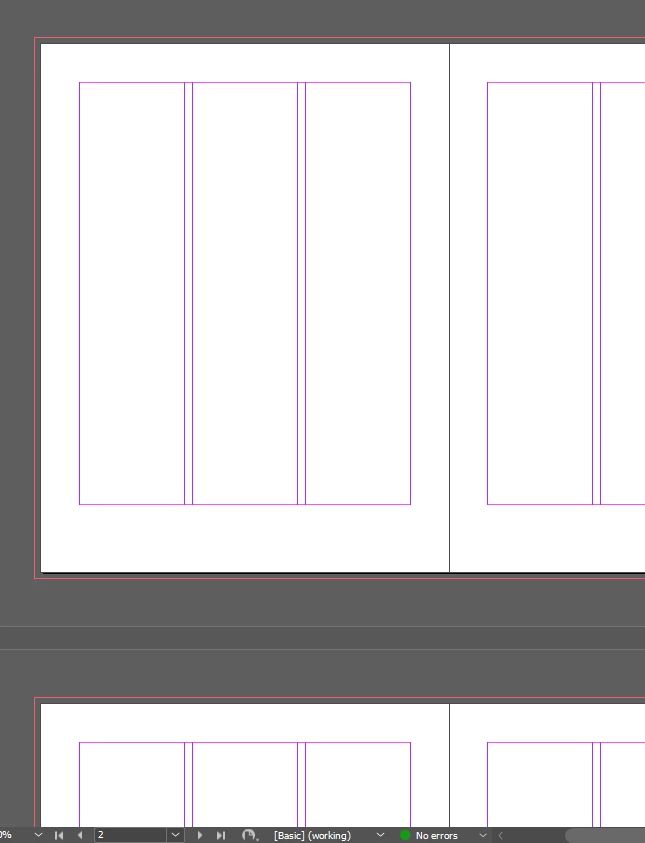
how do i get my columns to show up, why are they in the rest of the doc but not the parent page?

                               regular                                      vs.                                    parent
 

This topic has been closed for replies.
Correct answer HARSHIKA_VERMA
Had to reinstall indesign and creative cloud. Not sure what the issue was
but i had to go through adobe support to fix it so yall should have the bug
report.

Thanks!

Thank you for the confirmation. I checked the case history, and it looks like they ran the CC cleaner to reinstall CCDA and InDesign and also created a new user account, which has resolved the issue.


Thanks,

Harshika

2 replies

Robert at ID-Tasker
Legend
June 25, 2024

@oliver37166984fkfh


Which Master / Parent is applied to the pages?


You can always set up columns on pages directly - ignoring Master / Parent. 


BobLevine
Community Expert
Community Expert
May 29, 2024

Can you post the file somewhere?

HARSHIKA_VERMA
Community Manager
Community Manager
June 25, 2024

Hi @oliver37166984fkfh,

Hope you're doing well!


We would like to follow up on your issue. Are you able to resolve the issue? Please feel free to update the discussion if you need further assistance from us.


You may also post the solution that worked for you which might help any customers on community experiencing the similar issue. 


We would be happy to help.


Thanks,

Harshika

Participant
June 25, 2024
Had to reinstall indesign and creative cloud. Not sure what the issue was
but i had to go through adobe support to fix it so yall should have the bug
report.

Thanks!