



Help?! Print Marks are showing up in the bleed area rather than at page edge?
So forgive me - I'm usually fairly knowledgeable when it comes to InDesign but for some reason I find myself wondering if this is a genuine issue that I have caused for one of the printing companies we use as a supplier or not.
I've designed a pull-up for a new product....Literally as it sounds... the graphic is rolled in a metal base frame which then pulls up and is kept displayed by the use of a light aluminium pole and clips etc....
Anyway...
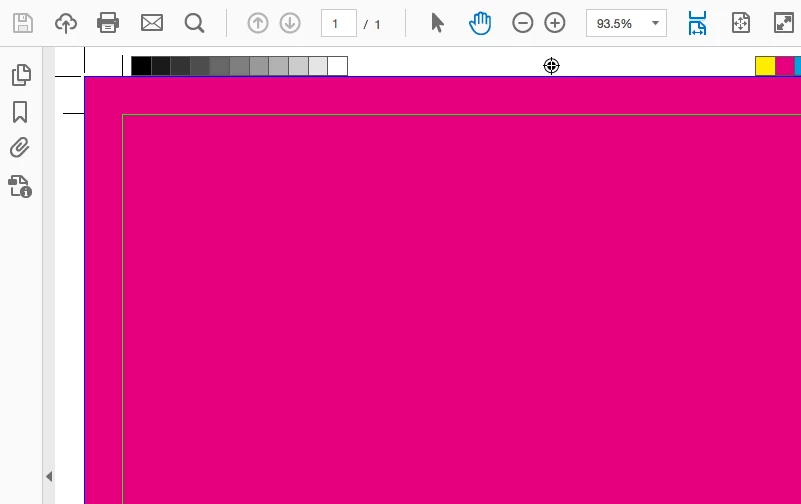
The problem is that the Print marks etc are showing up inside the bleed area rather than at the document edge like so in the final PDF output:

I haven't changed my export to PDF settings or anything for a while and its always looked OK before...
Certainly haven't had a supplier come back for a while and say the artwork is wrong etc...
My Work Rig specs are:
InDesign CC2017
Windows 10 Pro
i7 Processor.
8 GB RAM
SSD
Is this an actual issue or is this just a case where the supplier has got someone new into the company who doesn't know what they are doing?
Many thanks,
EW

 AdChoices