New Participant
December 21, 2021
Question

Help with aliening content with pages

  • December 21, 2021
  • 2 replies
  • 303 views

Hello all, 

I am creating a manual it currently has 414 pages. I was importing PDF's and the last thing I did was export a spread, pages 222, 223 then I deleted page 222. 

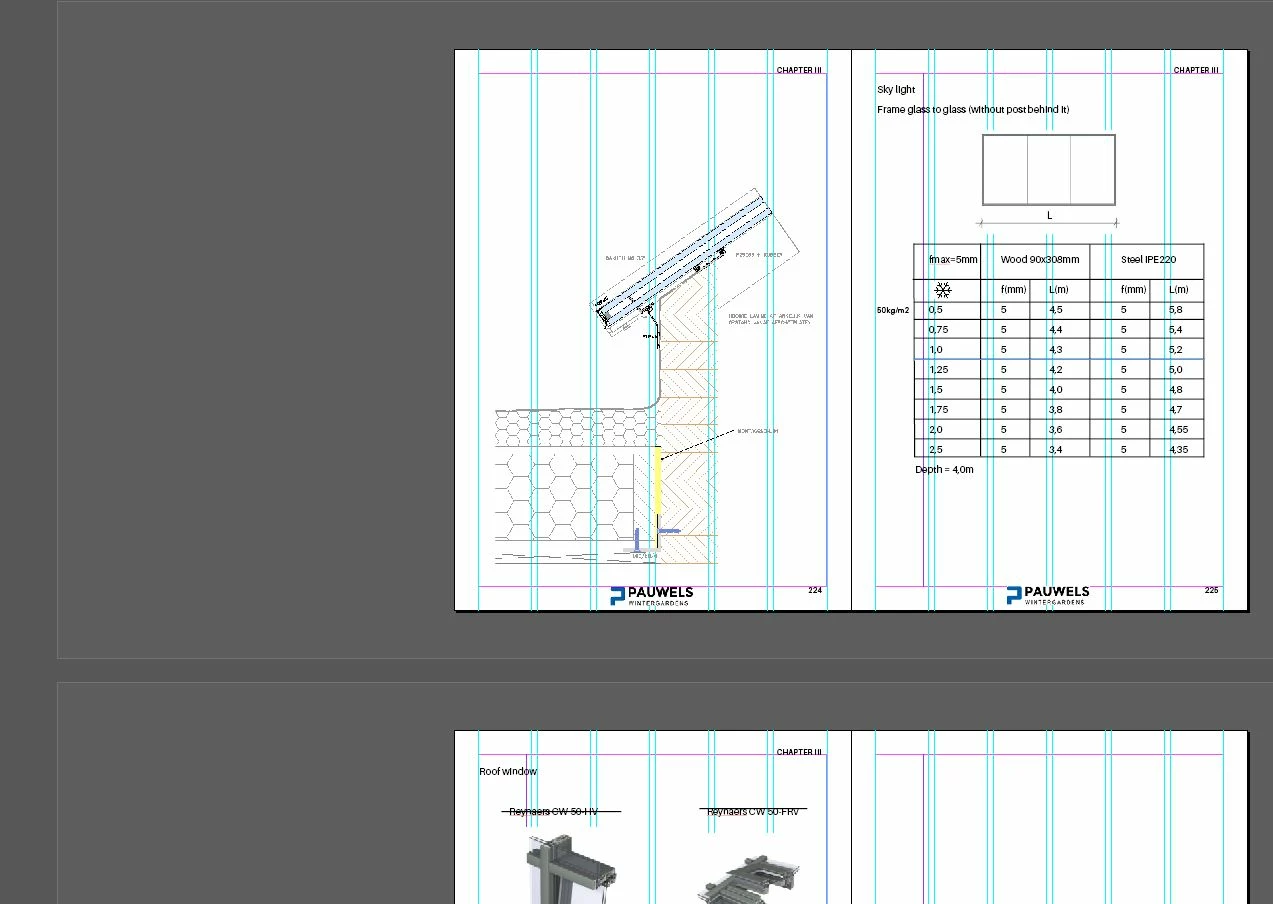
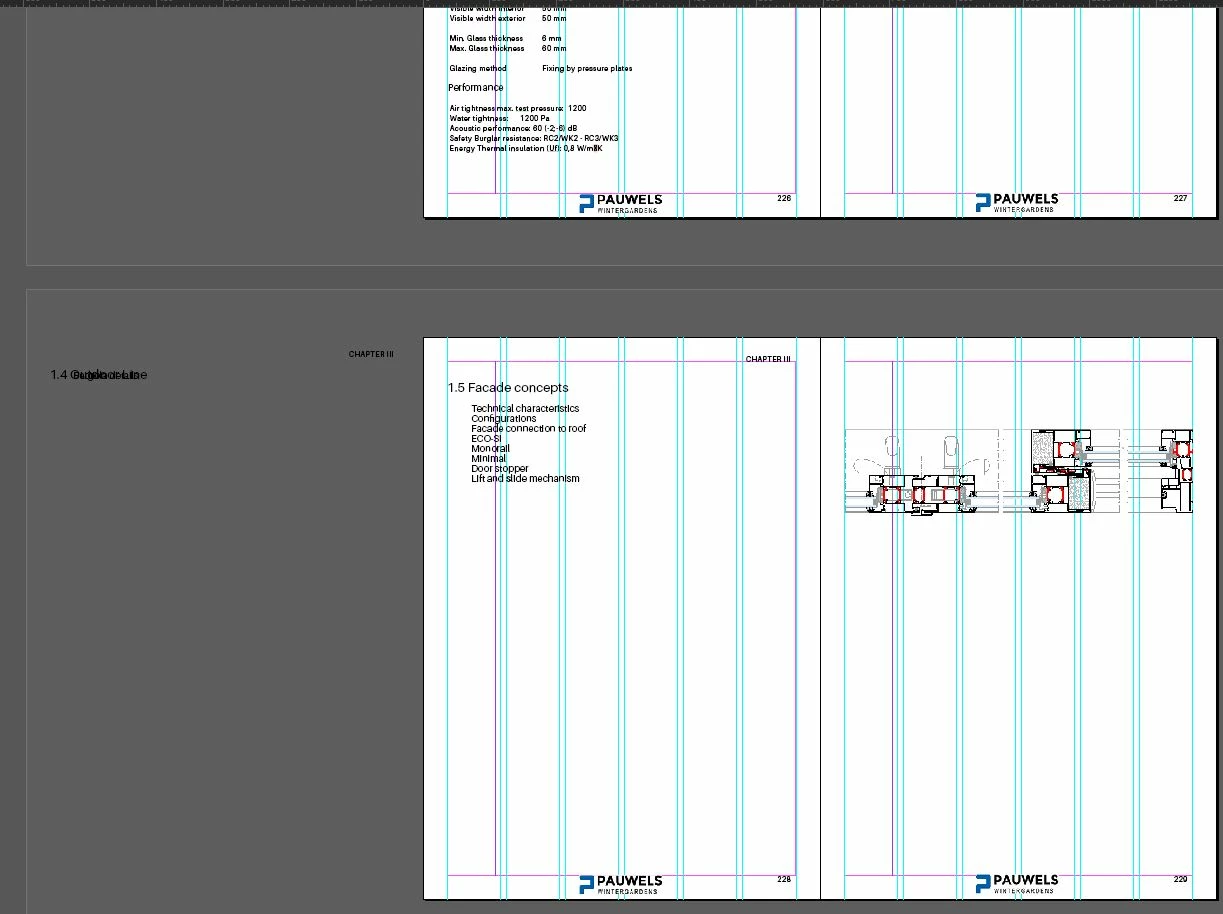
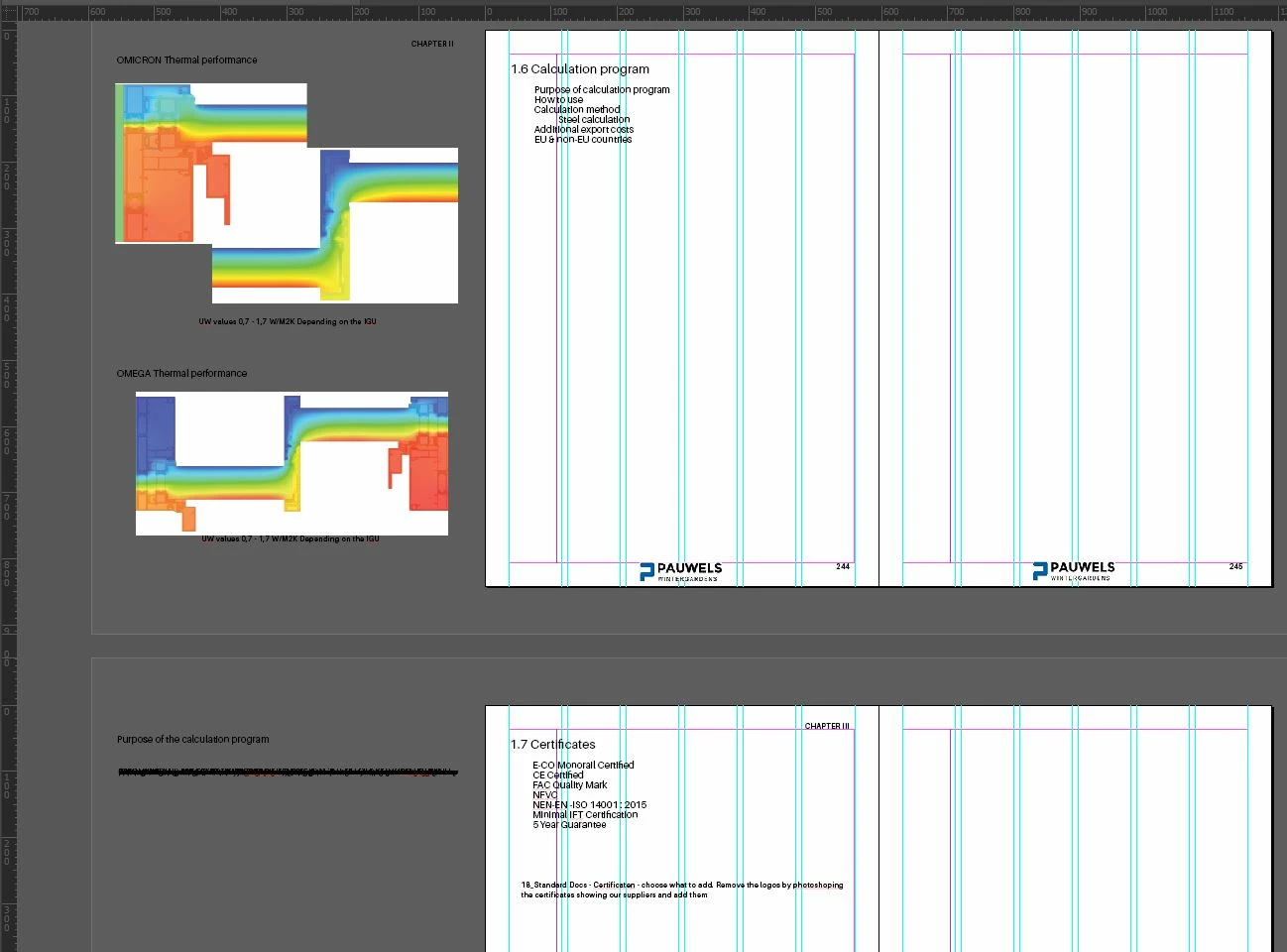
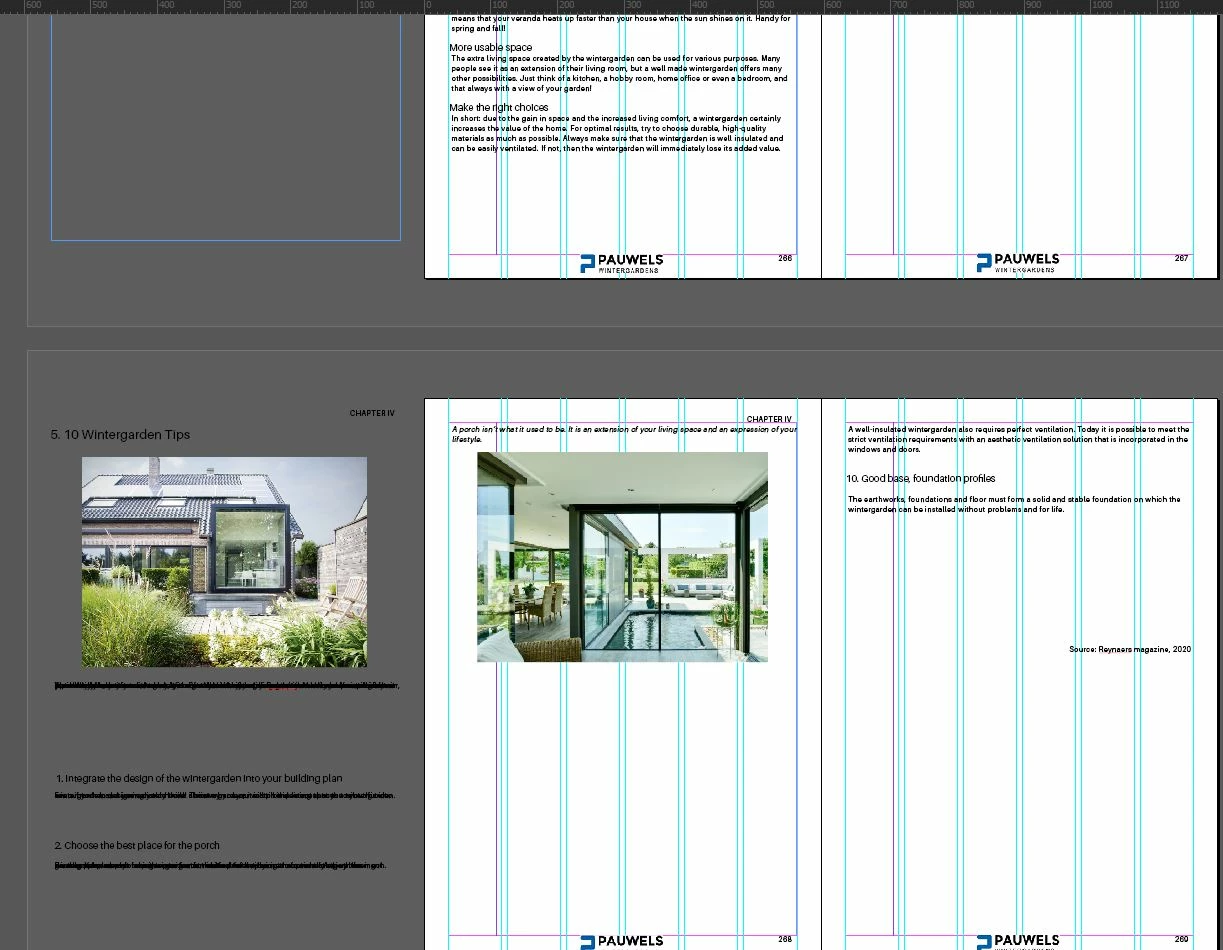
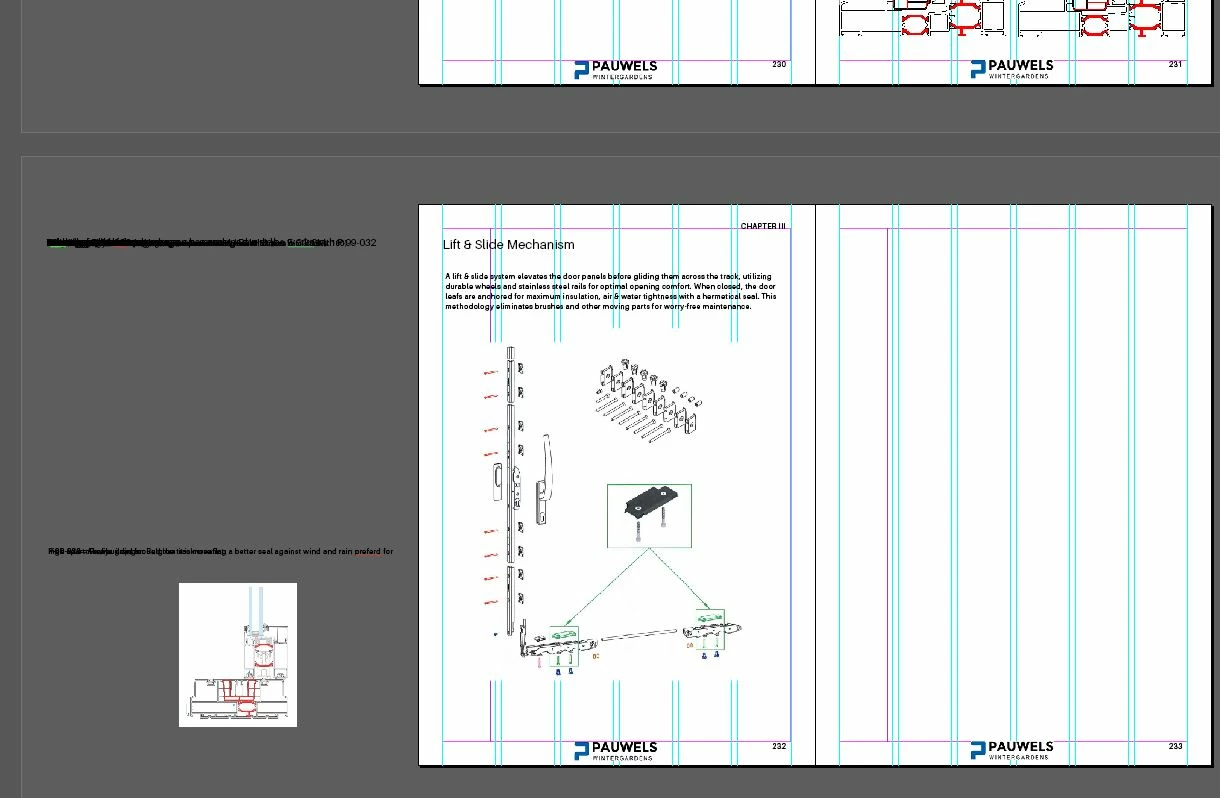
Now the file seems to have glitched somehow. The content of all the pages after 222 is to the left and off the page. 

It's as if the content moved or the pages moved. They are not aliened and some content is on pages that it should not be on.

See screen shots below. 
This topic has been closed for replies.

2 replies

J E L
Community Expert
December 21, 2021

Hi @Panos5EA0 When you deleted page 222, did your document allow pages and spreads to shuffle? Are your text boxes threaded? Can you go back to a saved or copy version before you deleted that page to isolate the problem?


Panos5EA0Author
New Participant
December 22, 2021

That is not it. 😕😕 

I don't know what to do.

I will save the pages that are good 1-222 and then I will have to redo the rest I guess. 

People are seeing the post but I have a feeling this is not an easy fix.

Must be some glitch and not something that can be fixed by pressing a few buttons. 


Maybe an Adobe representative can have a look at the file? 

Dave Creamer of IDEAS
Community Expert
December 22, 2021

Is it possible that the frames for the text and graphics were touching the adjacent page? If so, they would be treated as content on that page and move like you show. 

David Creamer: Community Expert (ACI and ACE 1995-2023)
Panos5EA0Author
New Participant
December 21, 2021

Is there a way to contact someone to have a look at the actual file maybe something happened to the code? 

J E L
Community Expert
December 22, 2021
Panos5EA0Author
New Participant
December 22, 2021

Thank you, I will email them.