

Billy190417
Known Participant
November 28, 2017
Question

How change the colour of the pasteboard in cs6?

  • November 28, 2017
  • 2 replies
  • 2821 views

Hello everyone! thanks for your help at first!

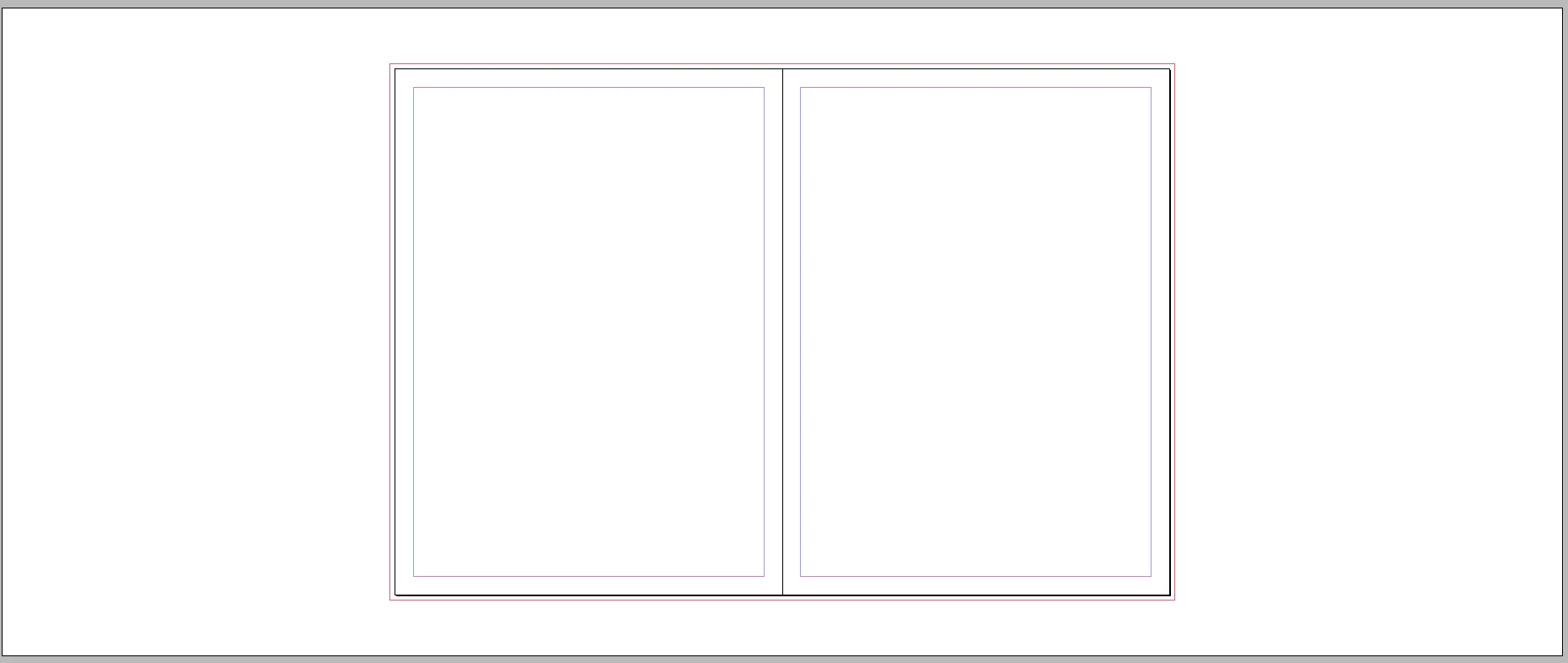
I want to change the colour of the pasteboard in cs6.  From white to yellow or red or others.
This topic has been closed for replies.

2 replies

Community Expert
November 29, 2017

Hi, since you posted in the InDesign Scripting forum:

Don't know, if you really want to change the Preview Background, because this is not the color of the pasteboard when the screenMode of a layoutWindow is set to PREVIEW_OFF (your screenshot is suggesting this). The color of the pasteboard cannot be changed when in that mode. At least not that I know…

But if you really were looking for a different Preview Background color, check for previewBackgroundColor of the pasteboardPreferences.

See for example Jongware's ExtendScript DOM documentation for InDesign CS6:

Adobe InDesign CS6 (8.0) Object Model JS: PasteboardPreference

Regards,
Uwe

tpk1982
Legend
November 29, 2017

It is available in the preference.. press cmd+k shortcut for mac.. change the Preview Background color as you wish

Billy190417
Known Participant
November 29, 2017

Thanks for you answer.  But i don't mean preview background, not preview.   I mean normal.  Indesign cc  have this function i think. 

TᴀW
Legend
November 29, 2017

As Uwe says, I don't think it is possible to change the pasteboard colour in Normal mode -- only to match it to the shade of grey of the UI.
