Known Participant
April 19, 2024
Answered

How do I change the padding in a table so that the spacing in the rows is the same
  • April 19, 2024
  • 2 replies
  • 865 views

This topic has been closed for replies.
Correct answer rob day

Make sure you select the entire row when you copy and paste—this:
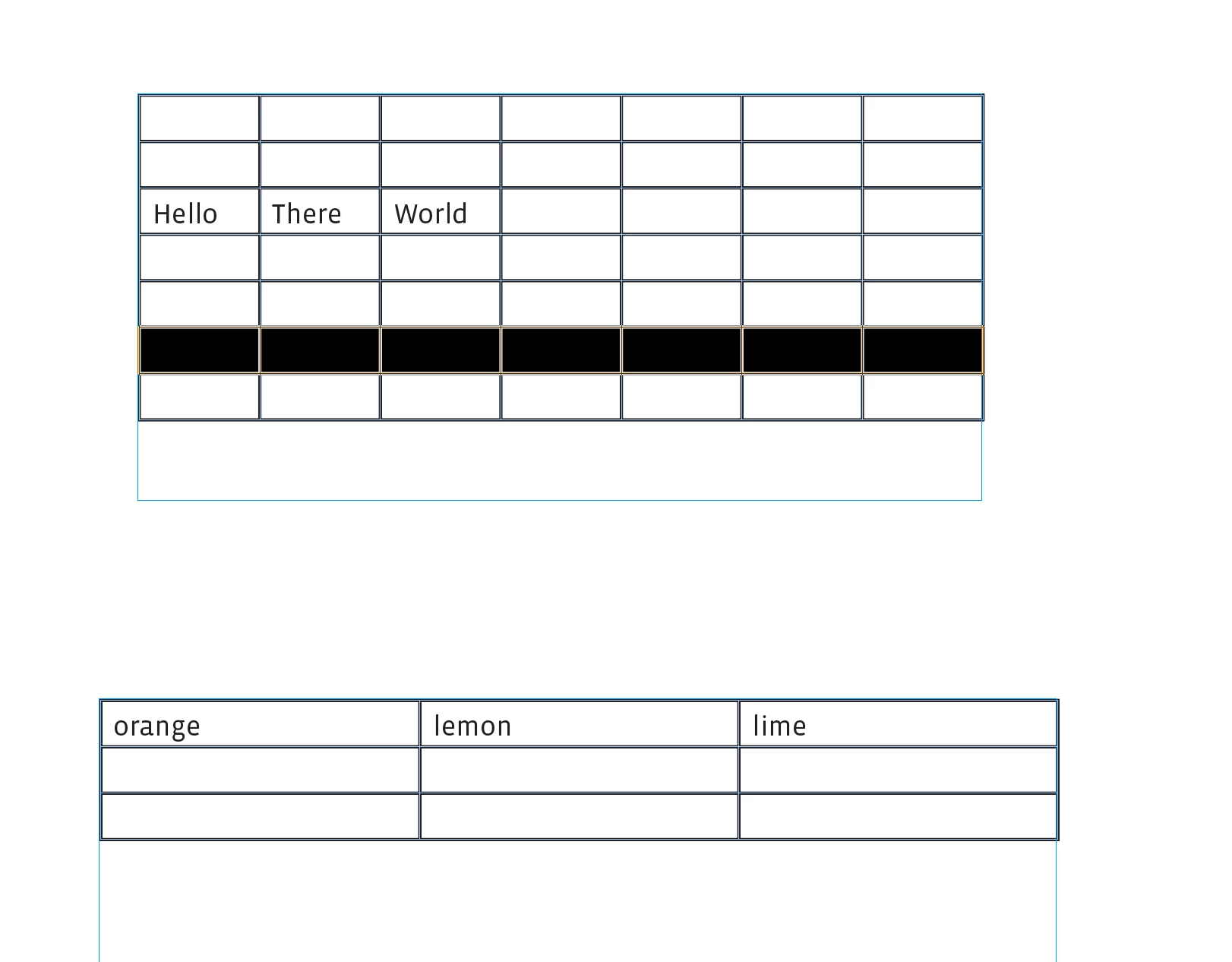


Not this where my cursor is in the first cell of the row:


2 replies

rob day
Community Expert
Community Expert
April 19, 2024

Hi @James3669094303ct , With the entire table selected choose Table>Cell Options>Rows and Columns and set the desired uniform Row Height


Known Participant
April 19, 2024

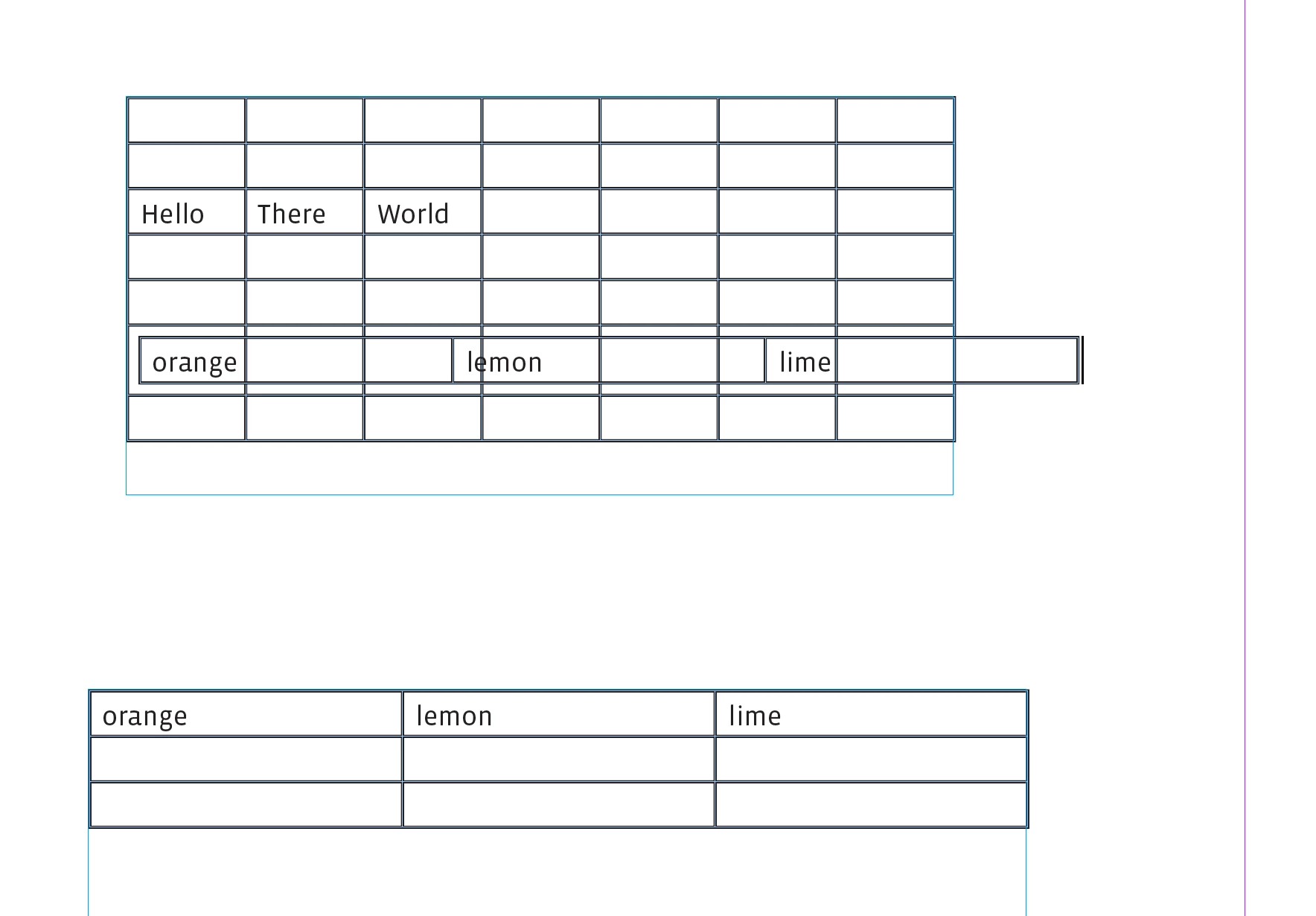
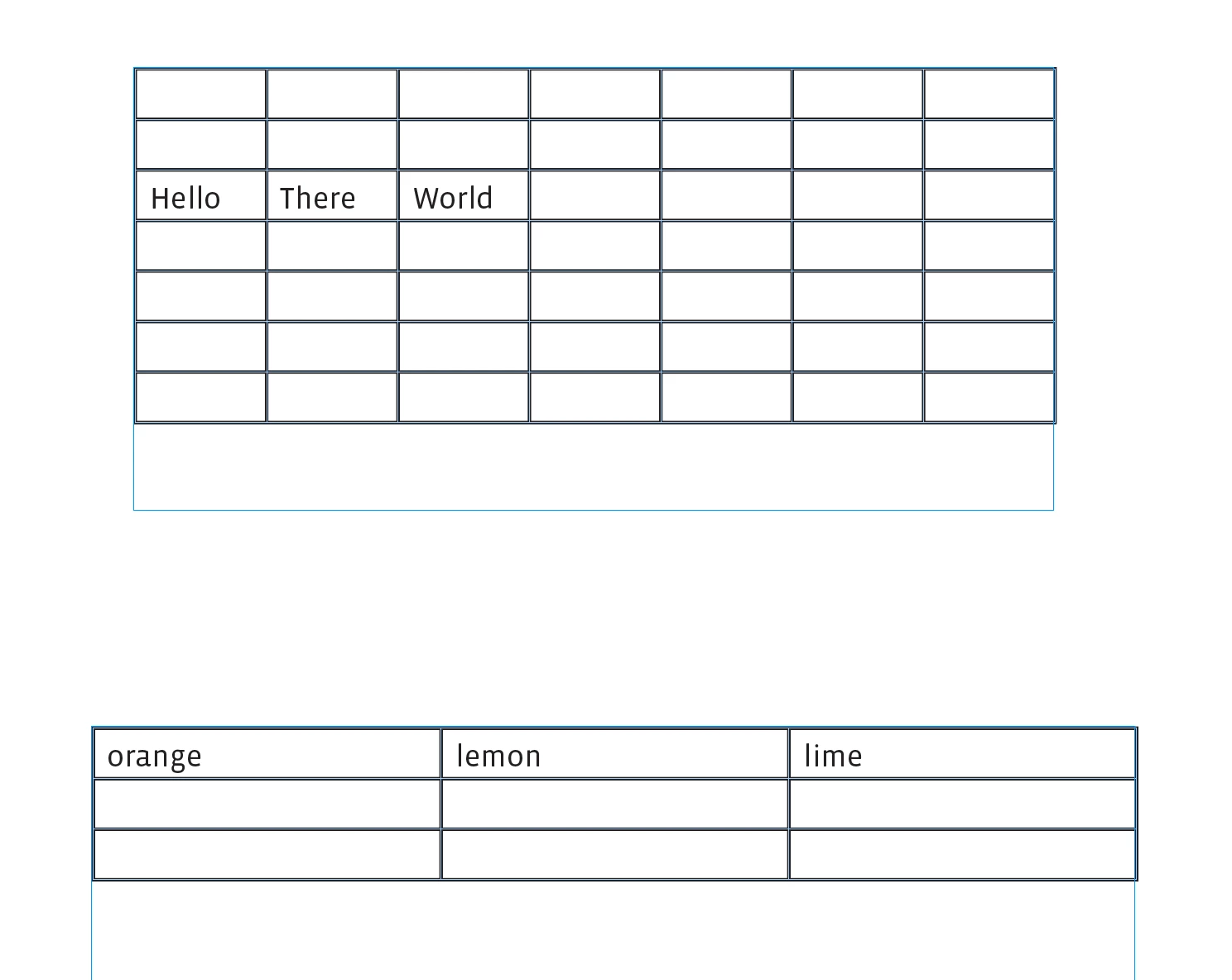
Thanks this seems to work but when I copy text from another table the following happens see attached pic

rob day
Community Expert
rob dayCommunity ExpertCorrect answer
Community Expert
April 19, 2024

Make sure you select the entire row when you copy and paste—this:
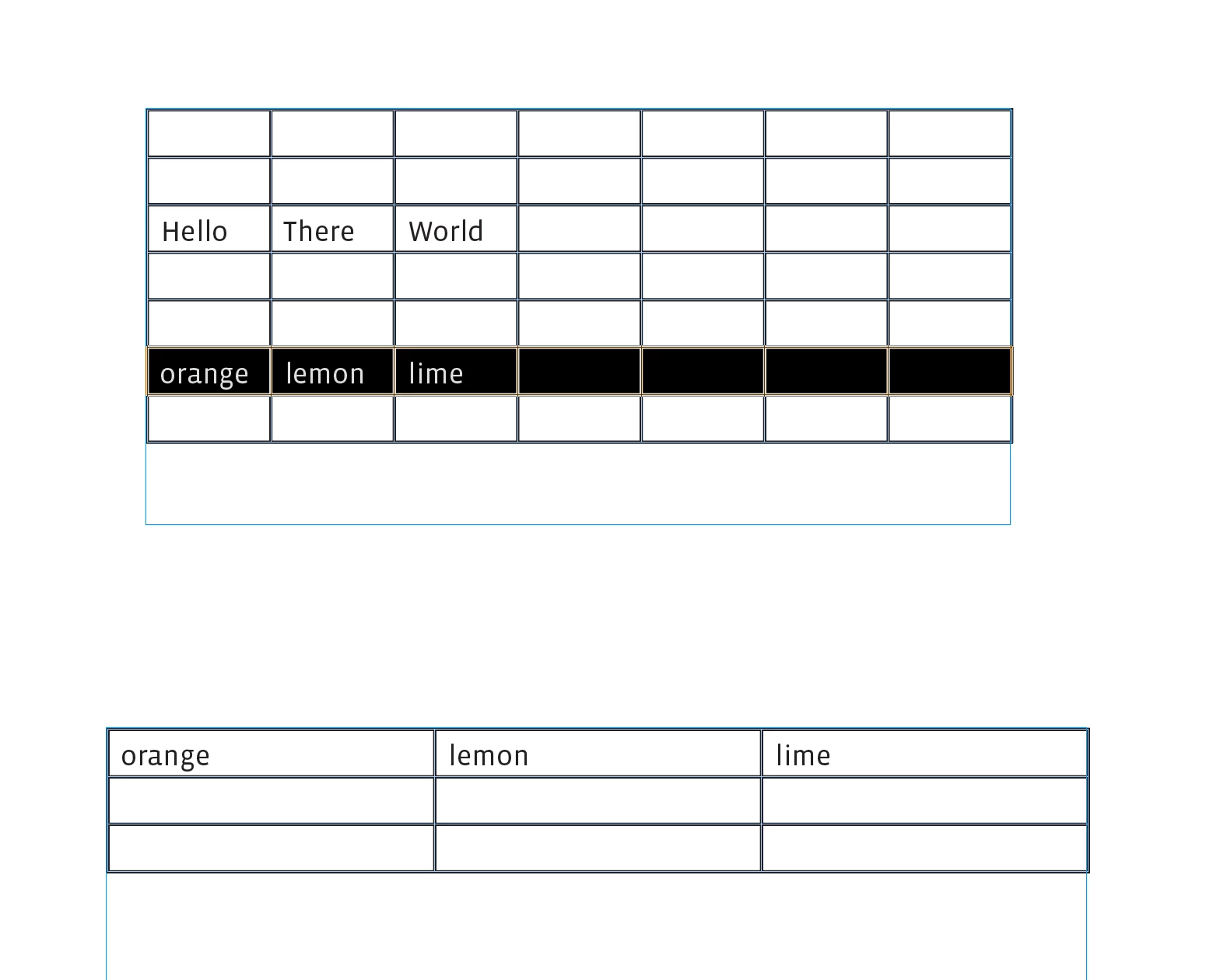


Not this where my cursor is in the first cell of the row:
 

Steve Werner
Community Expert
Community Expert
April 19, 2024

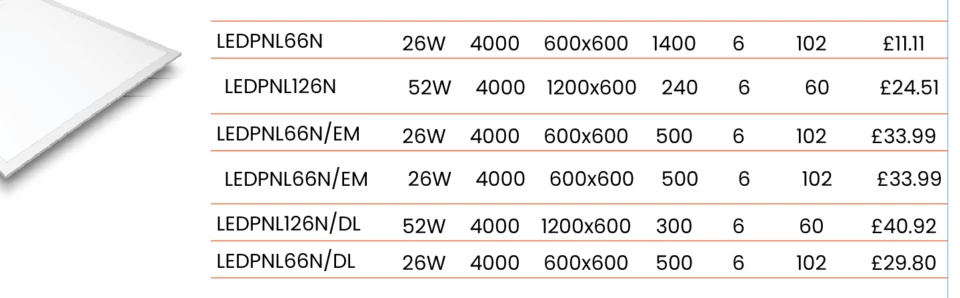
A display like you've shown could either be created using the commands in the Table menu (a table) or by using tabular text (which doesn't use Table commands but alignment and positioning are created using the Tabs panel). Which are you using?


When you make a screen capture make sure hidden characters are showing (Text menu > Show Hidden Characters).


Does the graphic to the left have a text wrap applied?

Known Participant
April 19, 2024