


Answered
How do I get rid of what looks like frame lines on my adobe print pdf?
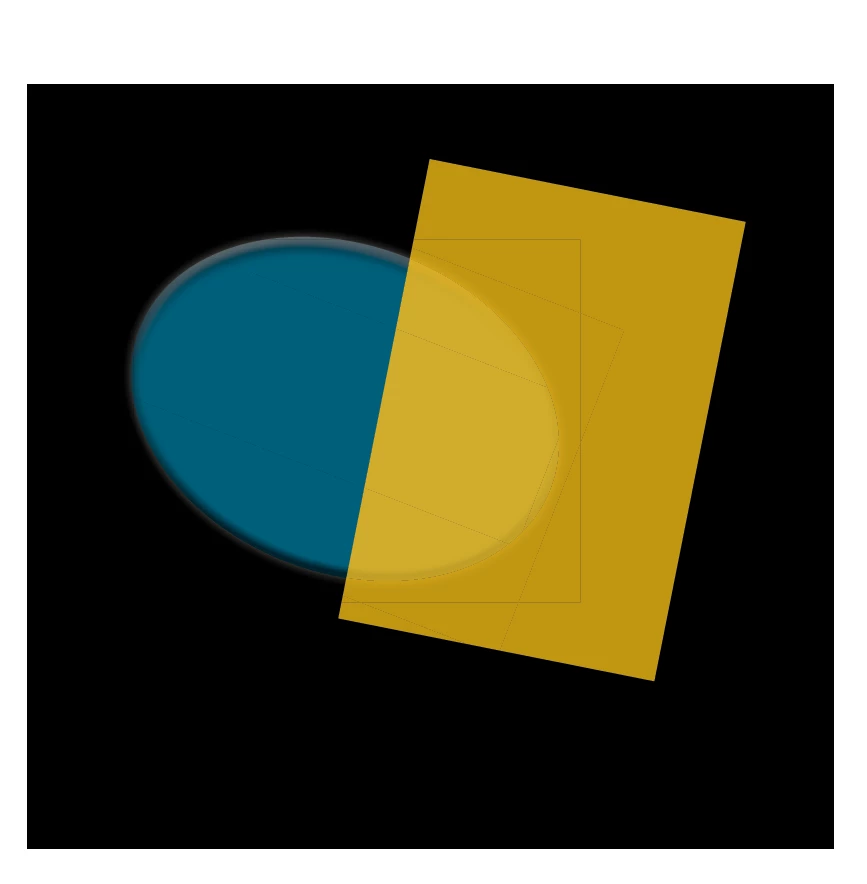
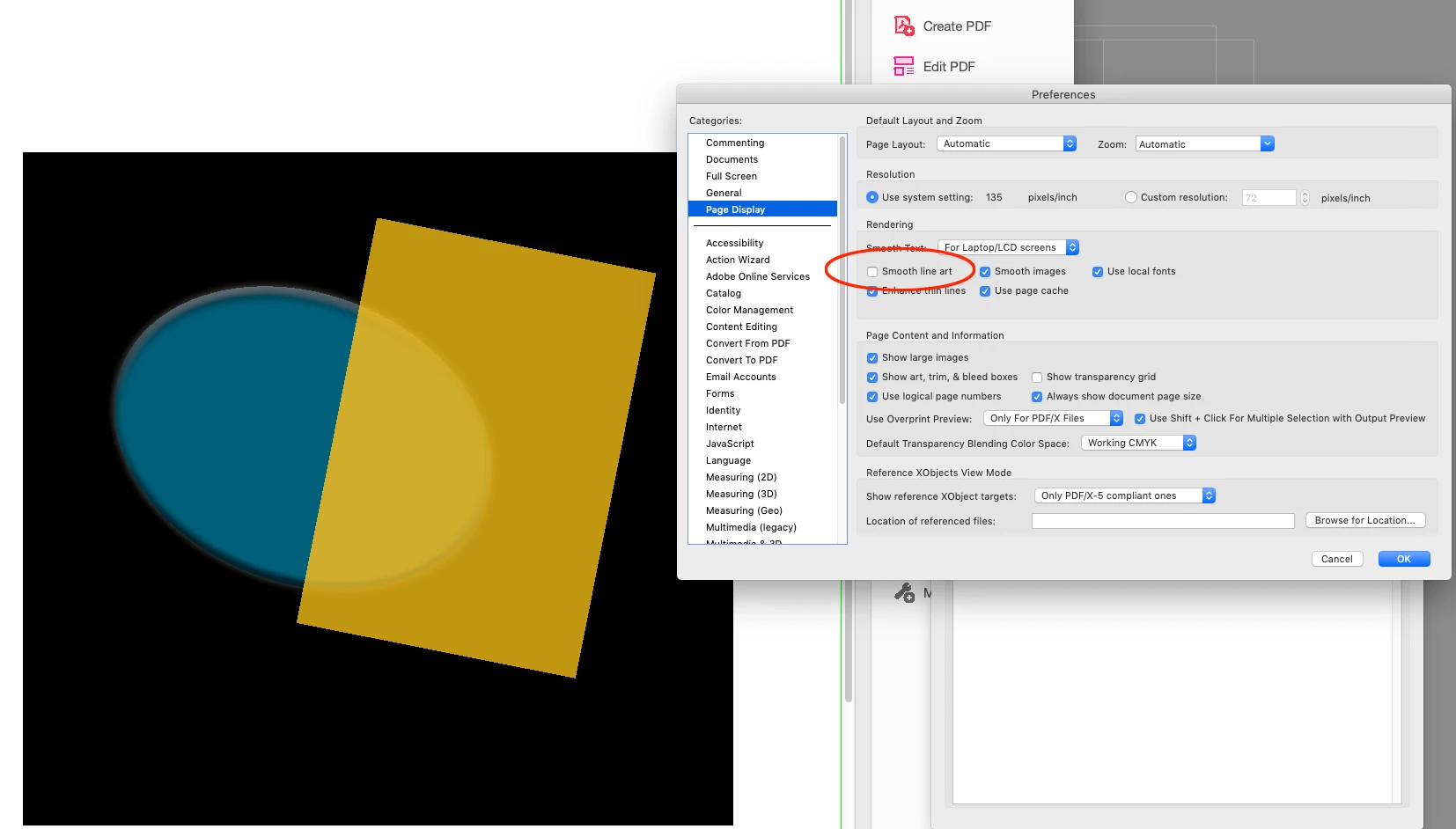
It's hard to see in the picture, but when I used export from InDesign to Adobe Print pdf format a few lines came through that aren't in the original when viewed in InDesign. One of these looks like a frame around text, the other I'm not sure. Why are these showing up?
Adobe Acrobat view of PDF


I have the line around one of the texts, but the other one doesn't even have a frame there.
InDesign view of frames

InDesign without frames

When I export it as a JPEG it looks fine.

Any suggestions would be greatly appreciated!
 AdChoices