


How do I preview Images once in a shape
Hello,
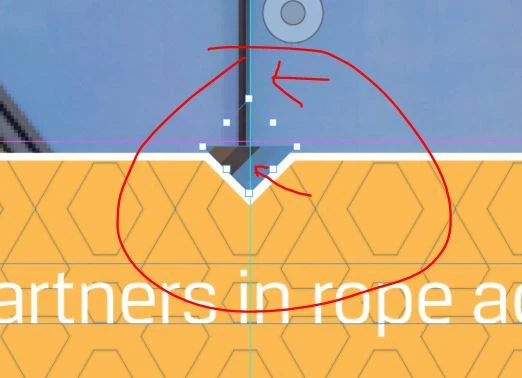
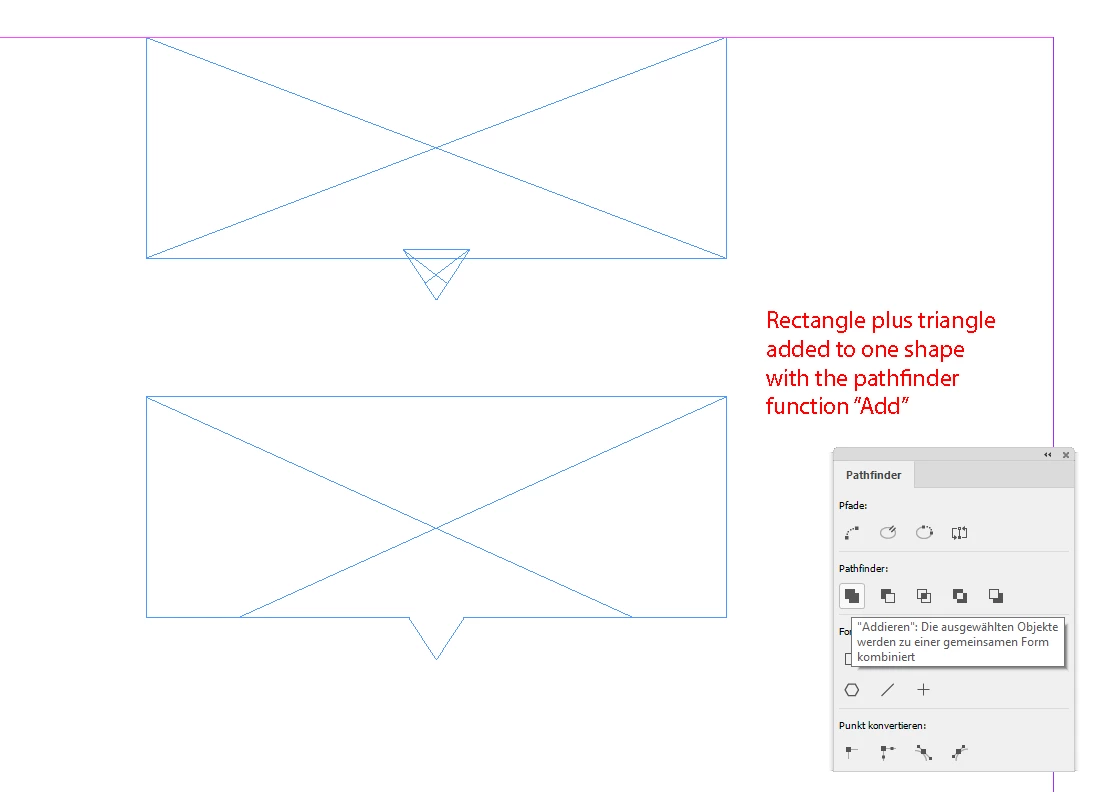
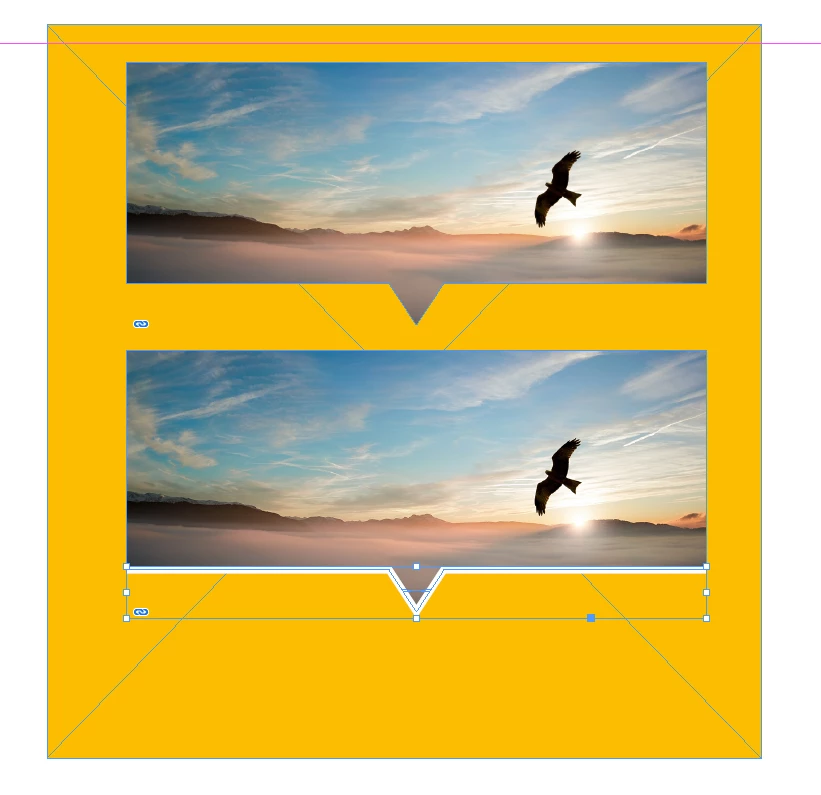
I desperately need help in trying to match an image up in InDesign. Basically, I have placed an image inside the triangle shape, and I need to be able to move the image around within the shape to match the background image.
How can I see a preview of the whole image so I can drag it around to the same position as the background image. So, it totally blends in and doesn’t even look like it’s a added shape?
Sorry I’m not the best at explaining things but I will add some photos so hopefully that helps.
Look forward to hearing back. Many thanks.
So that triangle with the image in it needs to match up with the background image so it blends in like the next picture.
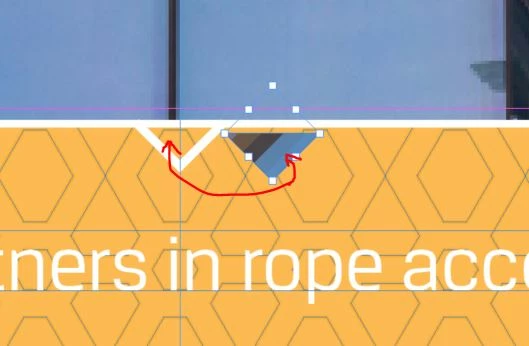
The trangle hides the line so it looks like the picture continues down the arrow. but i need to be able to preview the image that is inside the trangle to match it up with the backfround image.
 AdChoices