March 11, 2023
Answered

How to Angle Line Edges in InDesign?

  • March 11, 2023
  • 1 reply
  • 1965 views

Hi everyone 🙂


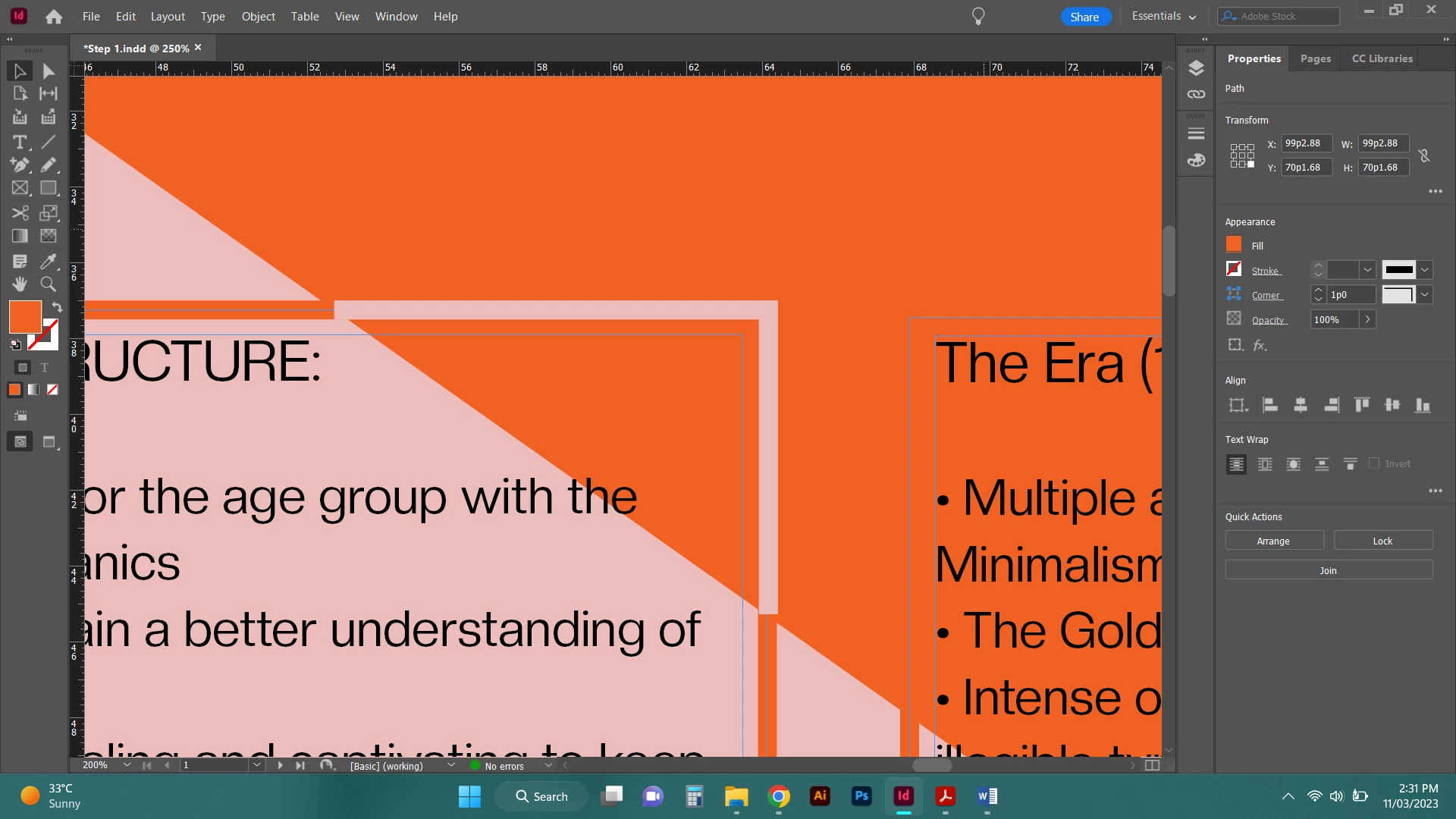
I don't know how to word this well but basically I am trying to have the outline of my box spread over two different colours with the line being the opposite colour to the background.

How would I make the lines angle like the background colours so they are flush?

Hope that makes sense! TIA 
 

<Title renamed by moderator>
This topic has been closed for replies.
Correct answer Robert at ID-Tasker

But not easily on a slope. Using the patfinder in Illustrator takes the guesswork and fiddliness of using InDesign's Scissor tool out of the equation.


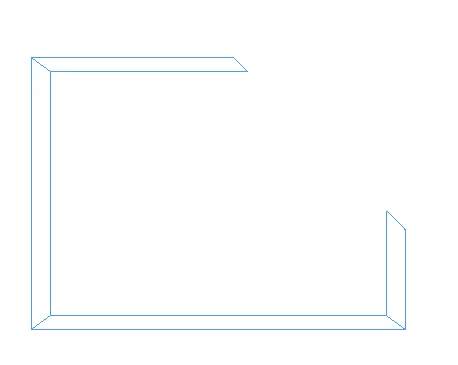
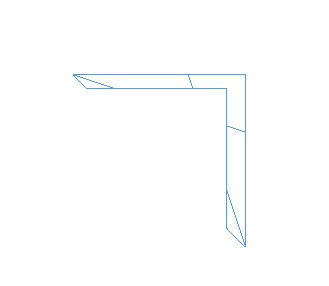
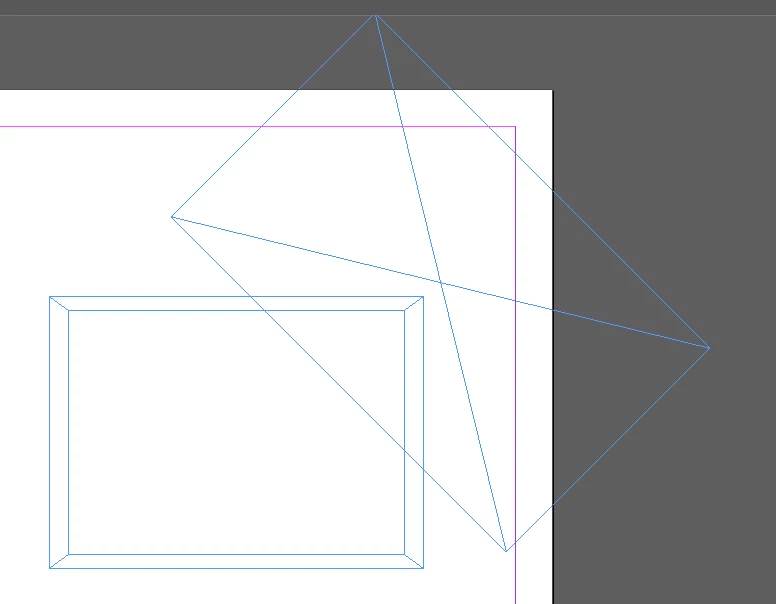
No Scissors tool - PathFinder:


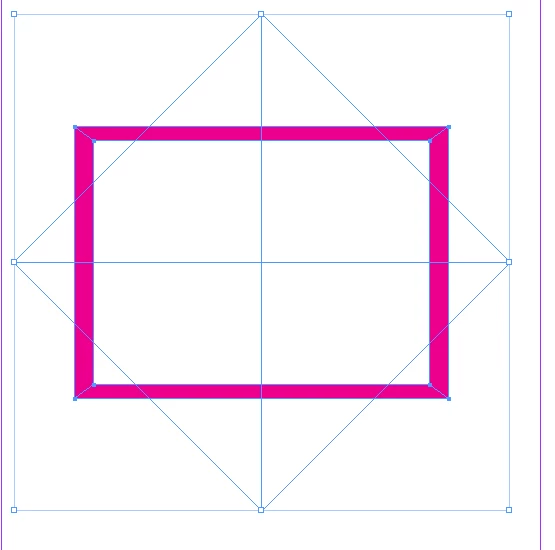
Compund path + 45degree Rectangle:


PathFinder -> Substract:

PathFinder -> Intersect:

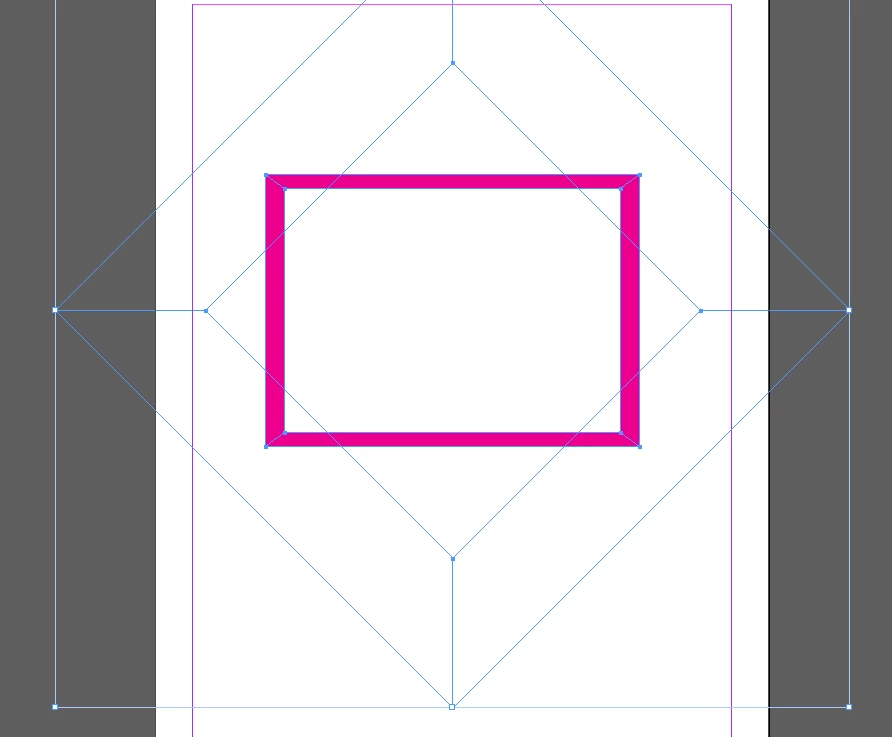
Substract all four corners at once:


Or two compund paths and another Substract:


1 reply

Peter Spier
Community Expert
March 11, 2023

I was hoping to find a way to d this with Blend Mode on the stroke, but you'd have to be extremely lucky to work with two colors that would work, so the only solution I've come up with is to do this with Illustrator's Pathfinder tool, which has a Divide function absent in InDesign).

Rather than a stroked path for the outline you will need to make a filled shape (like a donut) by drawing two shapes in InDesign, one inside the other, then using InDesign's Pathfinder to remove the center. Copy that shape, along with the background shape over to Illustrator, and rearrange so the donut is behind the background, then select both and use the Divide function of the Illustrator pathfinder to cut the donut into segments which can then be copied back to InDesign and recolored independently.

Robert at ID-Tasker
Brainiac
March 11, 2023

But you can cut things in the InDesign as well? 


Peter Spier
Community Expert
March 11, 2023

But not easily on a slope. Using the patfinder in Illustrator takes the guesswork and fiddliness of using InDesign's Scissor tool out of the equation.