


How to avoid having to remap paragraph styles when relinking linked Word document?
I received a set of InDesign files and an associated Links folder containing linked content. The main story flow of the InDesign document is linked from a Microsoft Word document in the Links folder. This is not how I would have set it up, but it is what it is. I guess the author wanted to continue modifying text after layout and was unwilling to learn how to use InCopy.
Now that I have received this package as zip file package, I need to set it up to start working on it in my local evironment. When I open the InDesign file, it tells me all the links need to be updated. If I select the option to Update Links, all of the paragraph styles for the text linked from the Word document go haywire. How do I prevent this from happening?
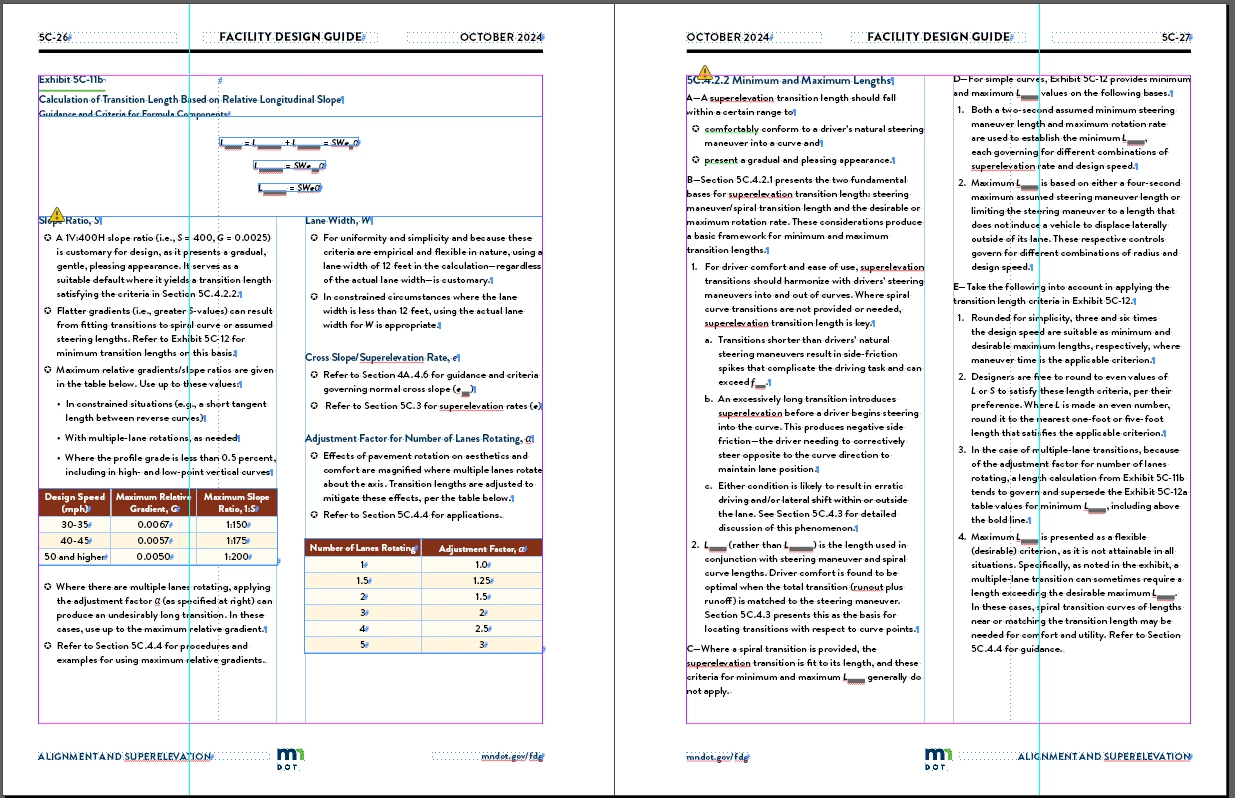
Correct paragraph styles, but with out-of-date links:
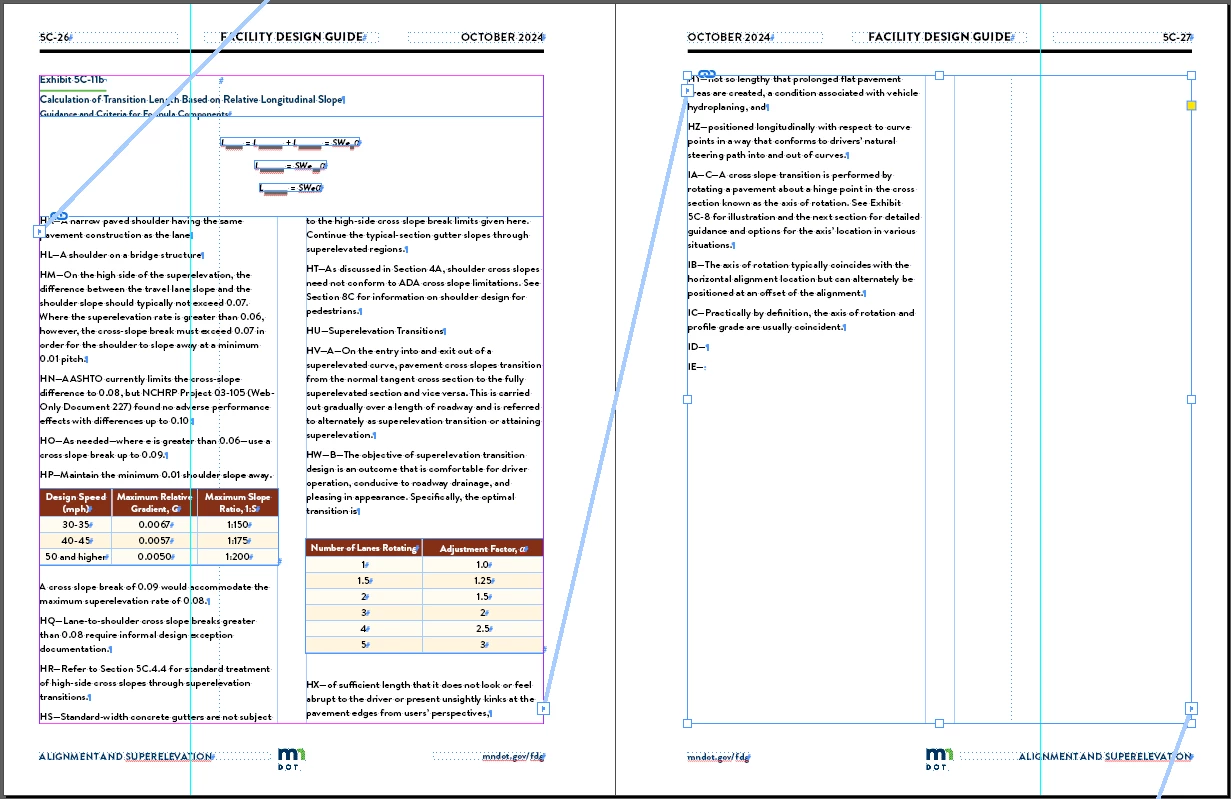
Updated links, resulting in overwritten paragraph styles. All paragraphs get overwritten with whatever paragraph style happens to be selected in the paragraph styles menu:
Is there a way to set it to not re-set paragraph styles when updating links?
 AdChoices