



dublove
Legend
August 11, 2025
Answered

How to capture images contained in text selections and apply object styles to the images?

  • August 11, 2025
  • 1 reply
  • 301 views

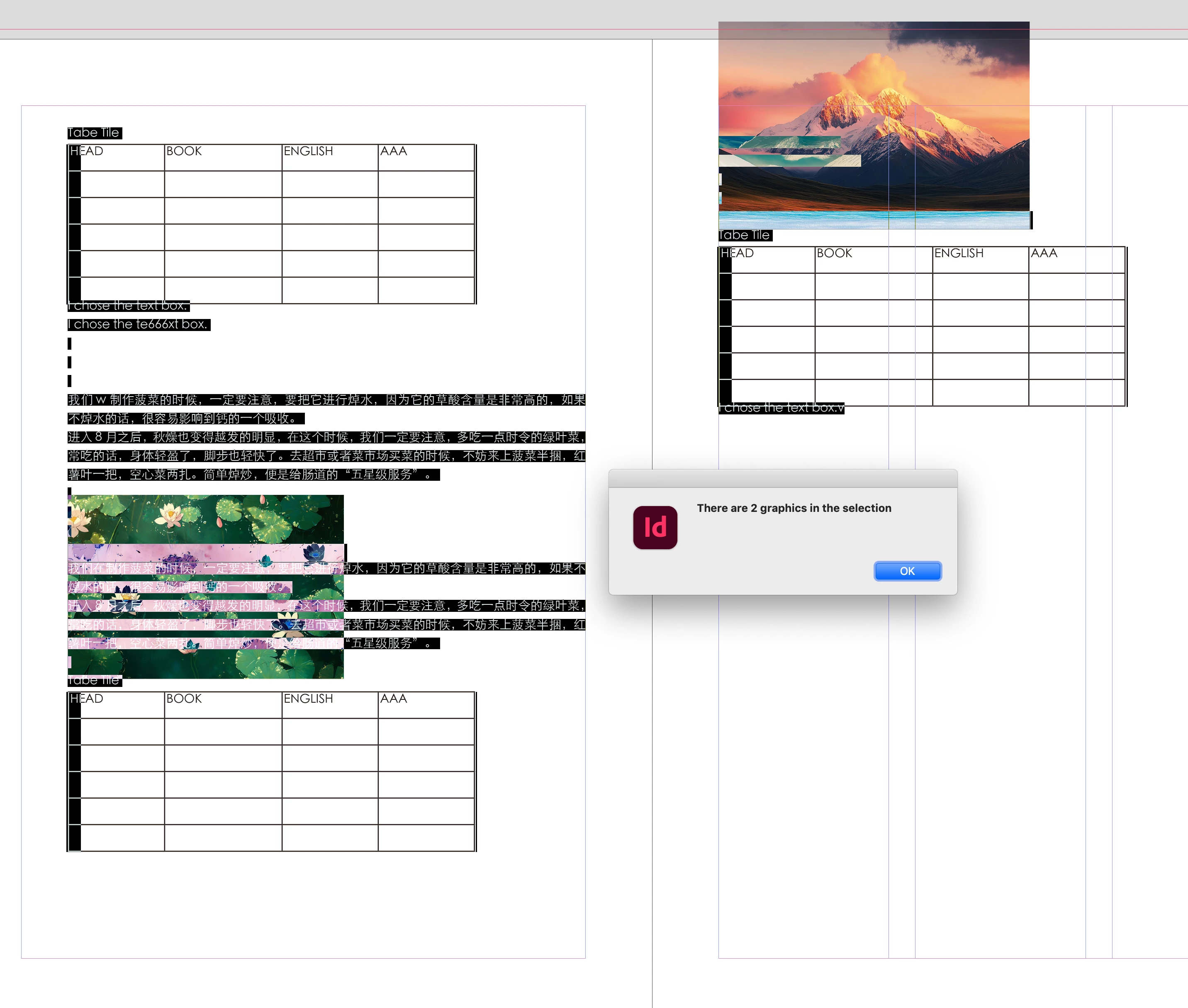
I have selected some text, tables, and images, and I want to apply object styles(exapmle name:"AA") to the images.
How do I capture these images?
Sometimes they are imported from Word without links. Other times, they may be linked.


This is the original code for capturing the table:

       if (app.selection != null) {
            for (var f = 0; f < app.selection.length; f++) {
                var obj = app.selection[f];
                var t = obj.texts[0].tables;
. . . 

}


Correct answer rob day
//a selection’s graphics as an array
var sg = app.selection[0].allGraphics
alert("There are " + sg.length + " graphics in the selection")
if (sg != null) {
    for (var f = 0; f < sg.length; f++) {
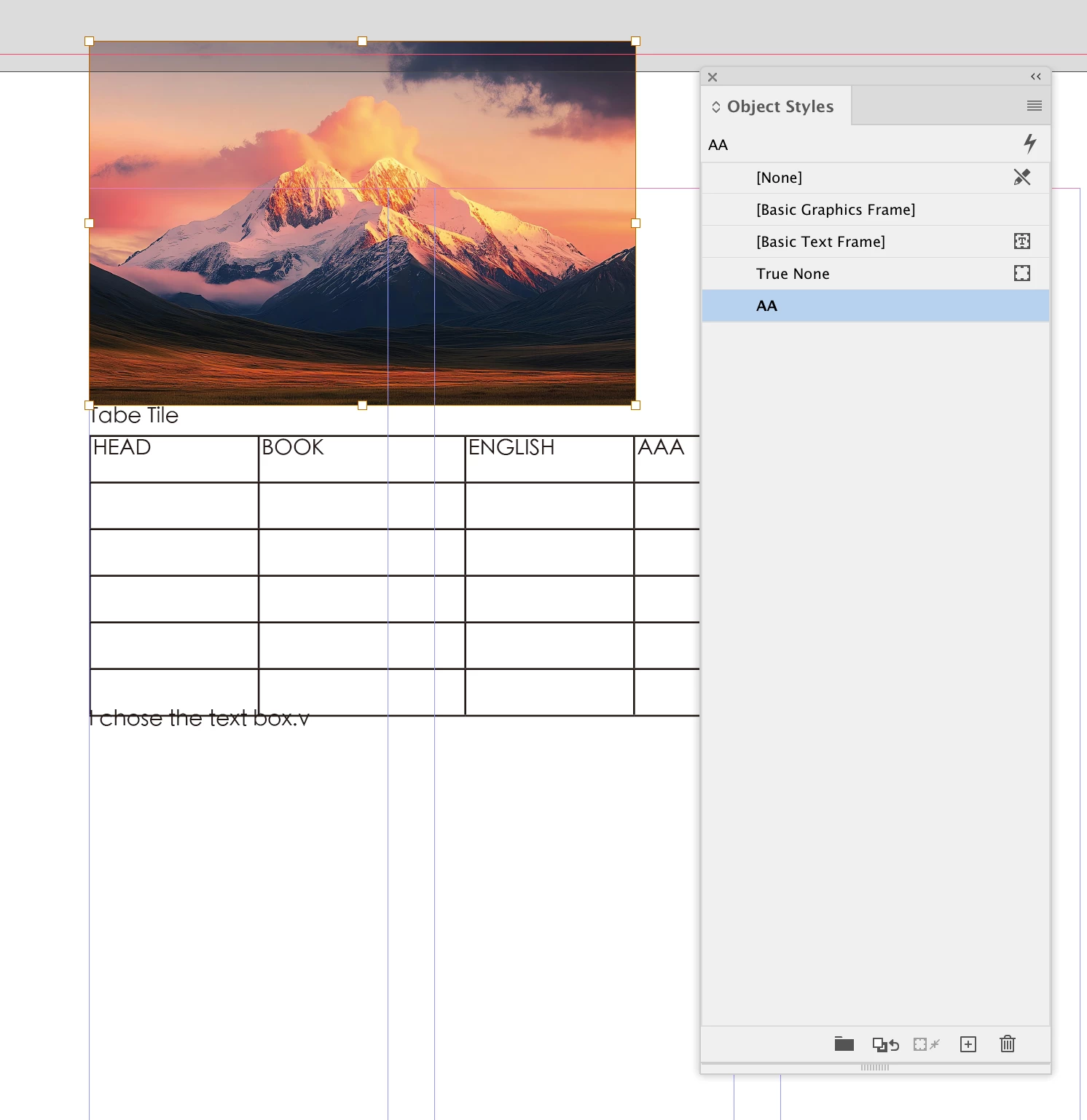
        sg[f].appliedObjectStyle = app.activeDocument.objectStyles.itemByName("AA");
    }
}


1 reply

rob day
Community Expert
rob dayCommunity ExpertCorrect answer
Community Expert
August 11, 2025
//a selection’s graphics as an array
var sg = app.selection[0].allGraphics
alert("There are " + sg.length + " graphics in the selection")
if (sg != null) {
    for (var f = 0; f < sg.length; f++) {
        sg[f].appliedObjectStyle = app.activeDocument.objectStyles.itemByName("AA");
    }
}


dublove
dubloveAuthor
Legend
August 11, 2025

Is it possible to clear the object style priority?
This does not seem to work for object styles.

Even if I set it in the object style, the frame does not seem to be removed.
I may need to add FRAME_TO_CONTENT.


dublove
dubloveAuthor
Legend
August 12, 2025

I don’t understand, when I apply the style to your sample with my script I get this


Thank you