



mariosc92500458
New Participant
November 9, 2021
Question

How to change language on bullets

  • November 9, 2021
  • 3 replies
  • 405 views

Hi there.

I want to change the language on the bullets but I can't find a way to do so.


Like the below image taken from Adobe's help page, I want to change the "a,b,c,d e.t.c." bullets in to another language, such as Greek. Like "α, β, γ, δ, ε etc"
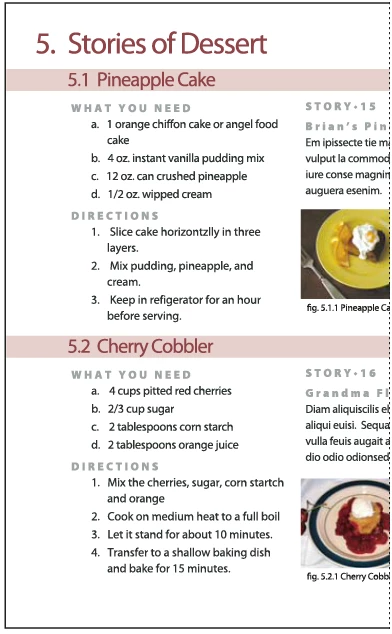
Is this possible? And if not.. WHY?

English is not the only language in the world.


This topic has been closed for replies.

3 replies

Willi Adelberger
Community Expert
November 9, 2021

You can change the language of the paragraph or the character style, but automatic helenistic numbers are at the moment not pssible, I think you have to o it manually.

Peter Spier
Community Expert
November 9, 2021

I haven't tried this, but I wonder if creating a character style for the bullets that uses a font with the requisite glyphs and assigns the language as part of the style would work.

Geоrge
Brainiac
November 9, 2021

You do need to install non-English version for having "foreign" bullets. If it will be Russian version it will be like а, в, г, д, etc. AFAIR, there is no "old" Greek version.


Remember, never say you can't do something in InDesign, it's always just a question of finding the right workaround to get the job done. © David Blatner
mariosc92500458
New Participant
November 9, 2021

Thanks for the answer, i know the workaround but it's time consuming and unfortunately there is no Greek Version...

Geоrge
Brainiac
November 9, 2021

You can do a feature request on InDesign.uservoice.com , send a link here and I and all other non-English guys will do add a voice. This is all that we can do. 

Remember, never say you can't do something in InDesign, it's always just a question of finding the right workaround to get the job done. © David Blatner