New Participant
June 8, 2025
Answered

How to create 2 Primary auto flow text boxes from master pages?

  • June 8, 2025
  • 3 replies
  • 491 views

Hello Everyone,
I need to edit a document with 2 different languages,
on the left column of the page is foreign language & on the right it is regional language.

since the document is a of 2000+ pages,
please help me with a solution how to make 2 auto flow text boxes without getting bumped into each other.

Thanks in advance
Correct answer rob day

I need to edit a document with 2 different languages,


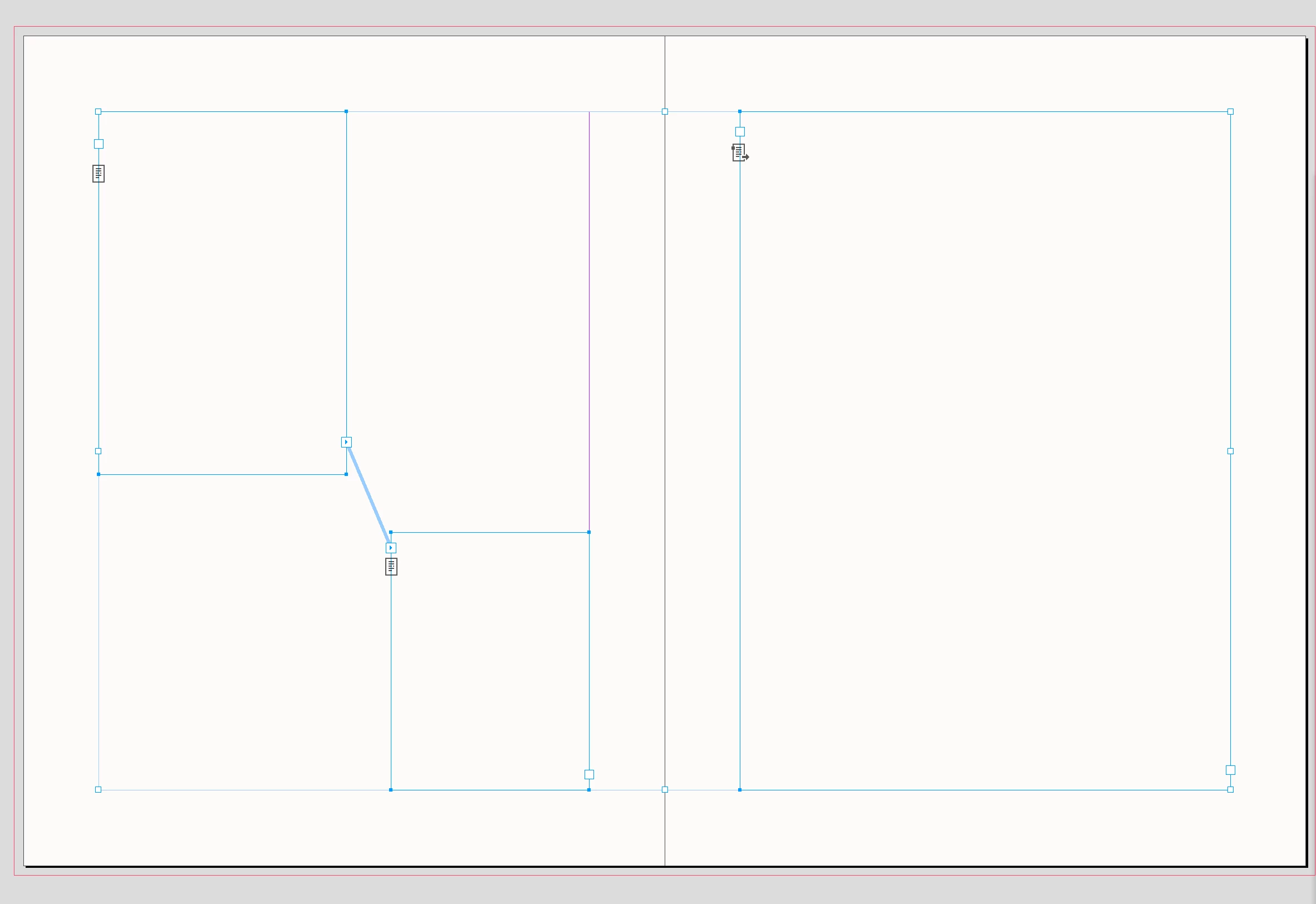
Hi @samuelputla , Not sure if this is a problem for you, but there can only be one threaded Primary Text flow on a Parent Spread:


If I make the frame on the right page Primary, the 2 threaded frames on the left convert to regular text frames


3 replies

rob day
rob dayCorrect answer
Braniac
June 8, 2025

I need to edit a document with 2 different languages,


Hi @samuelputla , Not sure if this is a problem for you, but there can only be one threaded Primary Text flow on a Parent Spread:


If I make the frame on the right page Primary, the 2 threaded frames on the left convert to regular text frames


rob day
Braniac
June 8, 2025

Sorry, missed @Dave Creamer of IDEAS ’s post.

Dave Creamer of IDEAS
Braniac
June 8, 2025

You can only have one set of left/right parent pages per spread. However, there is a workaround.

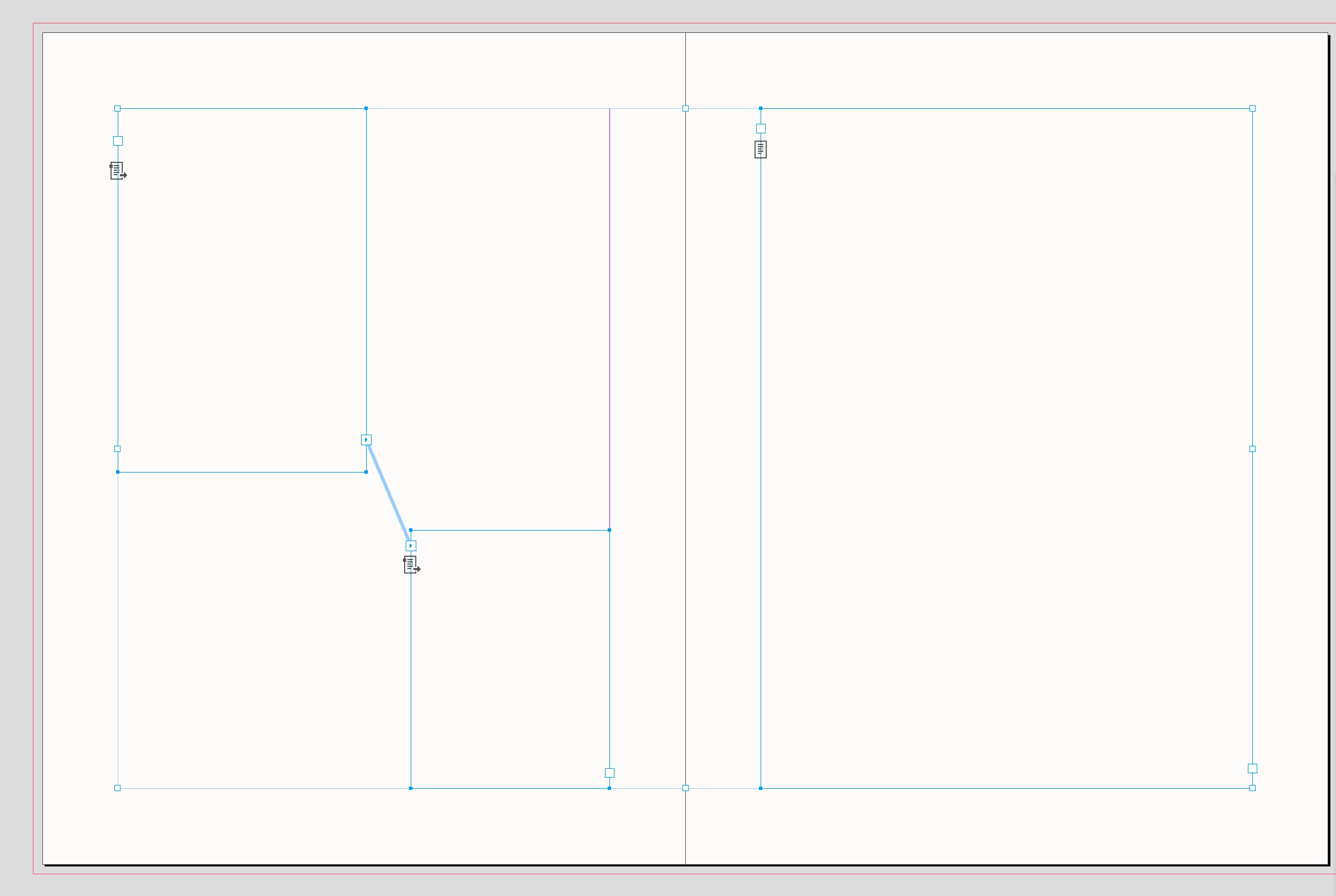
Create your parent pages, link the two frames. Right-click and set one as a primary frame.

The first frame is marked as the primary--note the little black arrow on the icon.

The first language will flow properly in the primary frames. 

For the other language, shift-click when flowing the text in the other column.

(Note: turning off the "Limit to Primary Text Frames" preference won't work properly. It will add in new pages and not flow the text side-by-side.)


David Creamer: Community Expert (ACI and ACE 1995-2023)
Dave Creamer of IDEAS
Braniac
June 8, 2025

Sorry if I missed this...

If you are doing a separate language on each page, not side-by-side columns, don't bother with the primary frame. Just shift-click when placing each text file.


David Creamer: Community Expert (ACI and ACE 1995-2023)
Braniac
June 8, 2025

On the Parent Page - set up your two text frames - is it facing pages? If it it is then link the text frame from the left column on the left side to the text frame on the right side. 


Do the same for both frames. 


Then it should autoflow to those frames only - you can flow the entire text then. 


Let us know if you need help setting it up.