

Known Participant
January 13, 2025
Question

How to create an interactive checkbox in a table?

  • January 13, 2025
  • 1 reply
  • 732 views

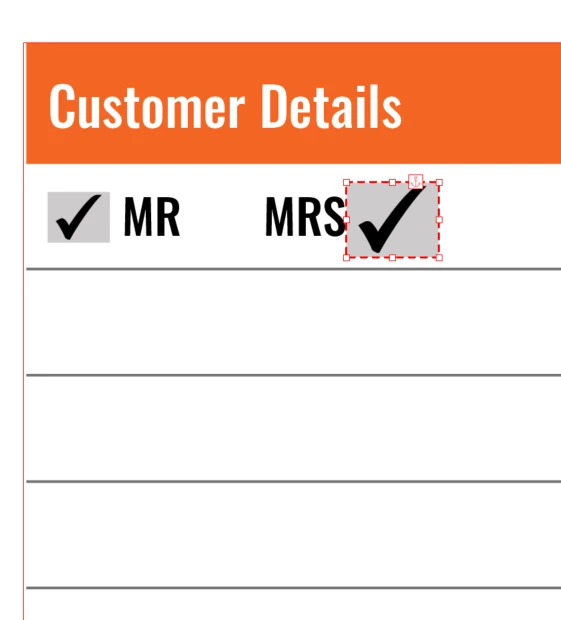
How do I create an interactive checkbox inside a table and have control over its alignment with other checkboxes and make the spacing equal between other boxes?

 

1 reply

TᴀW
Brainiac
January 13, 2025

A checkbox is just an inline object (i.e., a sort of anchored object).

So just make sure that all its settings are the same as all the other checkboxes and it should line up.

It's probably easiest to create a single checkbox and get it looking as needed, and then just copy/paste it to other places in the table.

Known Participant
January 13, 2025

I havn't placed a checkbox into a table before can you send a sample file of how to create this?

TᴀW
Brainiac
January 13, 2025

I'm not in front of InDesign right now, but it's simple enough: Just create a checkbox anywhere (say on the pasteboard), that is, create a text frame, select it, and in the Buttons and Forms panel convert it into a checkbox.

Next, copy the checkbox you've created, click with the Text tool in a cell in a table and paste. The checkbox you copied will now be an inline object located wherever the text cursor was.

Repeat as needed.