


Participating Frequently
April 13, 2023
Answered

How to create booklet from a multi-document book.

  • April 13, 2023
  • 2 replies
  • 3786 views

Please help.

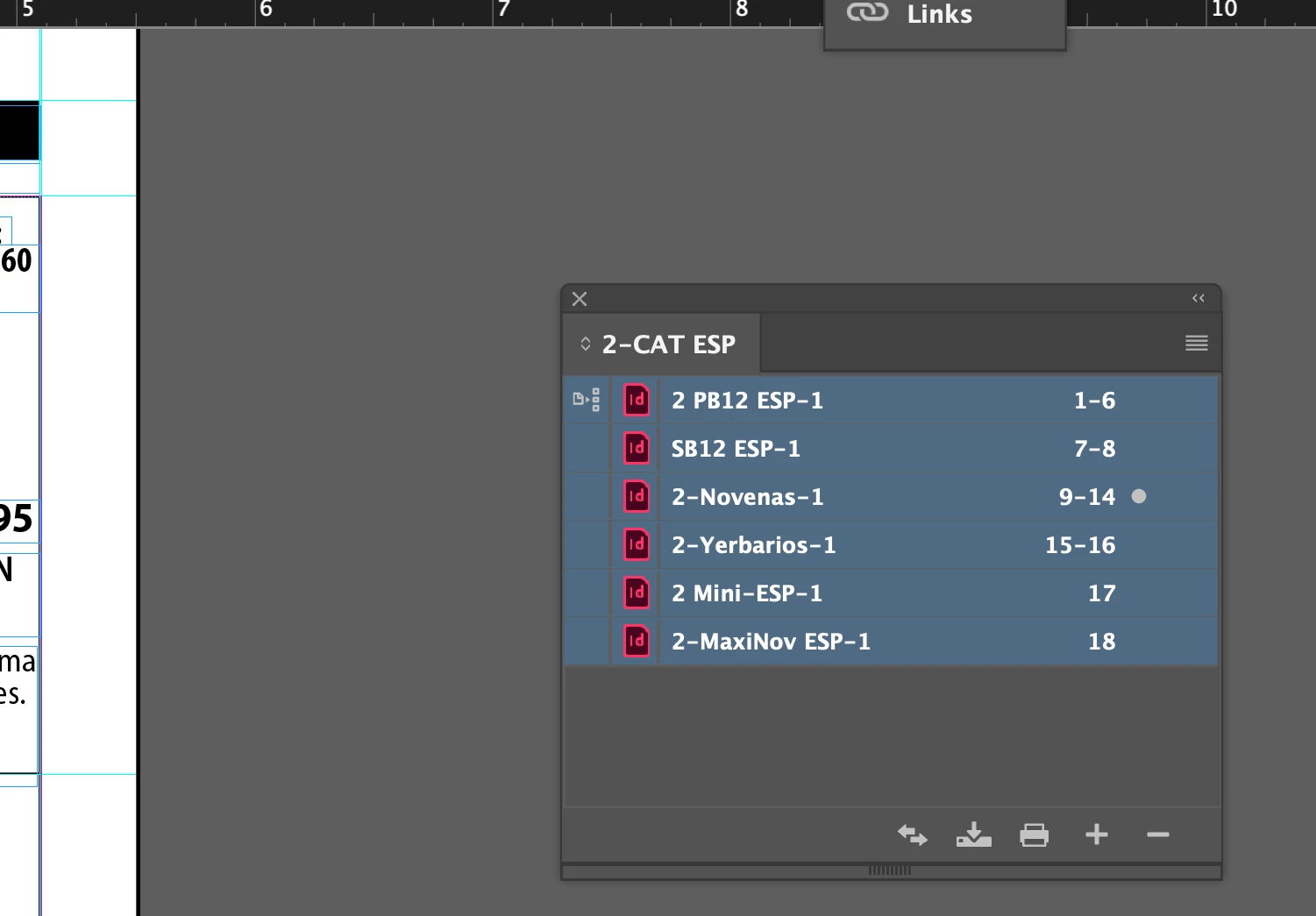
I have a multiple document book (see attached file) that I need to print as a booklet.

For the life of me I cannot find how to do it.

This document will have 32 pages (created in segments by data merge and put together in a book).

When I send the book to print, the only option it gives me is to print it directly, not as a booklet.

How do I go from here to print a multi document book into a booklet?

Thanks in advance.
 

This topic has been closed for replies.
Correct answer Jeffrey_Smith

Unfortunately there is no Print Booklet option available within a book file.


If you want to use Indesign's print booklet feature, here is a workaround. From the book file, export a PDF. Create a new Indesign document. Use the Place Multiple Page PDF script with the combined PDF. This will have 32 single pages that you can use print booklet to create a proof.

2 replies

Jeffrey_SmithCorrect answer
Community Expert
April 13, 2023

Unfortunately there is no Print Booklet option available within a book file.


If you want to use Indesign's print booklet feature, here is a workaround. From the book file, export a PDF. Create a new Indesign document. Use the Place Multiple Page PDF script with the combined PDF. This will have 32 single pages that you can use print booklet to create a proof.

James Gifford—NitroPress
Brainiac
April 13, 2023

That may be a better solution than mine, but both start with just exporting the Book to PDF as a first step. Me, I'd prefer to manage it further in Acrobat, since the goal here is a document anyone (not a designer with ID) can print to a booklet stack.


Community Expert
April 13, 2023

Export the Book into a PDF file, and then print your booklet from the PDF.

Participating Frequently
April 13, 2023

The thing is that I need to save it to PDF and Adobe PDF reader does not let me do that.


Participating Frequently
April 13, 2023

InDesign has a direct PDF export.


For production purposes, I need to provide a PDF file of my booklet so they can print it directly from the printer. I can't find a way to save my multiple document book into a PDF file in a booklet format (two pages per page) .