

Answered
How to cut out the white background from a picture in Indesign?
Can anybody let me know how to cut out a white background from a picture in Indesign?
I tried with the clipping path and it does not really detect the edges. 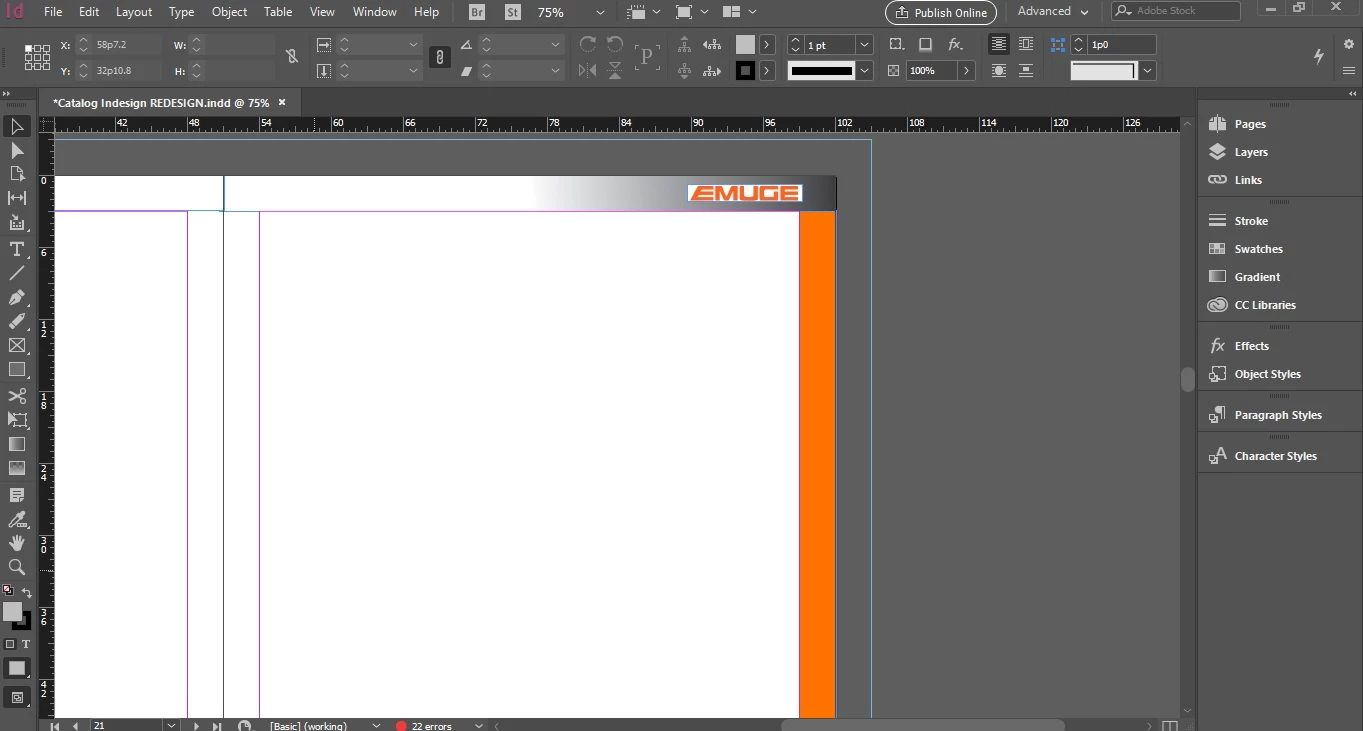
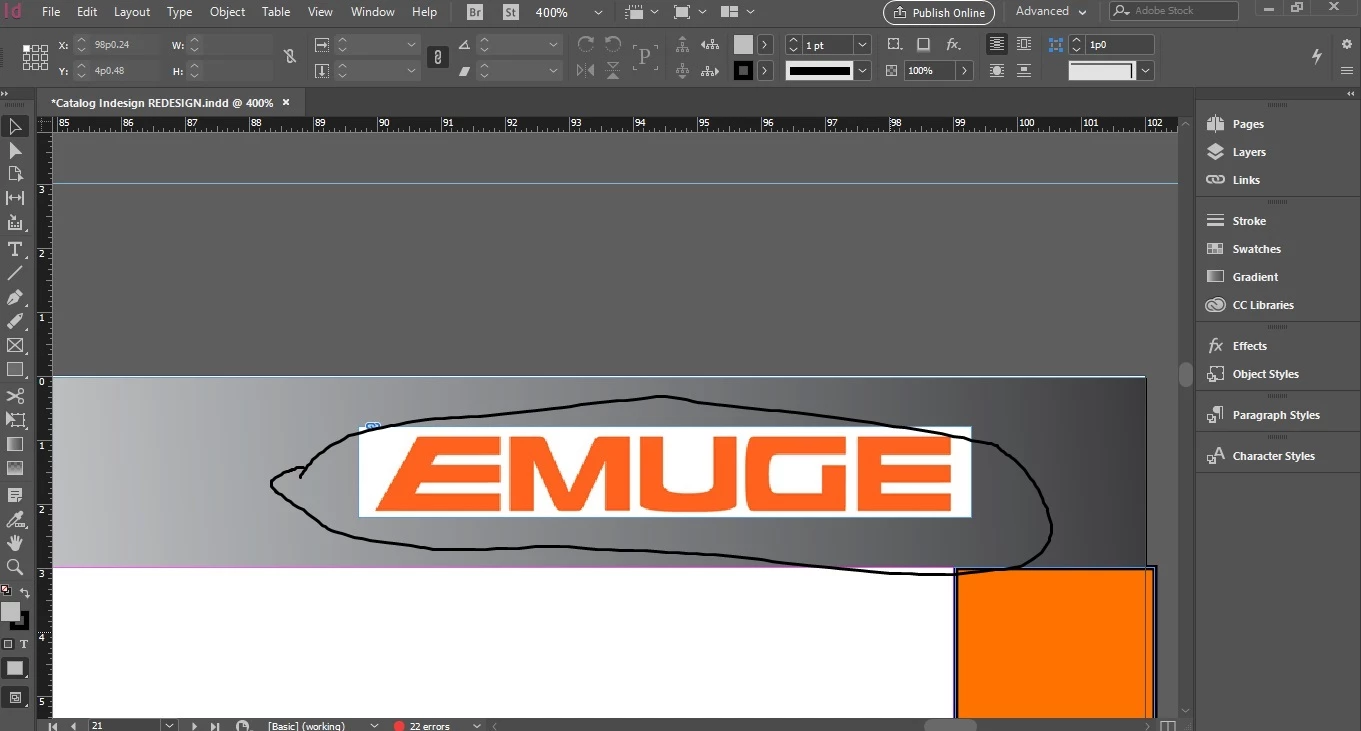

Can anybody let me know how to cut out a white background from a picture in Indesign?
I tried with the clipping path and it does not really detect the edges.
I’d take it into Photoshop and remove the white background there, then Place it into InDesign as PSD or PNG.
Already have an account? Login
Enter your E-mail address. We'll send you an e-mail with instructions to reset your password.
 AdChoices