


Known Participant
October 11, 2024
Answered

How to display tall document in scrollable fullscreen mode?

  • October 11, 2024
  • 5 replies
  • 1741 views

I'm creating a tall document of 1920x10800p (for the purpose of a scrollable website with the dimension)
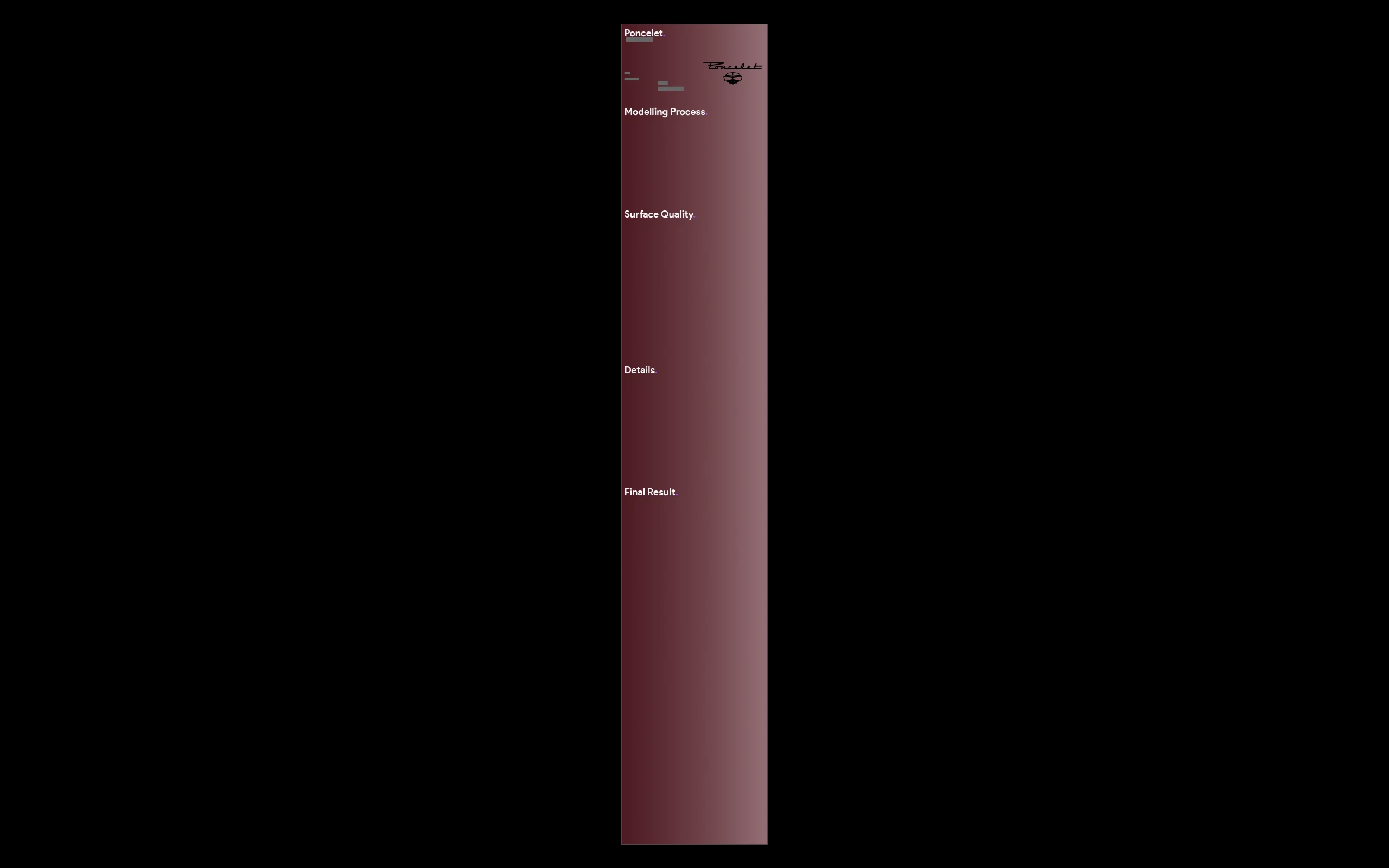
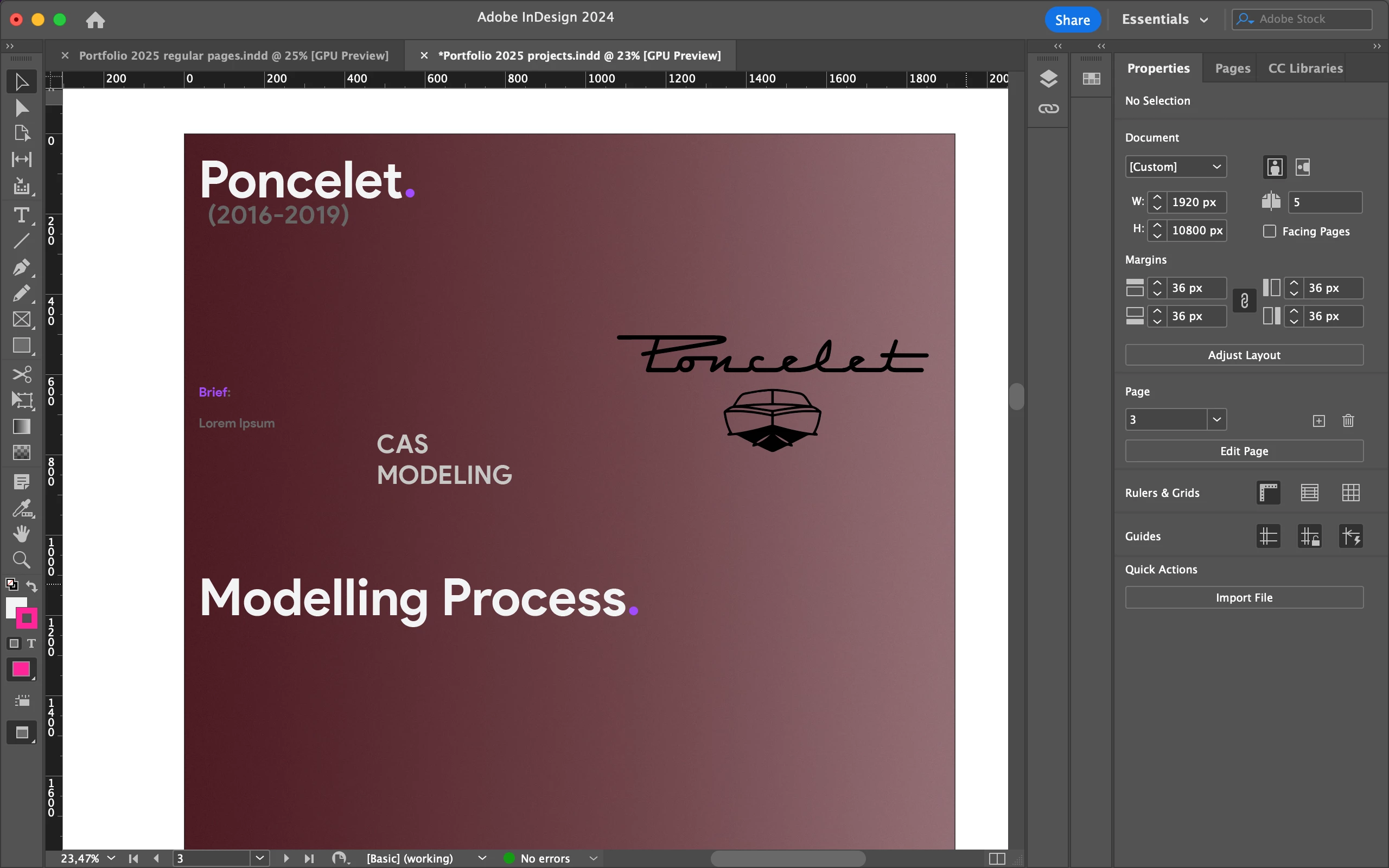
I would like to enter full screen mode in 1920x1080p resolution to see how everything would eventually look like in terms of dimensions and readability once I publish it.

When I press shift+W it shows me the enitre image very small in the middle of my screen. 

Is it possible to do this? If not, are there any workarounds? 


Thanks in advance for your replies! 

This topic has been closed for replies.
Correct answer Eugene Tyson

AFAIK you cannot zoom in when in that View Mode

There are several workarounds - that involve you leaving InDesign.


A similar way without leaving indesign is with nothing selected hit TAB key and it should hide all the panels and tools (hitting it again should show them again).

And you can zoom in or out and scroll as you normally would.

You can even change the background to Black in the Preferences


Hope that helps.

5 replies

Robert at ID-Tasker
Brainiac
October 12, 2024
quote

If not, are there any workarounds? 


By @Quentin24613715oiw6


Do it the right way - as separate pieces. 


Then upload as bunch of images. 


Doing it in one piece means that author of the example has no idea how material for the website should be prepared. 


New Participant
October 15, 2024

I'm open to do it in seperate pieces but how do I paste images that cross the borders?
Do I have to cut them each time? 
The whole reason I created the 1 big page is to avoid this issue and get a much clearer and easier idea of the layout...

Known Participant
October 17, 2024

https://helpx.adobe.com/uk/indesign/using/pages-spreads-1.html


Oooh ok, so I create a 2 page spread and rotate them 90 degrees. This way I have a banner of 2 pages long split in 2, correct? 

Or is it possible to create a 30 page spread and rotate those 90 degrees as well? 

Eugene TysonCorrect answer
Community Expert
October 12, 2024

AFAIK you cannot zoom in when in that View Mode

There are several workarounds - that involve you leaving InDesign.


A similar way without leaving indesign is with nothing selected hit TAB key and it should hide all the panels and tools (hitting it again should show them again).

And you can zoom in or out and scroll as you normally would.

You can even change the background to Black in the Preferences


Hope that helps.

New Participant
October 15, 2024

Thank you for this workournd, much appreciated!

James Gifford—NitroPress
Brainiac
October 11, 2024

If you put the document on a website in image form, it will be inherently scrollable according to the browser window size, and load from the top down to the first screenheight. The issue will be exporting it with enough resolution for small type to be clear and readable.


If this is destined for Publish Online, there are probably better approaches.

Known Participant
October 12, 2024

Exaclty, my intentions are to upload it on my behance, a bit like this: 


https://www.behance.net/gallery/183845113/PORTFOLIO-2024-Digital-Design 

"The issue will be exporting it with enough resolution for small type to be clear and readable."
Indeed, that's why I'm trying to figure out how I can preview the doucment in scrollable fullscreen without having to constantly upload it and adjust it along the way...


BobLevine
Community Expert
October 12, 2024

Can't you put a PDF on Behance?

BobLevine
Community Expert
October 11, 2024

Publish it how? Do you really intend for it to be scrollable? Are you thinking about it being a Publish Online document? You could conceivably do it with Universal Scrolling Frames but I'm not sure how successful you're going to be.

Known Participant
October 12, 2024

I want to publish it on behance, similar to this: 


https://www.behance.net/gallery/183845113/PORTFOLIO-2024-Digital-Design 

Steve Werner
Community Expert
October 11, 2024

Why would you be creating a scrollable website in InDesign?


InDesign isn't designed for creating websites (although some web features can be created with a great plug-in called "in5" from Ajar Productions).


Known Participant
October 12, 2024

I'm creating the images for my behance portfolio, so not exactly my own website.

I wrongly worded it, my bad. 


This is where I got the idea from: 

https://www.behance.net/gallery/183845113/PORTFOLIO-2024-Digital-Design