


Known Participant
March 28, 2020
Answered

How to embed a font in Epub format

  • March 28, 2020
  • 2 replies
  • 19954 views

Hello


1

I want to make an e-book in the fixed layout format. The file format should be Epub. I am exporting my file from Indesign, but I do not find any option or setting to embed a font. So how do I embed a font in Indesign, or is it done automatically when I export to Indesign?


2

And of course I need my chosen font to be seen by the end users on their Epub-readers, without any conversion of the font, that I am using in the file.


Are all Adobe fonts embeddable? And how about TTF and OTF, are these font types also embeddable?


I am using the font Foco (an Adobe font) and I have a license to Adobe Creative Cloud, but does this license allow me to use and distribute an Adobe font embedded inside a file in the Epub format.


3

And if you have any other advise on what to take note of, then please share it. 


Does making an Epub require skills in CSS and HTML or any other programming language?


Thank you
Correct answer manal shanableh

Sorry, I missed that this thread was about FXL EPUB.


Fixed layout EPUB, at least as exported from InDesign, always embeds the fonts. There is no export or menu option to control or manage it. 


CSS is the document style sheet. It can define fonts used for each style, and include font loading directives, but the actual inclusion of font files in the EPUB document is managed by the export process. CSS has nothing to do with that aspect. 


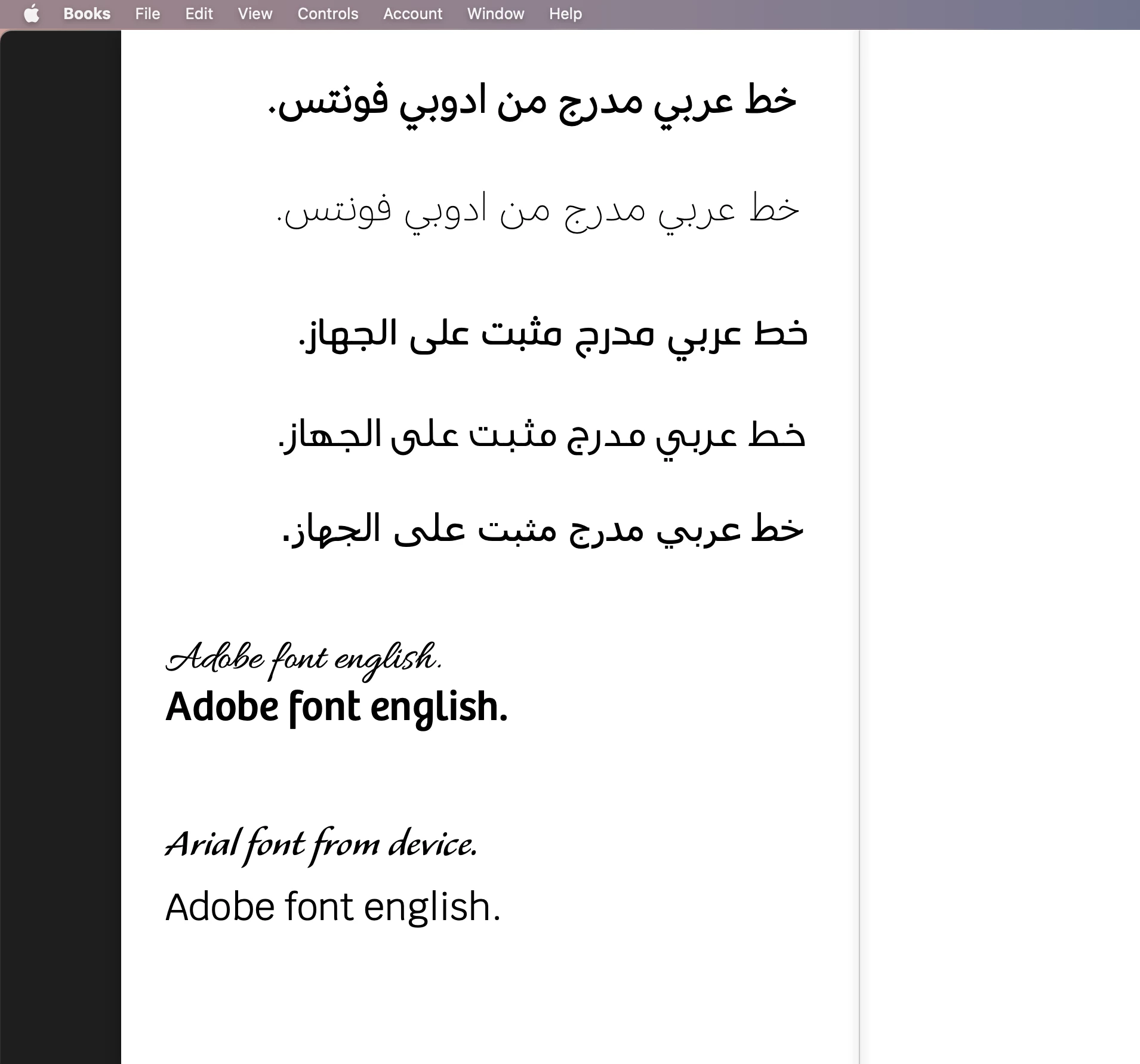
i just solved the issue for css, edited it and fixed the issue with RTL style to be readed well in an epub reader, last days, i had to fix the arabic text i fixed epub with OUTLINE the text. but now its DONE 


2 replies

rob day
Community Expert
Community Expert
March 28, 2020

Are all Adobe fonts embeddable? And how about TTF and OTF, are these font types also embeddable?


Yes, Adobe fonts are included with the .epub package and are listed in the ePub’s CSS style sheet.


Does making an Epub require skills in CSS and HTML or any other programming language?


There is the option to add additional CSS style sheets, but that’s not a requirement.

Known Participant
February 7, 2022

So... once again - extremely let down by Adobe apps.


I have two books I have created for authors - gorgeous 250 and 480 page books that can only be handled as fixed layout epubs. InDesign handles this remarkably well.


I saw a few issues with overlapping images - looks great in print - but doesn't export. This needed to be in CMYK colour for print, so PNG was not possible in the print layouts, and updating both books given the amount of images... not possible. So the authors were OK with opaque overlaying in the epubs.


But where InDesign fails miserably - yet again - it's always something... embedding fonts. Why is there no checkbox in the export process that specifically requests embedding fonts?


So, of course I look up all of the help online and find many complaints and a few resources. Adobe cannot possibly not know this shortcoming in their flagship software. Why is this Adobe?


Anyways, if a simple little app like Sigil [www.sigil-ebook.com] actually worked I wouldn't be pulling my hair out, but Apple deems it as malware.


So - appears the only solution is to hack it open and inject custom css. Adobe can't even provide within its own app a simple "embed font" css stylesheet. Do I risk using a template from online only to find out it has hundreds of lines of code that adversely affect my book in other ways? Nope.


Adobe [and I know Adobe is not listening - I've posted in these forums before, Adobe is nowhere to be found due to their extreme lack of support, i.e. - if I wanted the manual read to me I would get my nephew to do so.


I need to embed fonts in two major book projects and once again, Adobe has let me down.


Need to stop paying all this money for such lacking software.

Known Participant
February 7, 2022

This needed to be in CMYK colour for print, so PNG was not possible in the print layouts


The practice of placing CMYK images is a hangover from the 90s when there was no reliable color management in pagelayout apps. The same color managed CMYK color conversions that you make in Photoshop can also happen on an Export to PDF by setting the Output Destination to the correct CMYK profile, or the conversion can happen in the RIP at output when the CMYK destination profile is known. For future projects, which need to be output for both print and screens, you might consider placing profiled RGB images with Overprint Preview turned on.


Hi, while I realize I may sound like a dinosaur here... I simply cannot fathom why Adobe would have any mechanism to export to any epub format without the built-in ability to embed fonts. This has been a part of PDF generation for decades.


And as for the CMYK image work... first... the colour elements were gradients created within InDesign in colours that match full colour images that were colour-balanced for print - I required control of the colour image work, not just create RGB images and hope for the best. Many of the images required solid blacks - generating this as an RGB image would be unacceptable for print. I did, however, convert a few images that did not originally translate well in the epub test to RGB so that they would cooperate, but have the CMYK images for print if they ever need updating for print again.


Thanks.

Derek Cross
Community Expert
Community Expert
March 28, 2020

Adobe Fonts are licenced for use on ePubs. OTF fonts are recommended.

Linkedin Learning has some excellent online video tutorials on creating ePubs with InDesign. You can get a 30-day free trial.

Knowing a bit of HTML and CSS is helpful in creating ePubs.