Inspiring
April 29, 2024
Answered

How to export a 3-up pdf from InDesign

  • April 29, 2024
  • 2 replies
  • 1743 views

Hi guys-

I have a 600 page document.  Each page has a number from 1 to 600.

I need to export out to a pdf file that has a 3-up arrangement.  
So, the first page would have pages 1, 2 and 3 on it.  The second would ahve 4,5 and 6 on it, etc.

I'm not finding a script or instructions on how to do this.  I may be that I'm not looking for the correct thing.

Any help would be appreciated.
This topic has been closed for replies.
Correct answer rob day

We're close, but the catalog script still makes the page 8.5 x 11 portrait.
The script also puts a vertical space between the images no matter what setting I select.


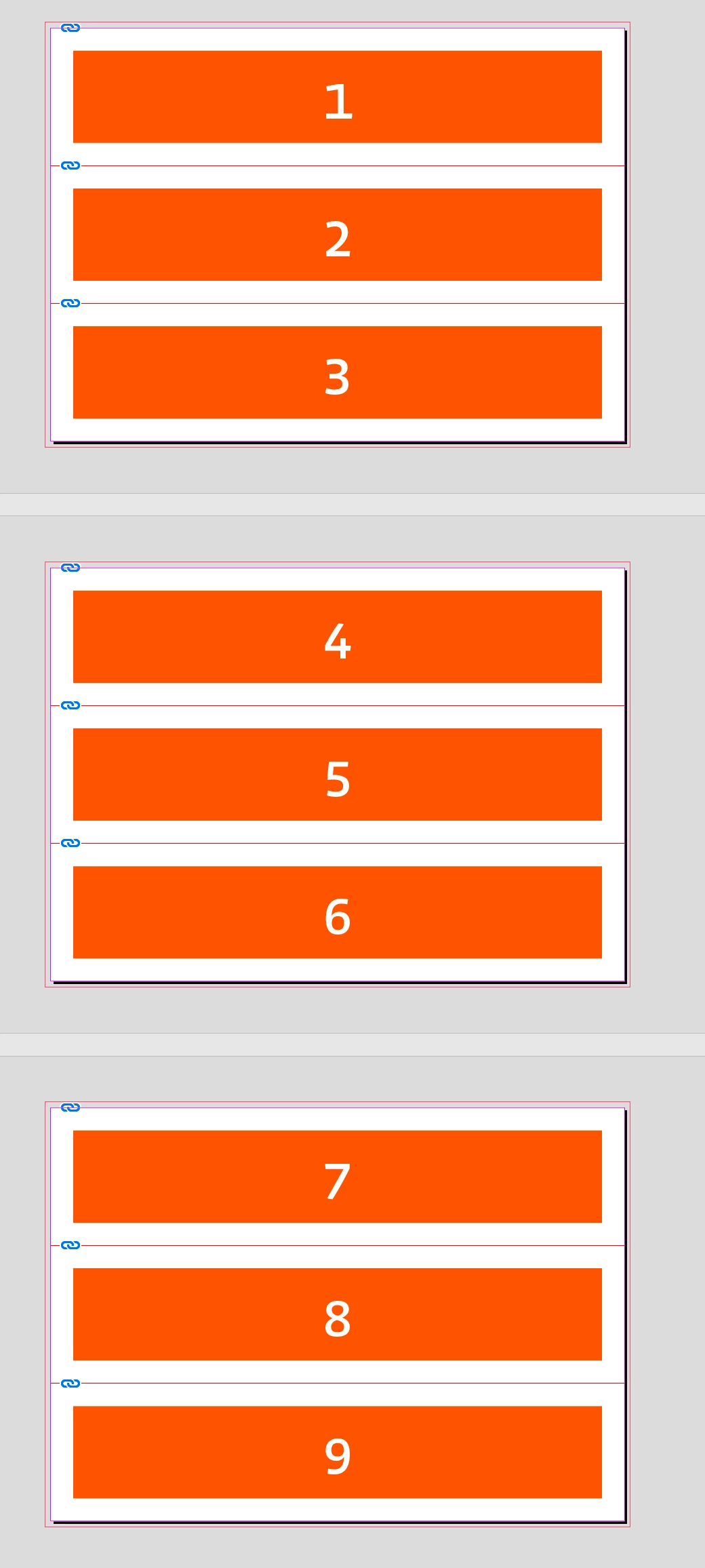
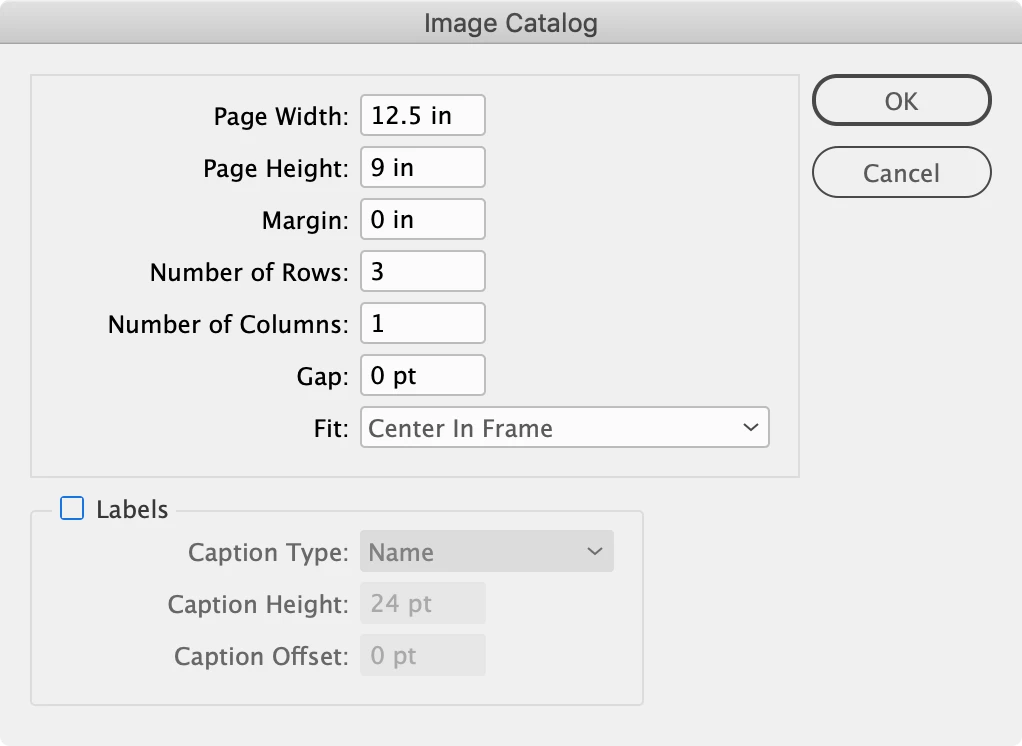
Try this catalog script—it lets you set the page size:


https://www.dropbox.com/scl/fo/yga2uuc0c1sqvh7nj4uyb/AGul7Z5qI1lGwsUw9OnwBAY?rlkey=dvyou9c467uka05c16pomym1w&dl=0


Dialog setup:


Pages:


2 replies

rob day
Community Expert
April 29, 2024

Hi @Case0535 , If you can Print a PDF, Print Booklet will do it if you set the Booklet Type to 3-up Consecutive. You’ll need the Adobe PDF 9.0 PPD in order to set a custom paper size


Case0535Author
Inspiring
April 29, 2024

So, you do the '3-up' set up in Adobe Acrobat?

Robert at ID-Tasker
Brainiac
April 29, 2024
quote

So, you do the '3-up' set up in Adobe Acrobat?


By @Case0535


Print Booklet option available in InDesign. 


Case0535Author
Inspiring
April 29, 2024

Thanks - I'll give it a shot-

Robert at ID-Tasker
Brainiac
April 29, 2024

@Case0535


You could also export as individual pages and then use Image Catalog script - included with InDesign.