


Participant
September 17, 2024
Answered

How to Export Individual Pages with the Numbering and Section applied to the document pages

  • September 17, 2024
  • 1 reply
  • 1097 views

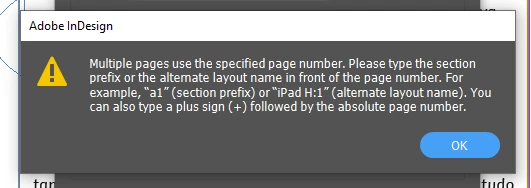
This is the message I get when I try and export individual pages with the numbering and section applied to it. I do not understand this message clearly. When I try to do what its says I still get this messge.
 

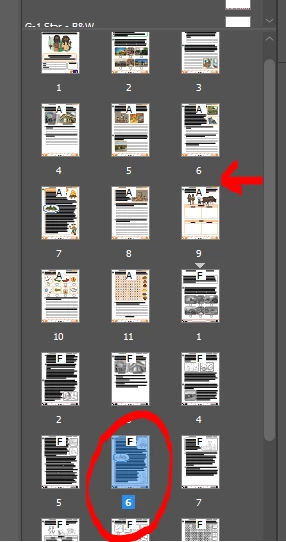
Below is the file where the pages have different page numbers applied. As you can see there is 2 docouments that have the nimber 6 to its page. I want to export just the page that is circled red.

How do I do this?


<Title renamed by MOD>
This topic has been closed for replies.
Correct answer Peter Kahrel

Hi Peter,


So this is a works template created by some one in the Design Development team. This is what the set up is from the template I download.


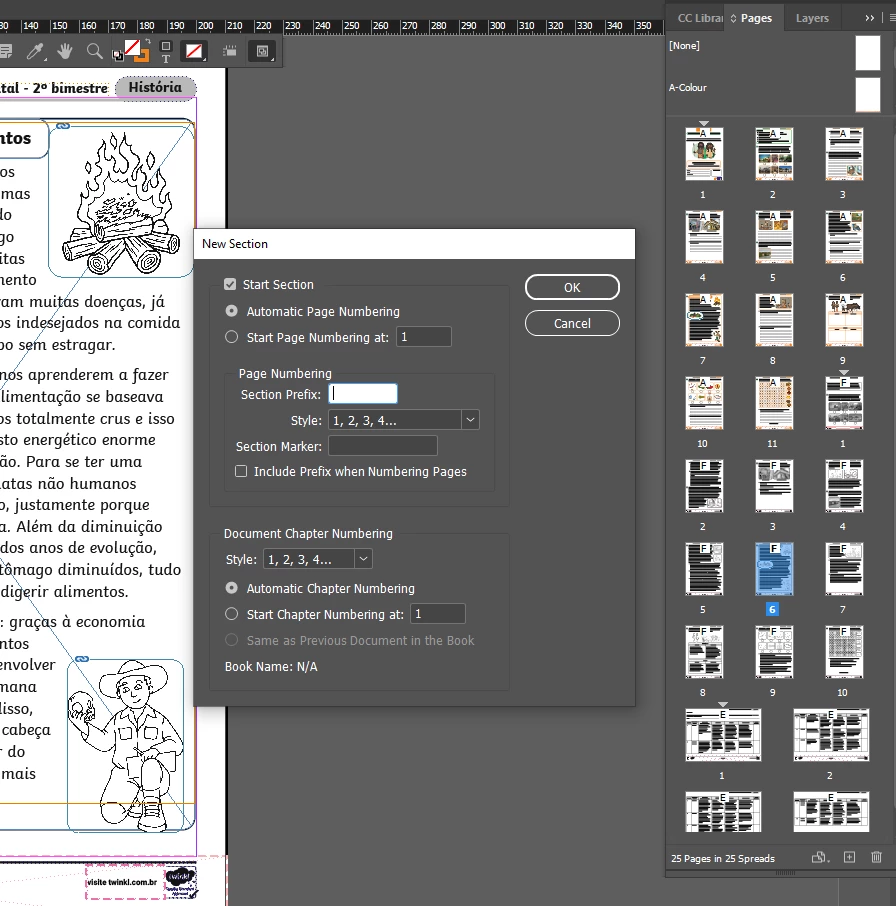
Enter F in the Section Prefix field (the cursor is already in it), click OK, and check whether the prefix appears in front of the page numbers in the Pages panel. If it does (it should) try the export again.

1 reply

Community Expert
September 17, 2024

The message indicates that you can use the section letter followed by the page number (F6) or the document offset of the page (+17). Did you try either of these?


The F6 format works only if you included the section prefix in the section set-up. The +17 format should always work.

Participant
September 25, 2024

Hi Peter,

Do you mean ad F6 to the export option in the page range like in the image attached. If so I did that and it doesnt work I still get that error message popping up.

Participant
September 25, 2024

Works fine when I try it with PNG (thought you exported PDF earlier).

But I now see that in your screenshot, in the Pages panel, the section prefix doesn't appear. It should. Why doesn't it?


Can you select the first page in the F section and post a screenshot of the Numbering & Sections Options window?


It was a PNG original I wantt o export but the message still comes up on a pdf version. Here is the first page with the F letter on it in my pages panel.