john_problem
Known Participant
July 25, 2018
Answered

How to mass update formatting style for all objects that have a specific paragraph style

  • July 25, 2018
  • 1 reply
  • 2599 views

Hi!

So I'm trying to change object style of all objects, that have a particular paragraph style inside. Is it possible?

The problem is - I have a small text field that's multiplied 200x in the project. It holds a particular variable, that has a certain paragraph style attached. But it doesn't fit (the text field is too small). So I'd like to expand all the 200x text fields at once. I wanted to do it with mass replace of the object style, but I don't know how to narrow down the ones that I need. The only thing in common is the paragraph style, and the text, but Indesign's Find > Object, doesn't allow to search for any of those.

Any ideas?

D.
    This topic has been closed for replies.
    Correct answer Barb Binder

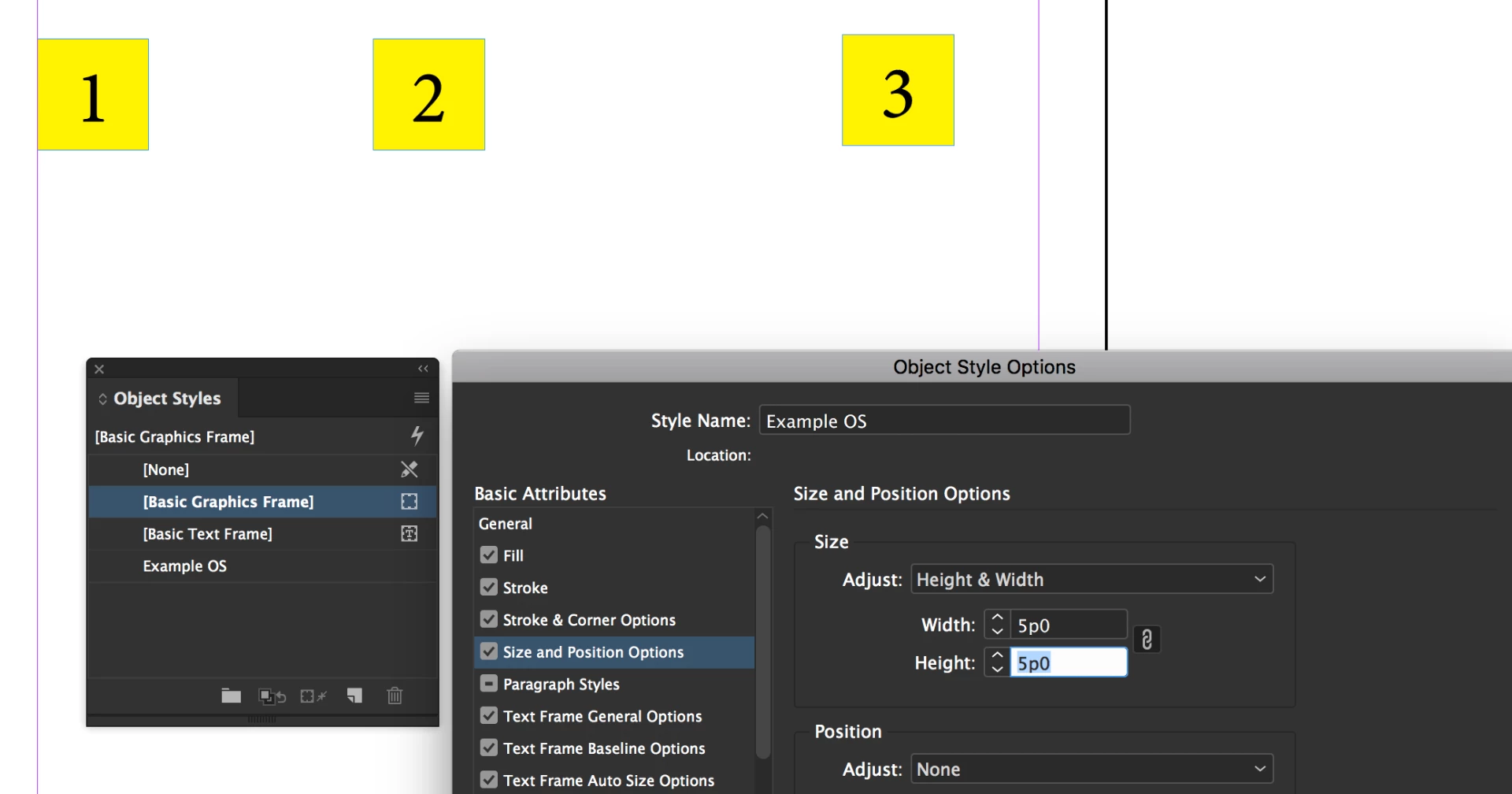
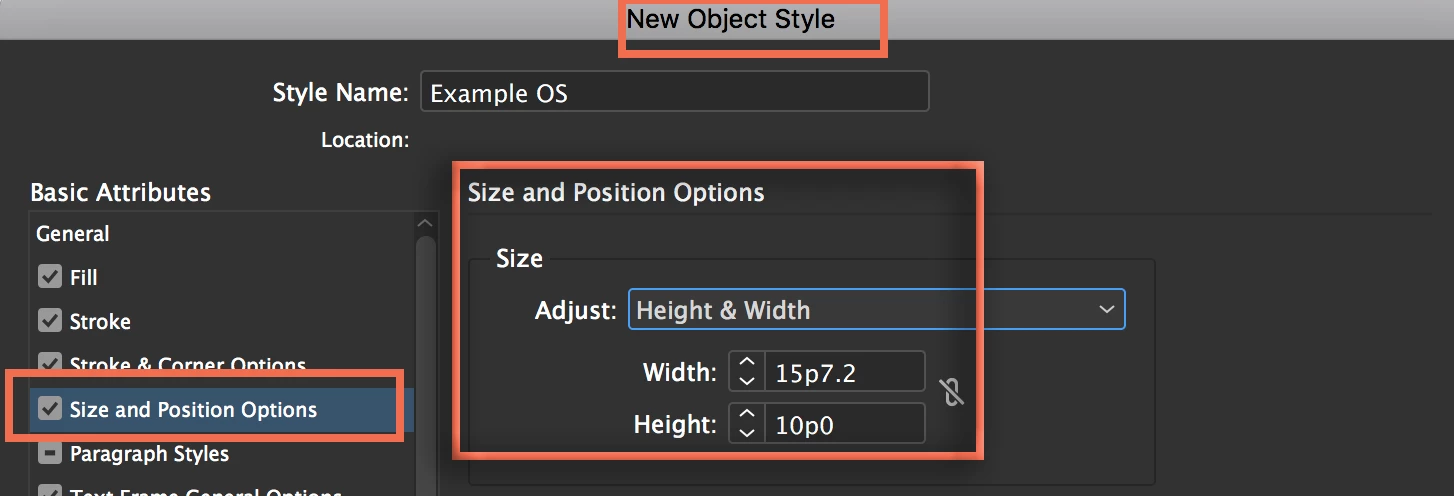
    An object style can define the size of the frame it is assigned to.

    1. Set up the object style with the size options specified


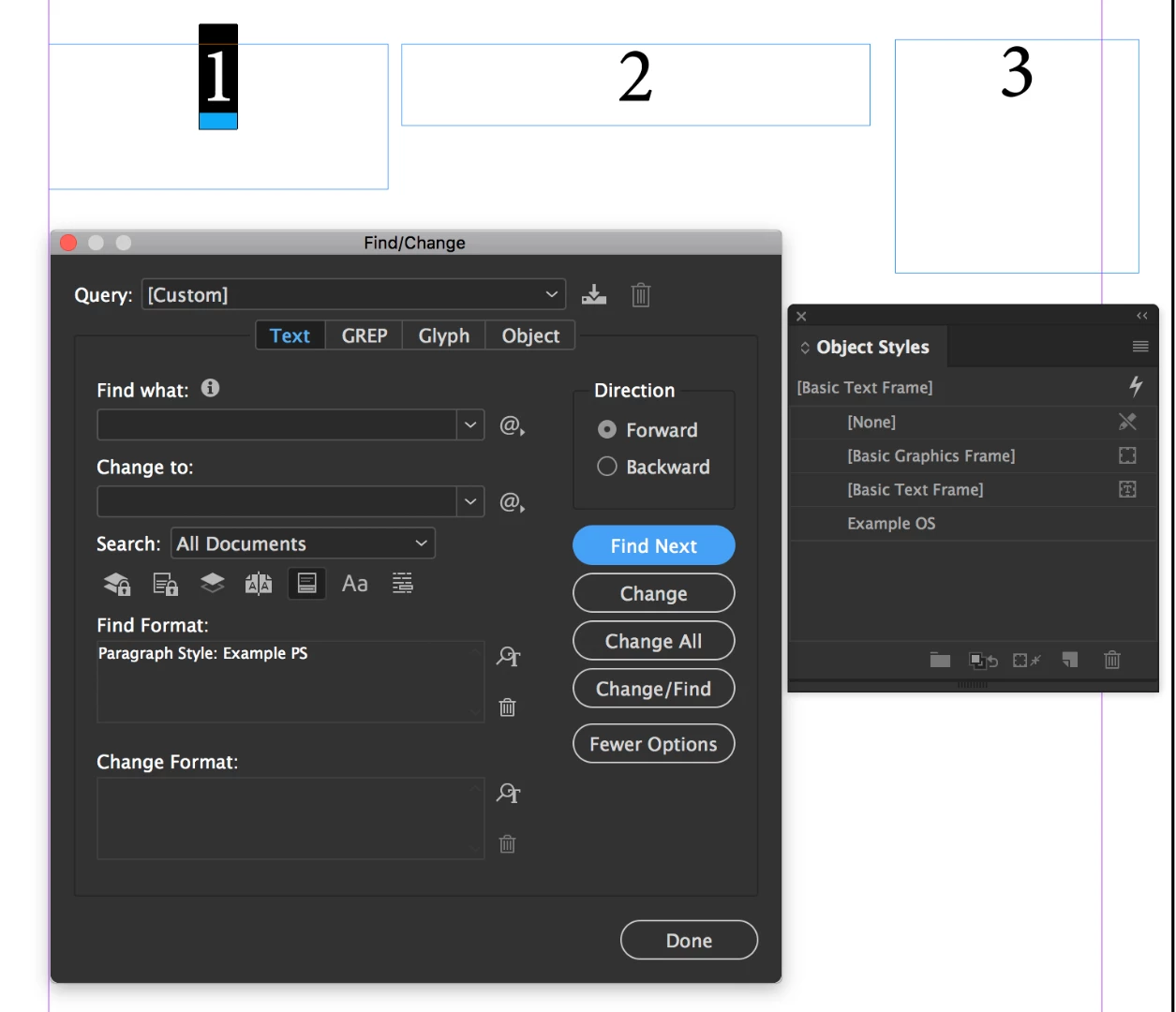
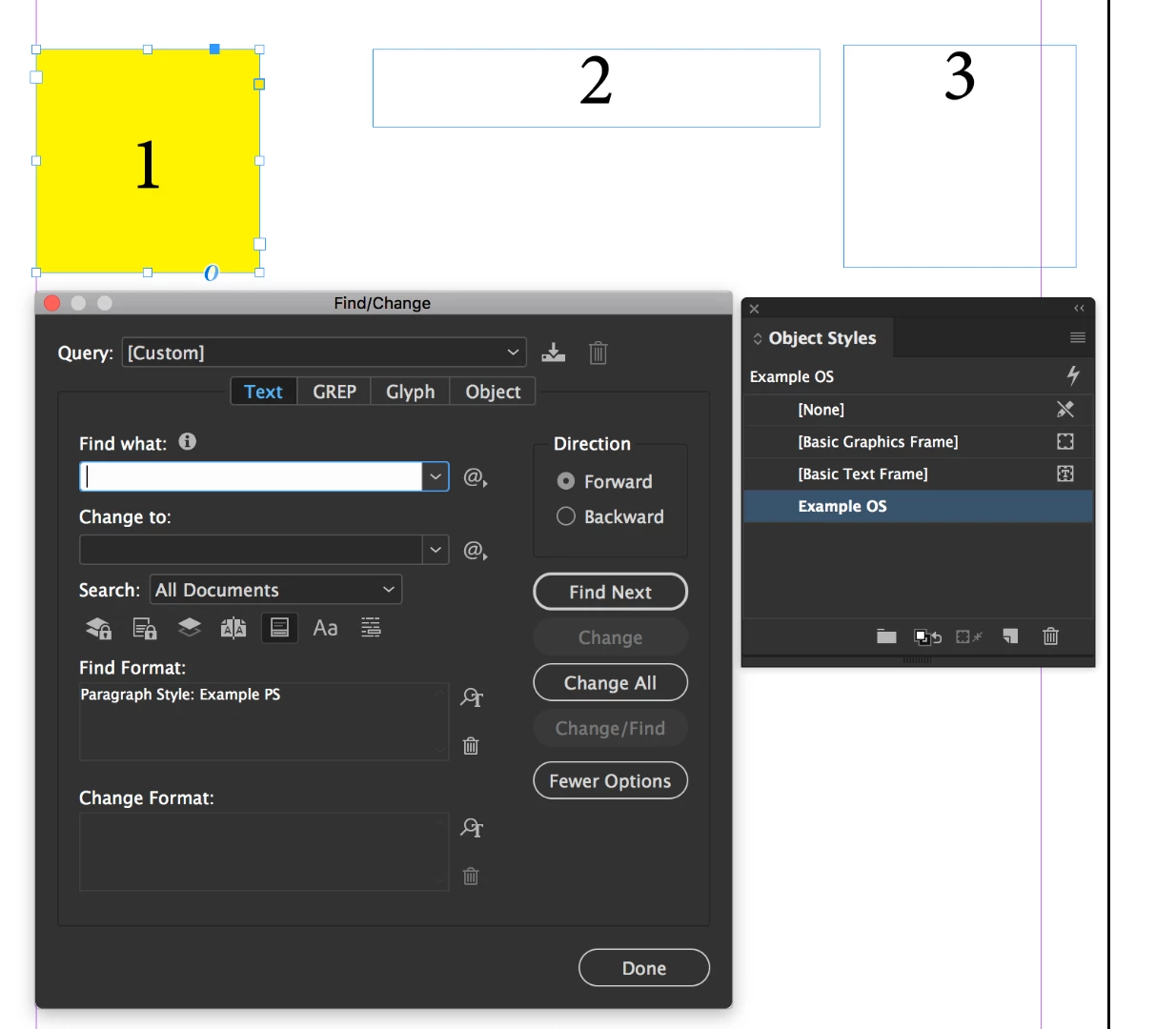
    2. Then use Edit > Find the locate the specific paragraph style
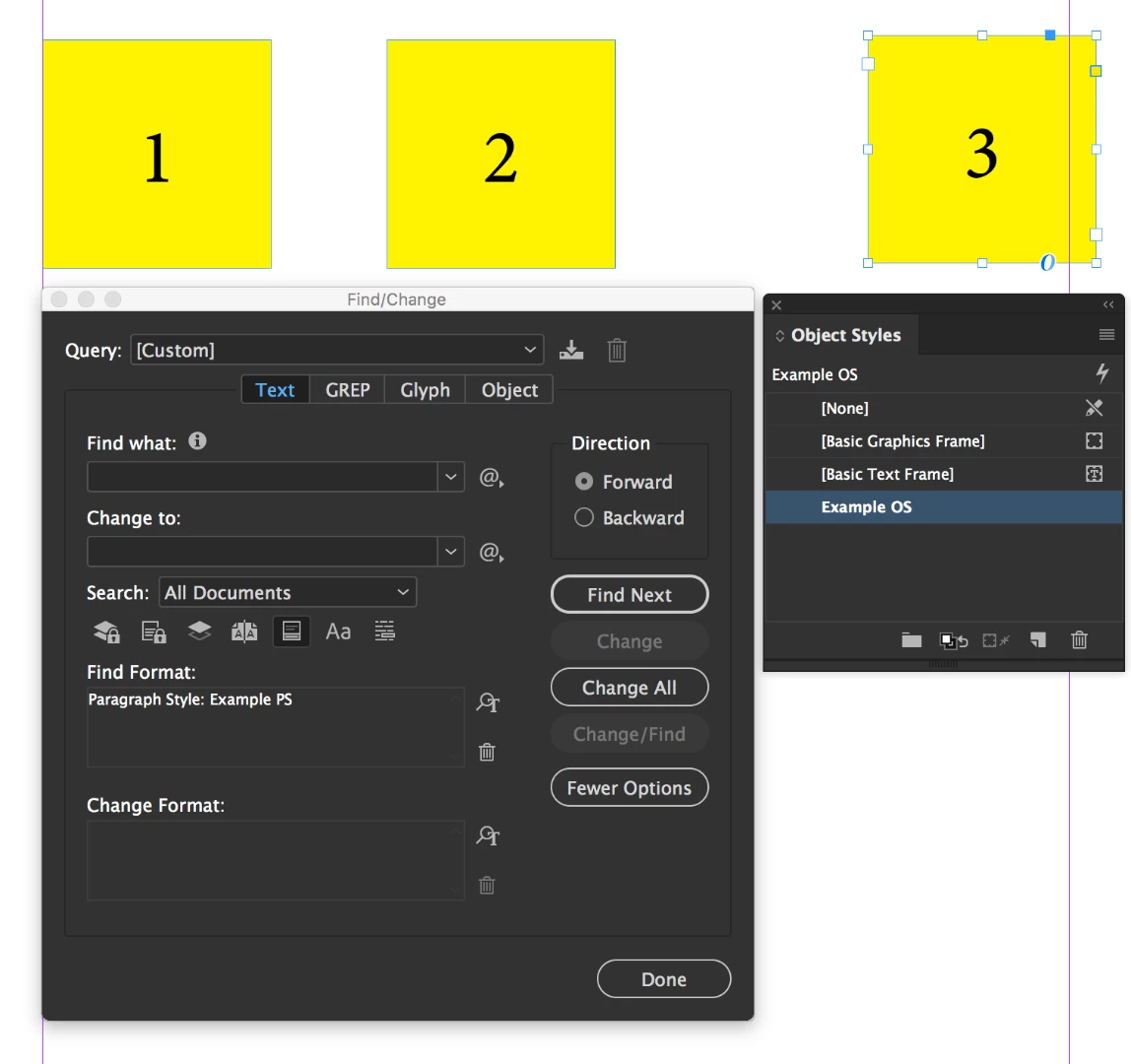
    3. Click in the selected frame, press Esc to switch to the Selection tool, and click on the Object style
    4. Repeat until finished

    This is the perfect example of why you want to design with styles from the get-go. Once you are using an Object style, if you update the size, you will update all of them at once.

    ~Barb

    1 reply

    Barb Binder
    Community Expert
    Community Expert
    July 25, 2018

    Hi John:

    The closest I can you get you to what you want is use a Text find to locate each occurrence of a paragraph tag, then move the object style panel close and just click to assign a new object style with the appropriate parameters after each match. 200 sounds daunting, but it won't take that long.

    Once the object style is assigned to these specific frames, if the size changes again, it will be a piece of cake—just update the object style definition and all will update immediately.

    ~Barb

    ~Barb at Rocky Mountain Training
    john_problem
    Known Participant
    July 26, 2018

    Ok, and maybe there's a way of mass changing the size of an object that contains a certain text? Basically anything that will help me to not have to do it manually.

    john_problem
    Known Participant
    July 26, 2018

    An object style can define the size of the frame it is assigned to.

    1. Set up the object style with the size options specified


    2. Then use Edit > Find the locate the specific paragraph style
    3. Click in the selected frame, press Esc to switch to the Selection tool, and click on the Object style
    4. Repeat until finished

    This is the perfect example of why you want to design with styles from the get-go. Once you are using an Object style, if you update the size, you will update all of them at once.

    ~Barb


    Ok, thank you!:)