


Answered
how to move underline in character style window?
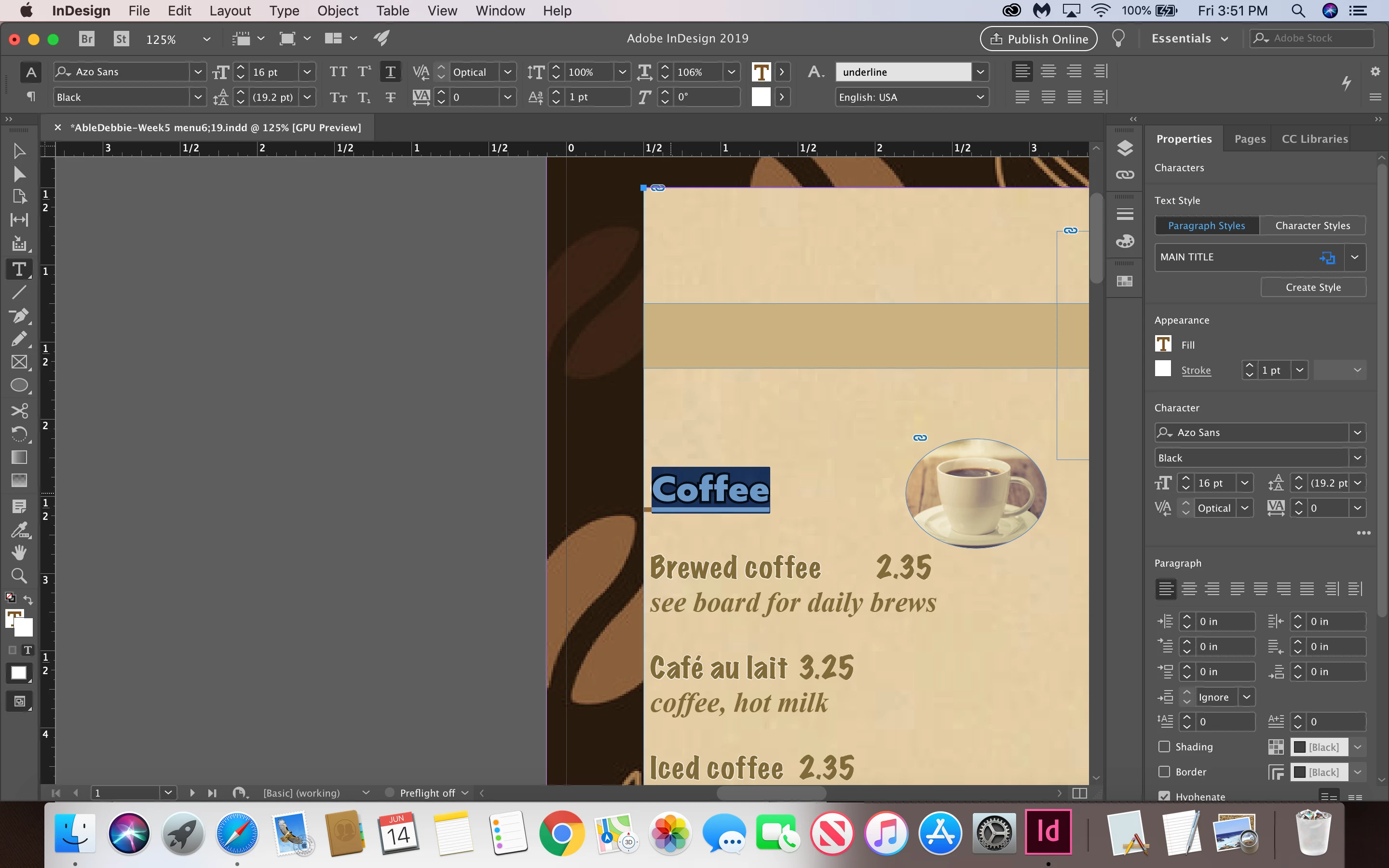
hi could you please tell how to move an underline that I made with my character style box?
thanks

hi could you please tell how to move an underline that I made with my character style box?
thanks
Hi Debbie:
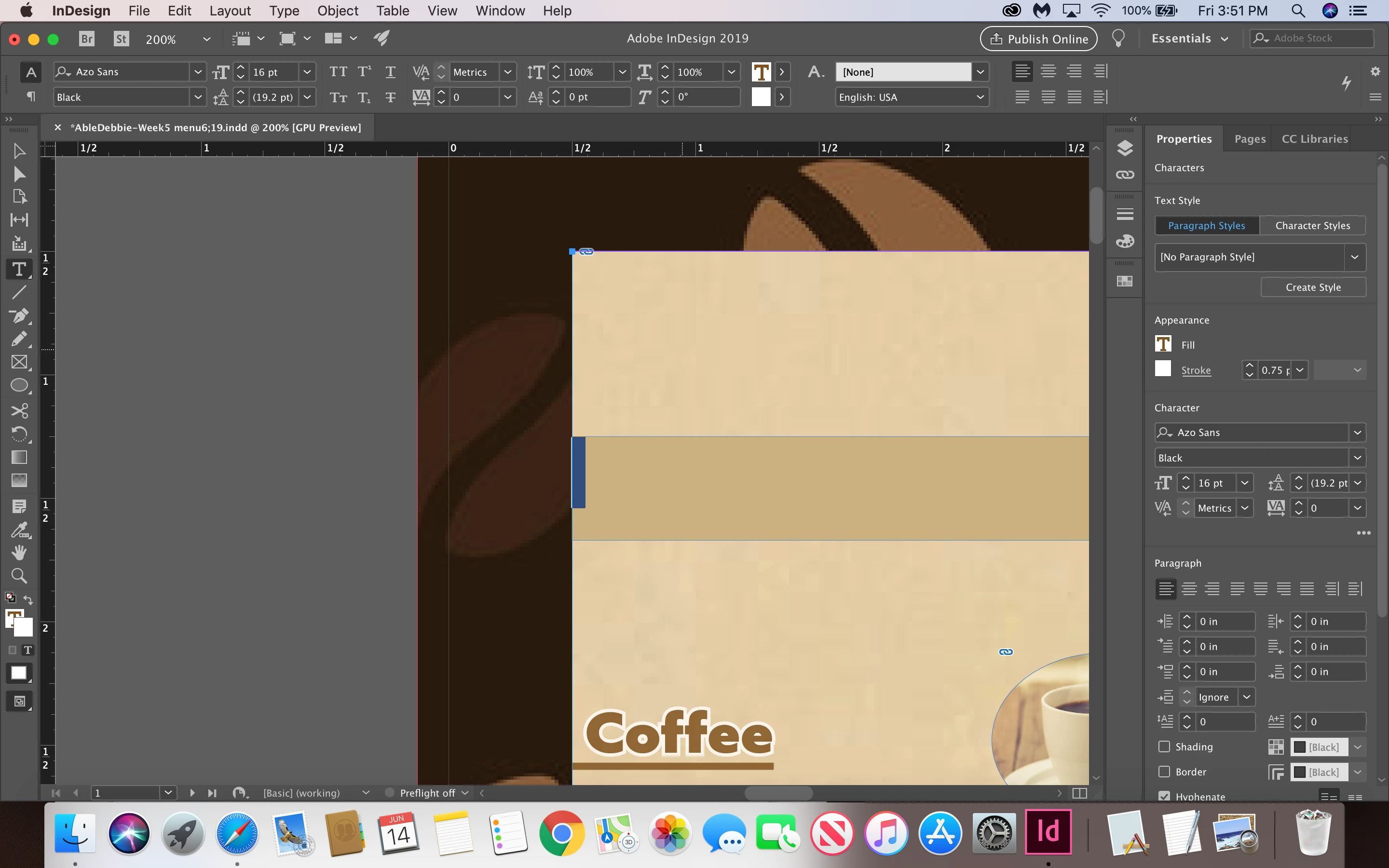
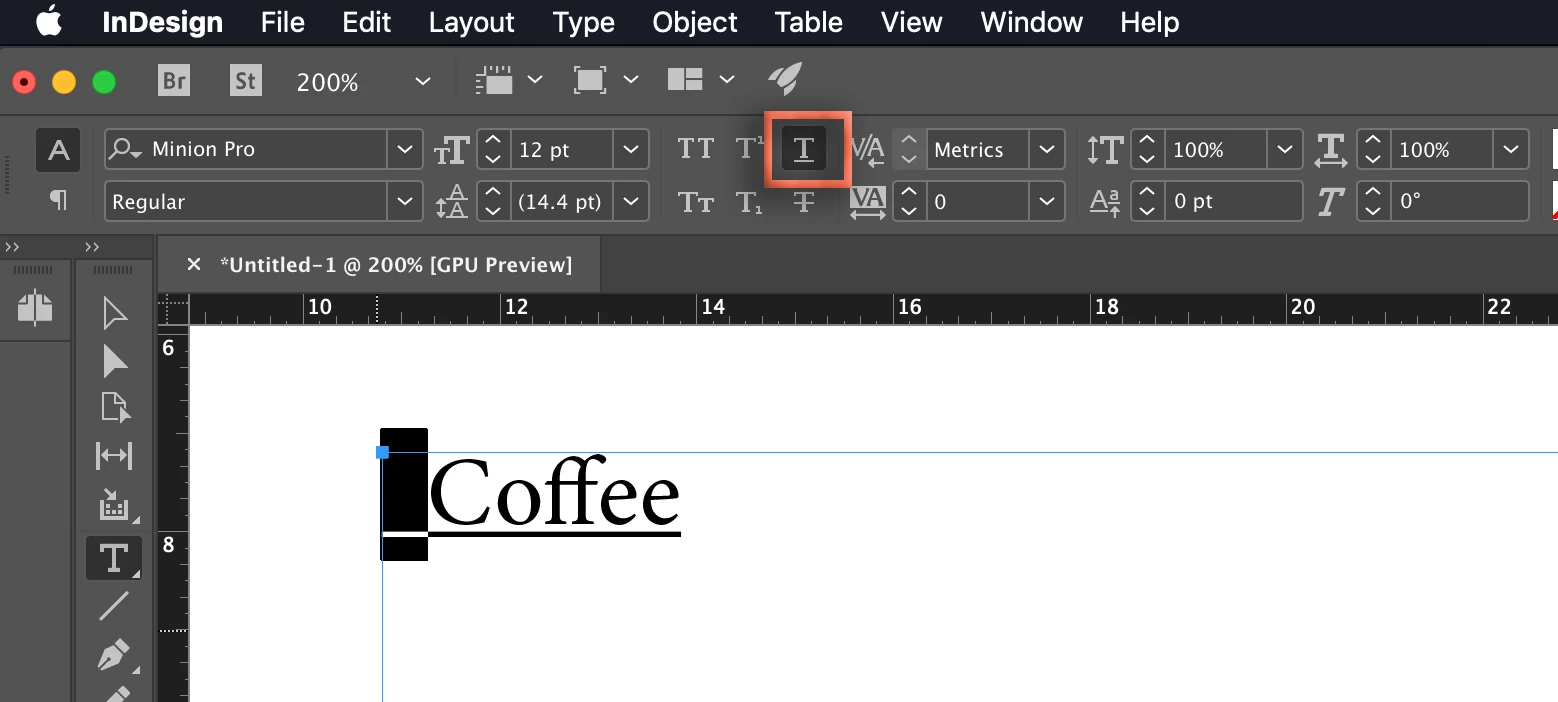
Highlight the space in front of Coffee and turn off the underline:
I suspect that the beige stripe above coffee is under another frame. Hold the Cmd key and click it with the Selection tool (the black arrow) until the frame handles on the beige stripe appear. Cmd clicking allows to you select objects that are fully blocked by other frames.
~Barb
Already have an account? Login
Enter your E-mail address. We'll send you an e-mail with instructions to reset your password.
 AdChoices