


Question
How to remove Adobe core services
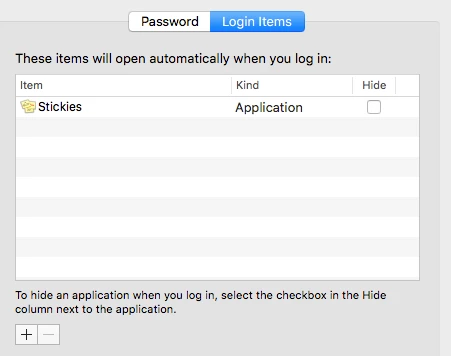
I would like to stop Adobe from starting a host of processes on my computer at startup. I run a macbook pro and use InDesign sporadically. My login items look like this:
But at login, and when i am not running any adobe-apps activity monitor looks like this:
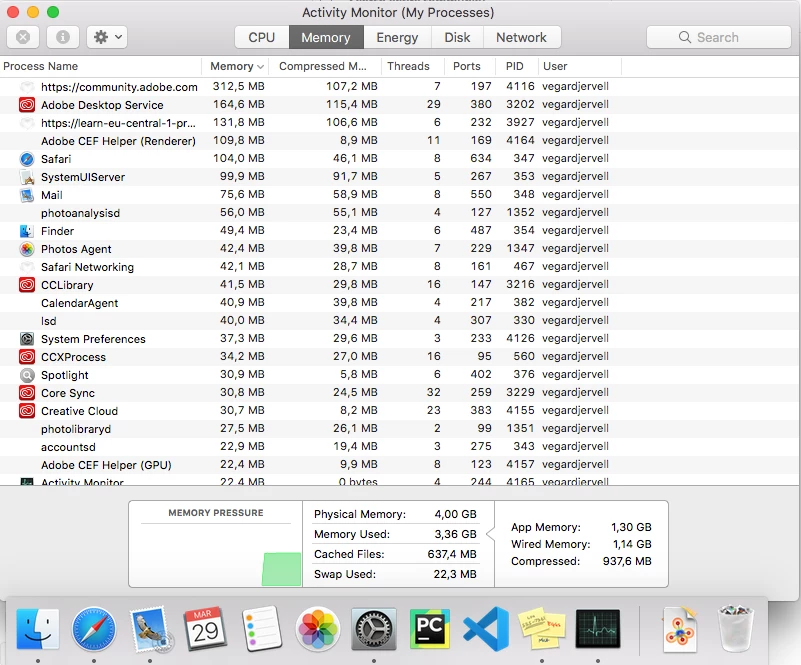
As you can see, adobe processes are hogging more memory than pretty much everything else, even tough i am not using any adobe apps. I would like to know how i can get out of constantly having to manually close a bunch of adobe-processes to free up memory and cpu-capacity whenever i am doing anything other than using adobe apps (most of the time).
{Renamed by MOD}
 AdChoices