


Inspiring
April 1, 2016
Answered

How to Remove Broken Links from InDesign's Links Panel

  • April 1, 2016
  • 13 replies
  • 40825 views

I'm reusing an InDesign (2015) document that had many images linked. Those images are gone forever, but the missing links are still in the Links panel. I just want to remove those linked images from the Links panel.

The images or the linked images do not exist in the document structure. There must be a way to remove these useless orphaned linked images from the Links panel.

Thanks!
Correct answer mamafour

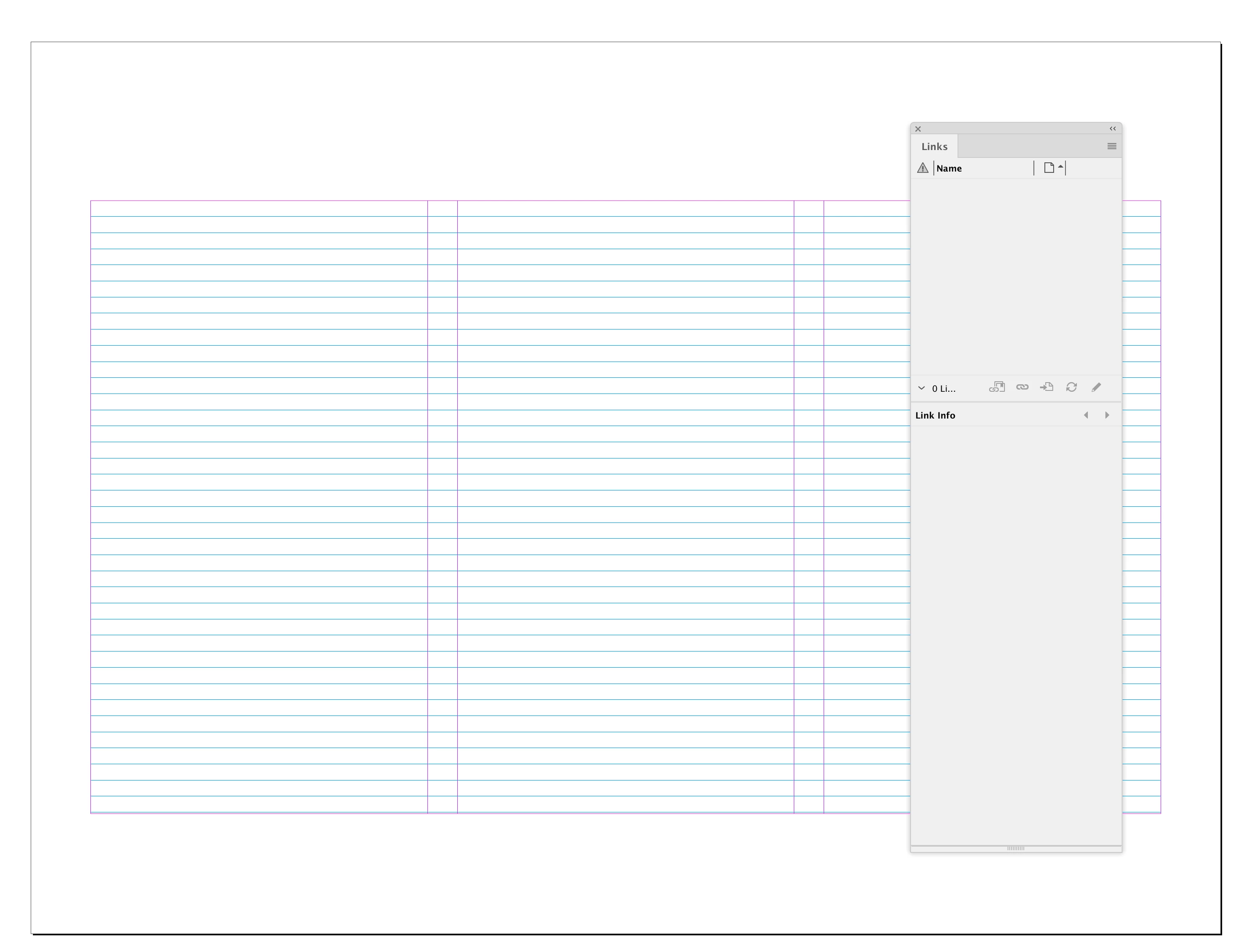
My Links panel is empty:


Are you sure you deleted the correct Caches and Preference folders?:


macOS:

user ▸ ⁨Library⁩ ▸ ⁨Caches⁩ ▸ ⁨Adobe InDesign⁩ ▸ ⁨Version 18.0⁩

⁨user ▸ ⁨Preferences⁩ ▸ ⁨Adobe InDesign⁩ ▸ ⁨Version 18.0⁩


Windows

Users ▸ ⁨AppData⁩ ▸ Local ▸ ⁨Adobe ▸ InDesign⁩ ▸ ⁨Version 18.0⁩

Users ▸ ⁨ UserName ▸ ⁨ AppData ▸ ⁨ Roaming ▸ ⁨ Adobe ▸ ⁨ InDesign ▸ ⁨ Version 18


I had the exact same issue - it occurred when I deleted a page that still had objects on it. They hung around with no associated page and I could NOT get rid of the warning. But saving as an IDML file (just using file > save as, and not exporting), then re-opening and saving as usual reset the file perfectly.

13 replies

Participating Frequently
April 4, 2016

‌Maybe present on a older unused Master Page somewhere? Or on the Pasteboard somewhere?

Participant
April 2, 2016

I think the best way is to actually delete those individual unlinked images in the Document itself and then automatically the missing links will get removed from your links panel.

Inspiring
April 4, 2016

I deleted all the pages where these graphics once lived, so they are no longer in the document. All I can do is find and relink. Not sure why Adobe doesn't have some feature to just remove the link.

Inspiring
April 5, 2016

Unless there is something wrong with the document you should be able to delete the parent of all the missing links via a script. The parent, which could be hidden somehow, would exist whether the link is missing or not. So this AppleScript works for me—deleting the parent graphic removes the link reference in the Links panel:

tell application "Adobe InDesign CC 2014"

    delete (parent of every link of active document whose status is link missing)

end tell


Hey Rob - I ran this script on my Mac and it ran perfectly. Do you the Windows version of this script?

It seems simple enough, but it's Windows.

Thanks!

Steve Werner
Community Expert
Community Expert
April 1, 2016

Try saving the file as an IDML (File > Save As > InDesign CS4 or later). That generally gets rid of phantom links and fonts.

Inspiring
April 4, 2016

Nope, that didn't work.