


catalogue for pg58993114
Participating Frequently
November 6, 2020
Question

How to scroll between pages in interactive pdf that has been published online?

  • November 6, 2020
  • 4 replies
  • 2407 views

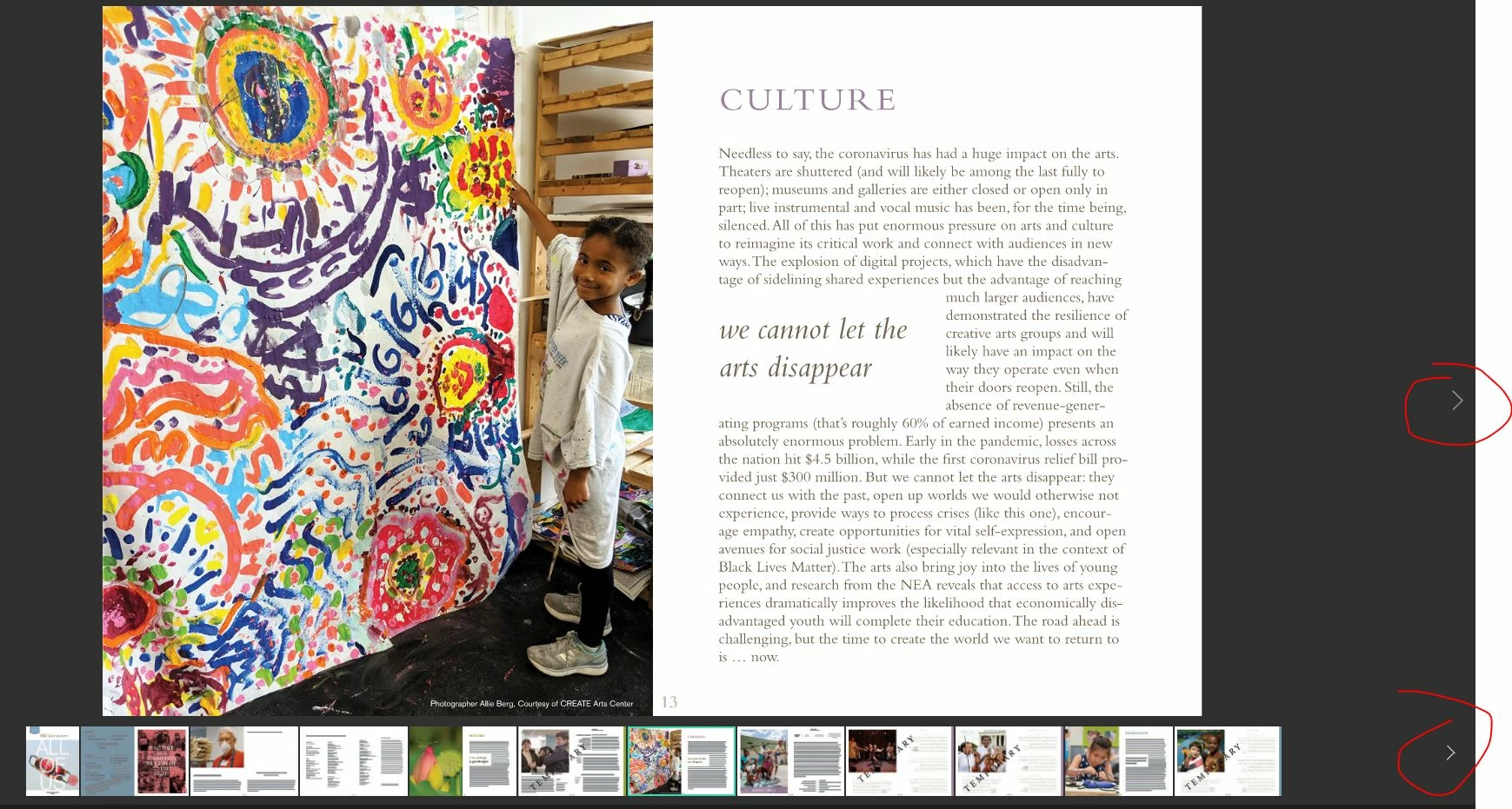
I am working on a 60+ page document on InDesign that is an interactive pdf that is published online. My supervisor has asked whether we can make it so that people on computers can simply scroll down on their mouse in order to see the next page rather than having to manually click the clunky "next page" button on the right. I cannot find this online. If this were a static pdf, then this would be possible. But how can I make it so that people can simply scroll up and down to see the next page spread? Thanks. 
This topic has been closed for replies.

4 replies

Derek Cross
Community Expert
November 7, 2020

You can have a word or words or an image (such as a button shape) as a document hyperlink to say another page in the document, or to an external website. Some devices, for example, iPads, don't have rollover capability – only click – you should avoid multi-action buttons like On Click, On Roll Over, etc. Multi-state object (MSO) don’t work at all in an Interactive PDFs.

Barb Binder
Community Expert
November 6, 2020

Hi @catalogue for pg58993114:


Some interactivity is supported and PDF and some is not.


This page has an up-to-date list of what is not (or no longer) supported in an interactive PDF: https://ajarproductions.com/blog/2018/03/26/interactive-pdf-is-dead-heres-what-you-can-create-from-indesign-thats-even-better/. 


Buttons and rollovers will work in a PDF, along with hyperlinks, bookmarks and page transitions. Object fade-ins are animations, so those will not work. 


~Barb

~Barb at Rocky Mountain Training
Frans v.d. Geest
Community Expert
November 7, 2020

What will work in a PDF when viewed in Acrobat Reader says nothing about what will work when the PDF is viewed in a browser online (like a tablet), as I read it that is what the question was about. I still stand by: forget it, 99% will not work when viewing the PDF online in a browser.

BobLevine
Community Expert
November 6, 2020

That is NOT a PDF!

catalogue for pg58993114
Participating Frequently
November 6, 2020

I am speaking about the "interactive for PDF" option. It's published and hosted online. I am asking if there is a way to have it be scrollable. 

catalogue for pg58993114
Participating Frequently
November 6, 2020

You are confusing a few things:  you can export an iPDF that results in a file you can open in Acrobat, what you show here is Publish online, that is an HTML5 file hosted online and has nothing to do with PDF, as Bob already pointed out. And those do not 'scroll'.


Is there a way to instead publish a pdf file online (instead of this html5 file) that would maintain the interactive features but also allow the scroll? Or no? 

Brainiac
November 6, 2020

I don't work with Interactive PDFs, but it might depend on how someone is viewing it. Are these viewed through a web browser, Acrobat, Reader, Preview, or does it depend on what ever the viewer has? On a computer, you can use the directional arrows or the page-up or page-down buttons in Acrobat.

catalogue for pg58993114
Participating Frequently
November 6, 2020

It's hosted online. We would send people the URL and they would view it on their browser.