Known Participant
February 2, 2017
Answered

How to setup all pages as Facing Pages?

  • February 2, 2017
  • 2 replies
  • 4879 views

Dear All,

I'm a newbie for Adobe InDesign, recently I have a project for make a tabloid, however when I start with create a New Documents as a Tabloid with 4 pages & 2 column and then Turn-On Facing Page in Document Setup, the first Page (Page 1) and the Last Page (4) both not facing page as per shown on Screen Shot below.
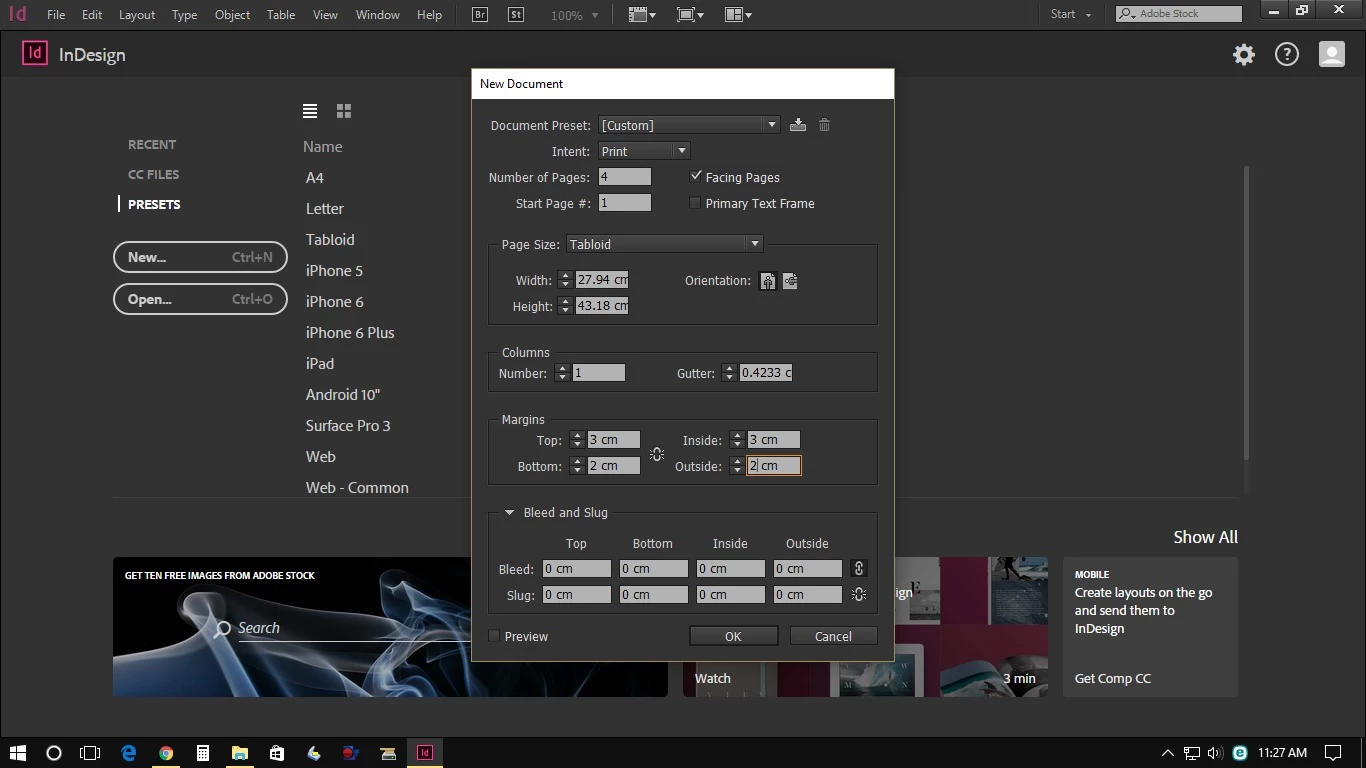
How to setup all page are Facing Page as I will planning to print in both side of papers.

Please advise.

Best regards,
    This topic has been closed for replies.
    Correct answer Laubender

    Hi,

    if you like to have page 4 side by side with page 1 do the following:

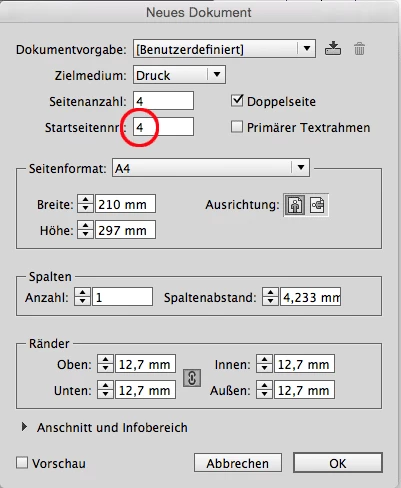
    1. Set Start Page # to 4

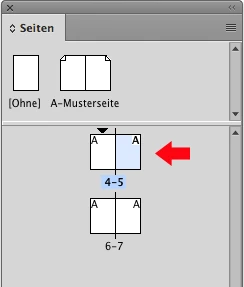
    2. Open the Pages panel and select page 5 that now is the second page of your document:

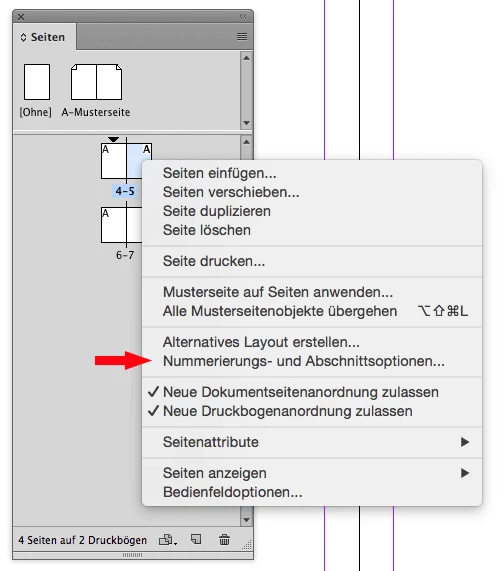
    3. Open the context menu and open "Numbering and Sections"

    4. Start new section beginning with page 1

    After clicking OK:

    If you want to print or export pages in numbering order do so by writing 1-3,4 in the input field.
    Do not select All, that would print or export in pages order as seen from the Pages panel: 4,1-3.

    Regards,
    Uwe

    2 replies

    Zaid Al Hilali
    Community Expert
    February 2, 2017

    There are few ways, one of them is to select "Numbering & Section Options" from the Pages panel fly-out menu, change the "start Page Numbering at: 2, click OK.

    New Participant
    September 17, 2024

    Very helpful! Thank you so much!

    Derek Cross
    Community Expert
    February 2, 2017

    This is normal and correct. When you have a cover there's no left hand page and the back cover doesn't have a right hand page. Are you printing this yourself on a desktop printer or putting it out to a commercial litho printer?

    Known Participant
    February 2, 2017

    Dear Derek,

    Thank you for your inform,

    1. However I would to print a full Facing Page, which the first page and last page (Paper) will be contain the advertising,

    2. Yes I would putting it out to a commercial offset printer.

    Please advice how to create or setup a new document for our purpose.

    B/regards,

    Derek Cross
    Community Expert
    February 2, 2017

    Nornally your printer would undertake the page imposition. I suggest you discuss this with your printer. Usually you would supply your printer with a PDF created from the Adobe PDF presets that are supplied in InDesign. Select PDFX-4 and as single pages (not spreads), and tick Use Document Bleed Settings.