


How to turn off auto page numbering with special character marker after parent is applied.
Hey all,
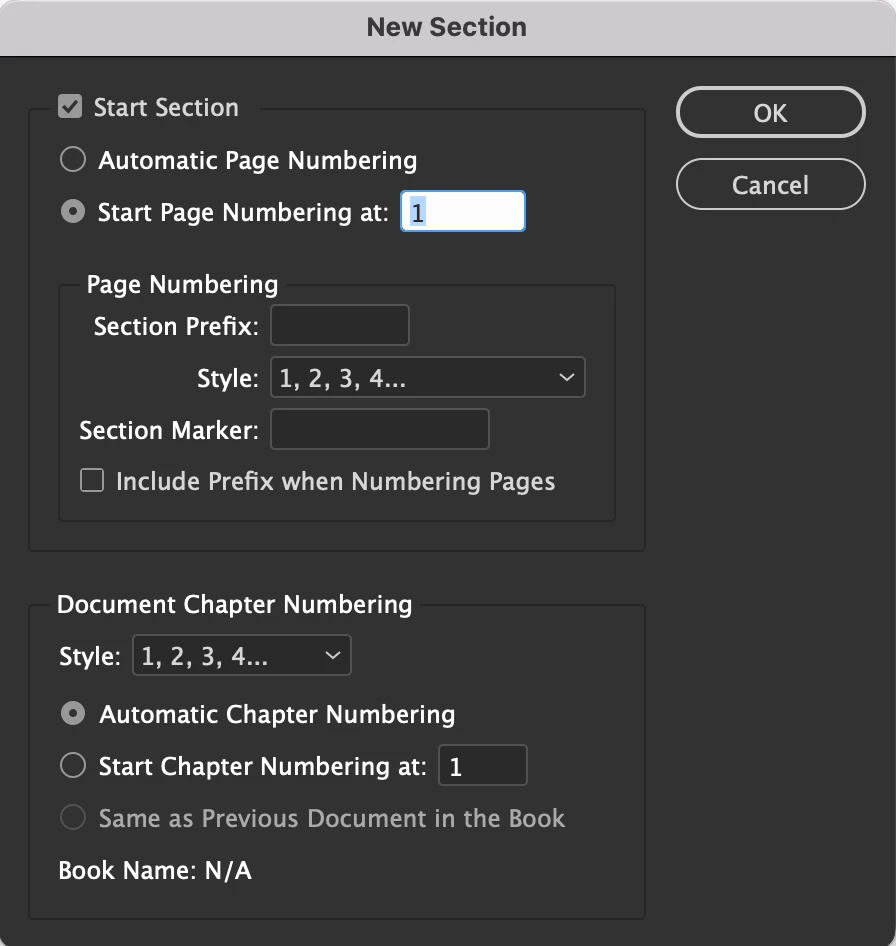
I'm fairly new to InDesign. What I've done is created a book with a parent spread that includes a text field with the Type>Insert Special Character>Markers>Current Page Number on both pages of the spread, and I'm effectively using the page numbers of a dedicated section in the document as a counter for something being listed per page of the book.
The issue I've encountered is that I cannot add pages (image pages for example) throughout the doc without throwing off the number sequence, since it's tied to the page numbers. What i'd like to do is lock in the automated page number text once it's on the page so that I can insert pages throughout the document without throwing off the numbers that were already generated.
I've tried overriding parent page items and locking the text fields on the pages, but every time I insert a new page it still somehow autoupdates.
 AdChoices