Participating Frequently
January 9, 2025
Answered

Hyperlinks should open one internet page but always opens two pages, one being incorrect

  • January 9, 2025
  • 2 replies
  • 9383 views

Hi guys!


I have an issue that I've been trying to fix for the last few hours but cant seem to fix...


I am updating a catalogue which has to contain hyperlinks to products in a webshop. I am working off of the catalogue from last year, that already had buttons containing hyperlinks to all the specific products in the webshop.

However, when I click on the button in the interactive PDF, it does not open one page, but two pages (one of them not being the linked product). It is always either product A or B who's page is additionaly opened. So e.g. when clicking product K, it opens K and A, but with producht M it opens M and B. When I click product A, A and B get opened. When I create a new button for the product and add a new hyperlink the issue dissapears. But since we have about 200 products I dont really want to create new ones for all of them. 


Whats also strange: If I click on the button in the PDF it opens the two pages, if I then close and reclick the same button sometimes it only opens the page of the correct product. But this is not always the case.


If you need any extra information please let me know!!


Cheers,

Iris


Some things I have already checked:

-it links to an URL, not a shared destination

-when working in indesign, if i click on the button --> hyperlink --> go to destination, it always opens only the one internet page correlated to the correct page.

-unchecking the box shared hyperlink destination does not help

-all hyperlinks are unique

-the catalogue from 2024 has the same issue so its not some setting I changed

-In the hyperlink panel all links have a green dot next to them 

-it doesnt give me any errors in the preflight panel

-Its not something to do with my browser bc I deleted my history/caches' and still had the issue. My coworker also has the same when using the PDF file.


I am quite a novice at InDesign, so maybe some of these things above dont make sense for you haha.
Correct answer Robert at ID-Tasker

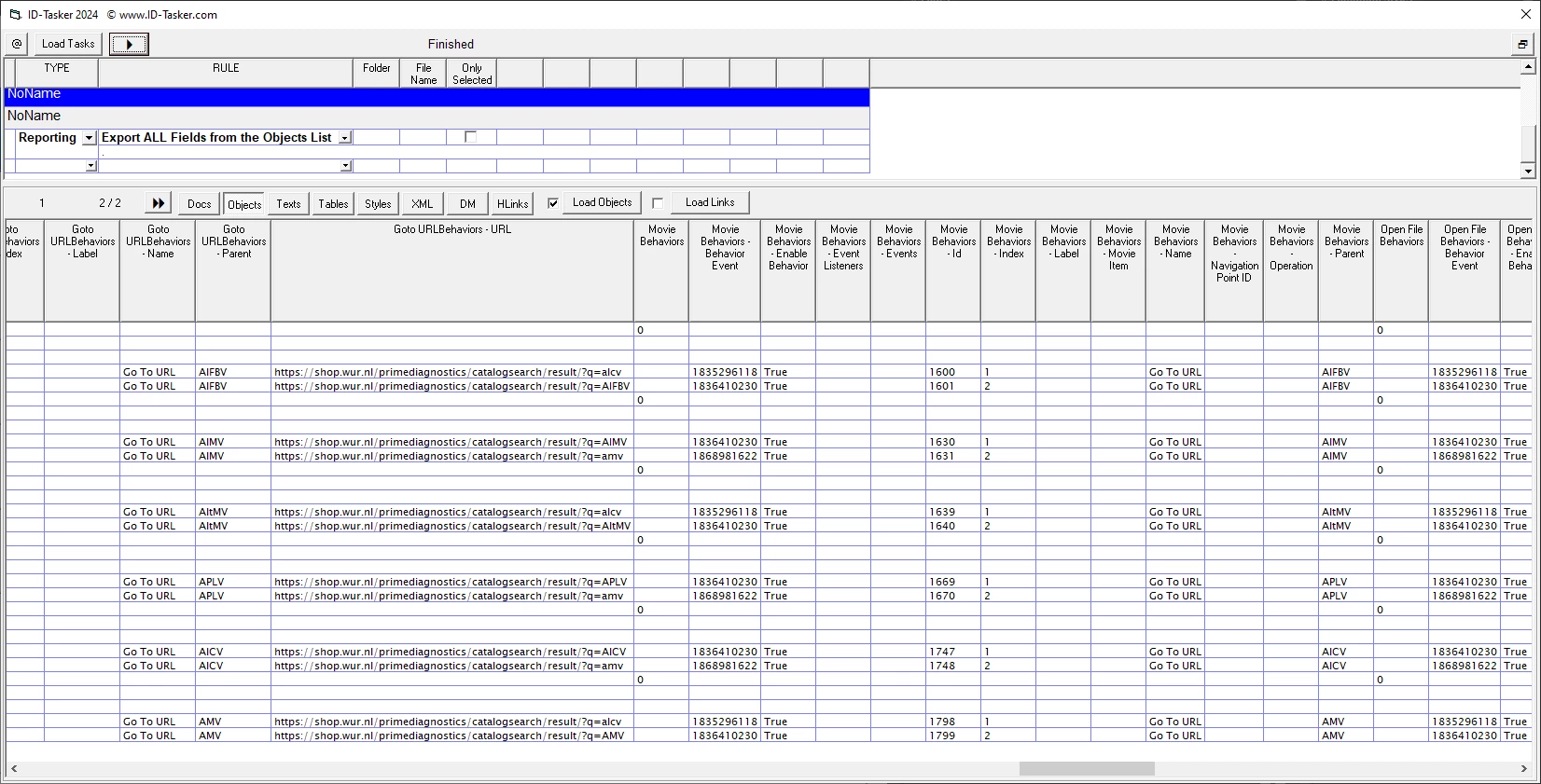
I haven't added ALL events / behaviors yet - so maybe I'm wrong - but it looks like you have TWO events for each button?


DONE 😄


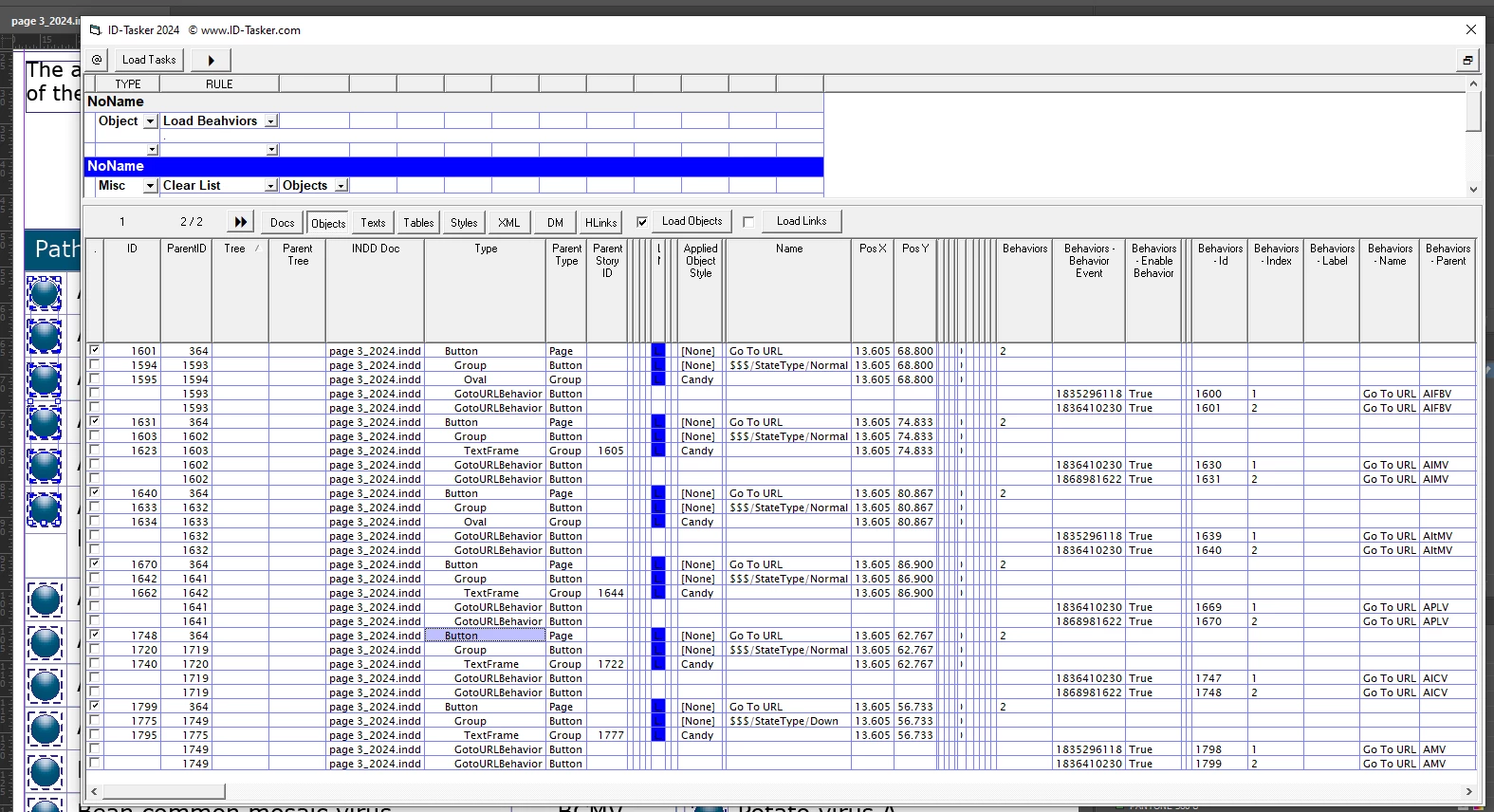
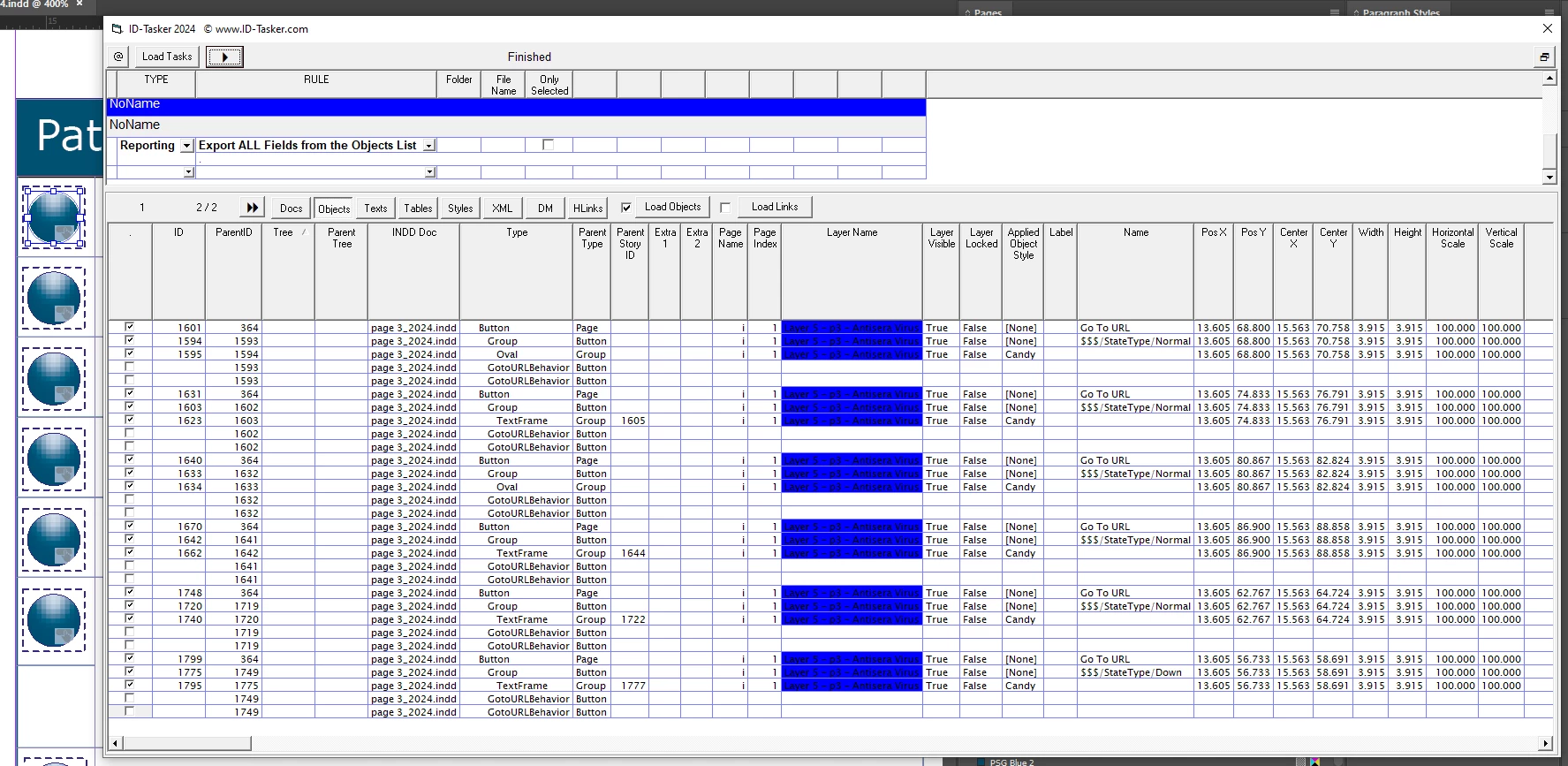
Basic starting point - just a list of 6 buttons:


(as you can see from the slider at the bottom - there is plenty of info to scroll through 😉 )


And here is the evidence of what's the problem:


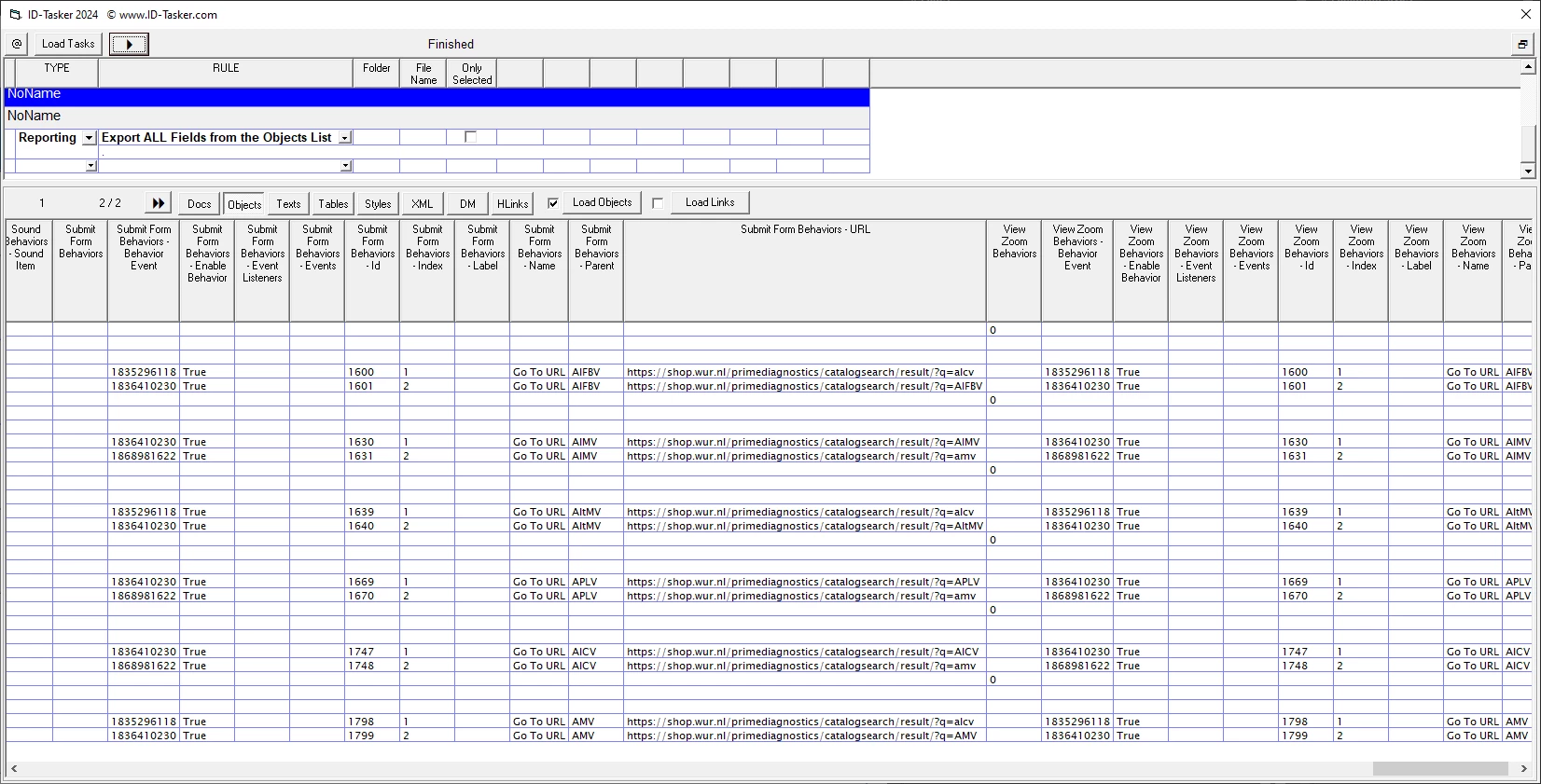
It's clear, that you have TWO events for those buttons... There are more Behavior Events - but they are "empty".


And I think here is the culprit:


Someone tried to do a FORM SUBMIT as well? Or copied those buttons, then edited them - but something gone wrong?


Attached - full report for those 6x buttons - will be best if you open it in Excel or some other spreadsheet software.(most of the information there is not accurate - duplicated info - but fixed in the final version)


@iris_5410 

Comment below isn't for you 😉

Disclaimer - All of the browsing will be available for FREE when I'll upload new version. Reporting is available only in the paid version.


2 replies

Robert at ID-Tasker
Legend
January 9, 2025

If those are buttons - maybe you have two Hyperlinks applied to two different actions? 


iris_5410Author
Participating Frequently
January 9, 2025

I was also thinking something along those lines, bc when testing, if I added a whole different catogory hyperlink and then changed it back to what it should be, it then opened 3 tabs instead of 2..


I only do not know how to check this, because I cant find anything in layers or random hyperlinks floating around somewhere in the document where they should not be

Robert at ID-Tasker
Legend
January 9, 2025

What is the hyperlinked address? 


Can you share your PDF? And a sample INDD file? 


iris_5410Author
Participating Frequently
January 9, 2025

Hi Robert, 


so all hyperlinks are as following 

https://shop.wur.nl/primediagnostics/catalogsearch/result/?q=alcv


only the last part differs from the different products

https://shop.wur.nl/primediagnostics/catalogsearch/result/?q=alcv


I have attached the catalogue from 2024 (which has the same issue).

If you go to page 3 and click on one of the buttons you can see the issue. I will make a small sample INDD file for you now!


You can also find it on the website:

https://www.wur.nl/nl/show/prime-diagnostics.htm

iris_5410Author
Participating Frequently
January 9, 2025

I just added the whole page 3 as a document :).


Hopefully this is usefull for you