


New Participant
October 12, 2024
Question

Images Distorted After Reopening InDesign File on Mac

  • October 12, 2024
  • 3 replies
  • 223 views

Recently, I noticed a glitch where placed images would shrink back to the smaller size, with a dark striped background. I've changed previews but it doesnt solve the issue. Images to follow.
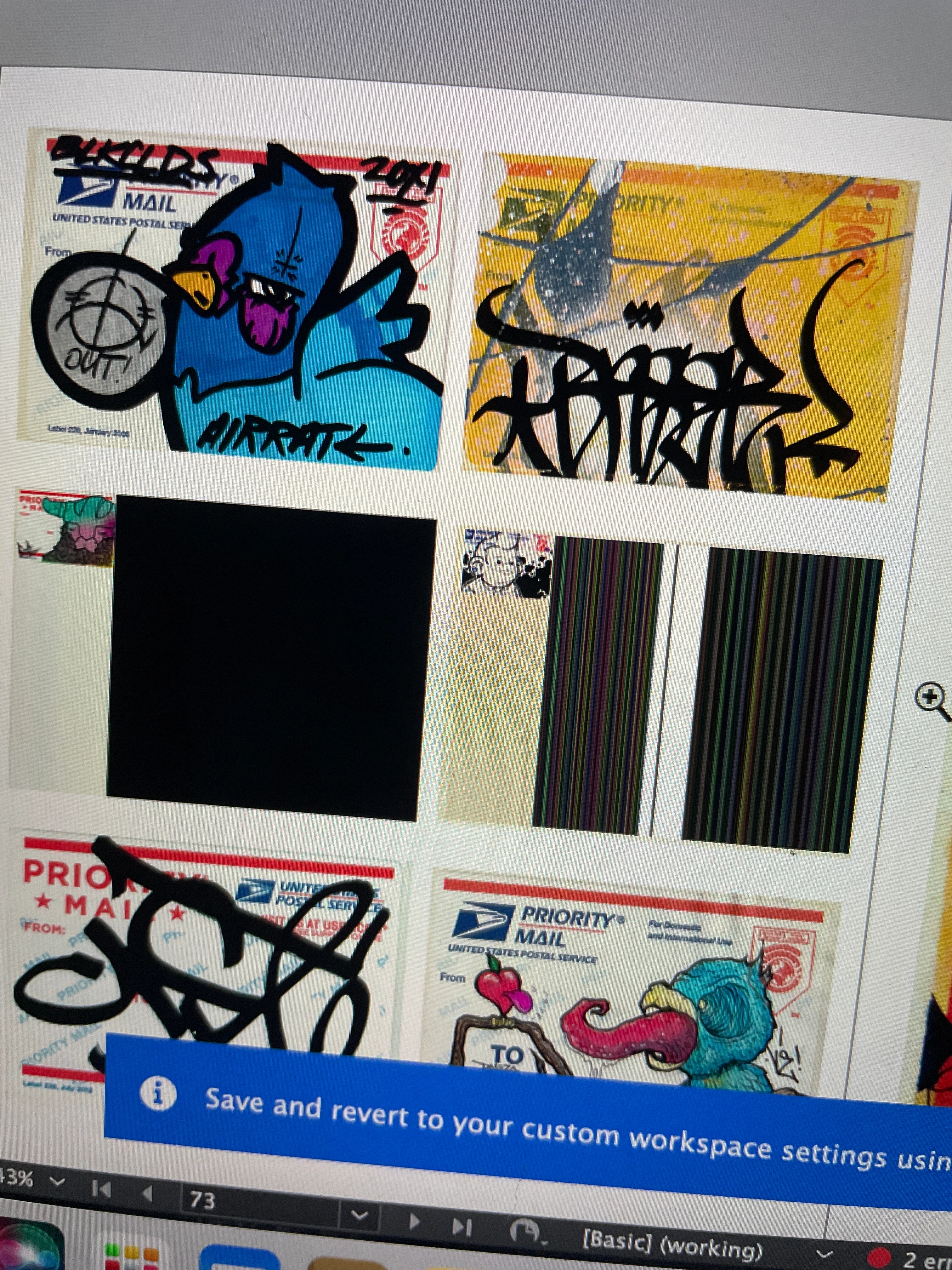
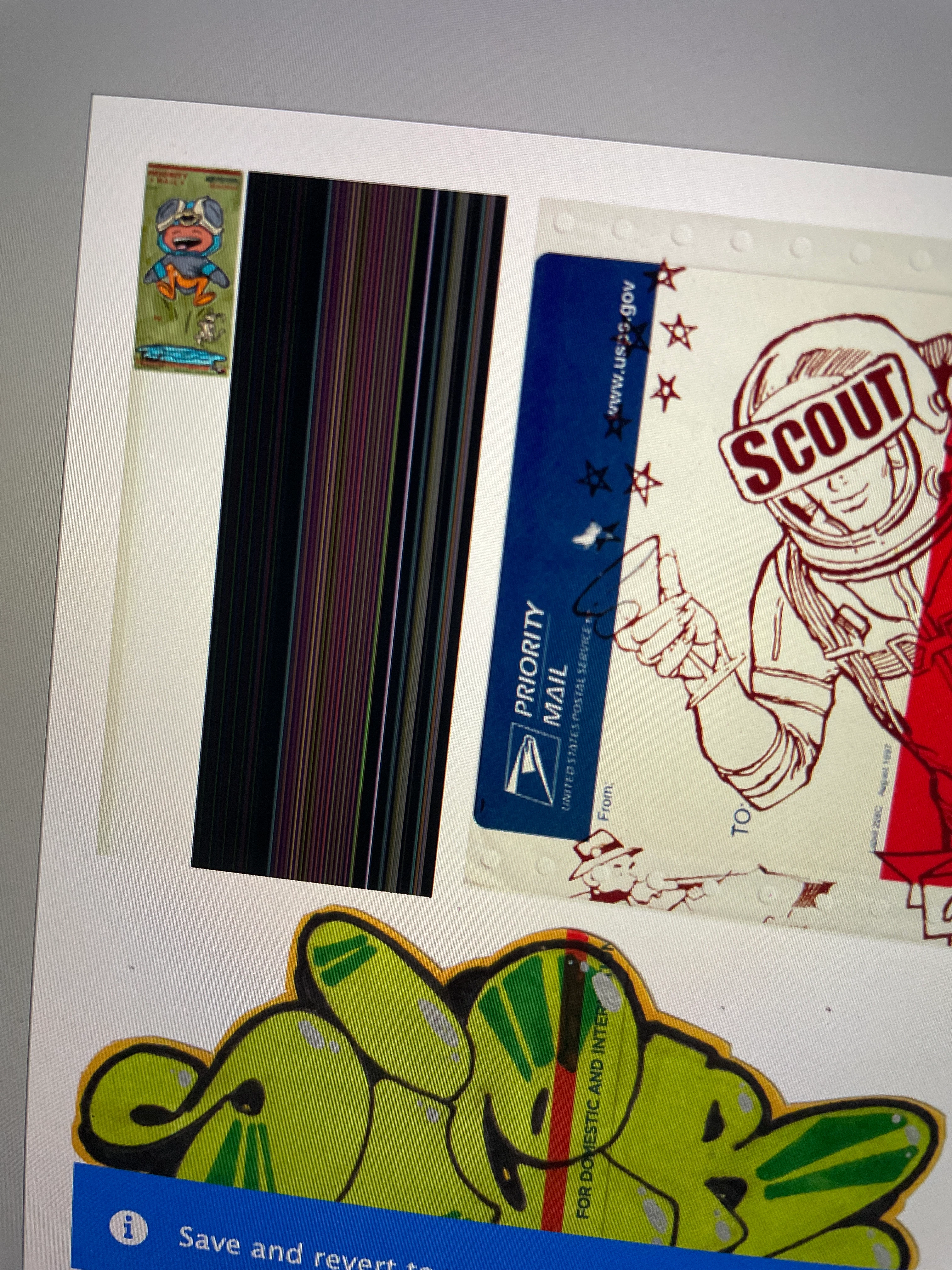
 the box is the size of the labels when I placed and stretched the image to fit. Days later when I reopened the file, a lot of the images looked like this. I'm using a Mac in Indesign by the way. Thank you for any help. 


<Title renamed by MOD>

This topic has been closed for replies.

3 replies

Robert at ID-Tasker
Legend
October 13, 2024

@camden_1633


The black stuff - turn off GPU acceleration in preferences.


leo.r
Community Expert
Community Expert
October 13, 2024

Check if Auto-Fit is assigned to your image frames for some reason:


Also, check other options in the Object > Fitting menu.


leo.r
Community Expert
Community Expert
October 13, 2024

...also check out this option in Preferences > General:


kglad
Community Expert
Community Expert
October 12, 2024

in the future, to find the best place to post your message, use the list here, https://community.adobe.com/

p.s. i don't think the adobe website, and forums in particular, are easy to navigate, so don't spend a lot of time searching that forum list. do your best and we'll move the post (like this one has already been moved) if it helps you get responses.


<"moved from using the community bugs">