Known Participant
March 7, 2019
Answered

Importing CSV file to indesign

  • March 7, 2019
  • 2 replies
  • 8188 views

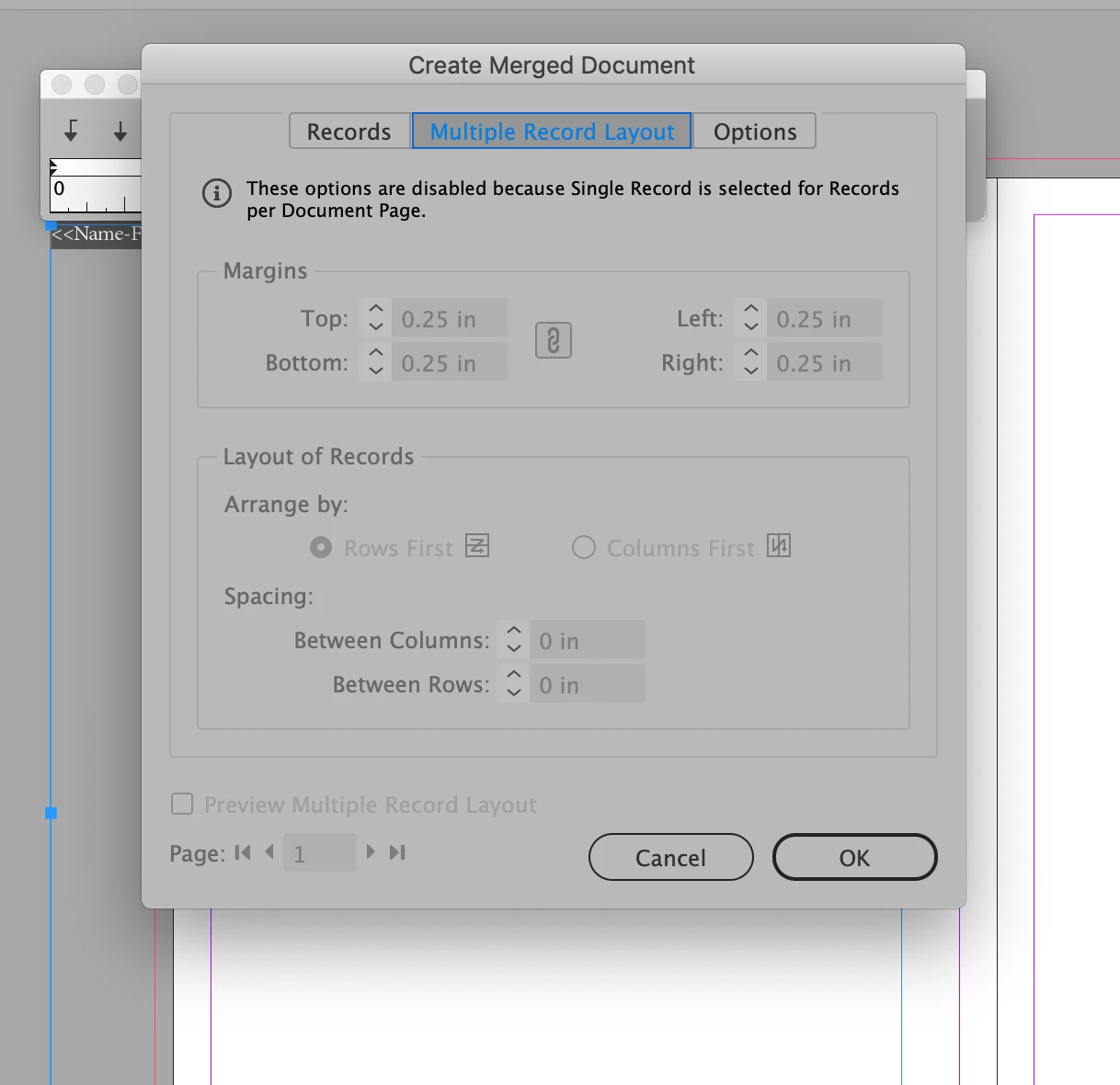
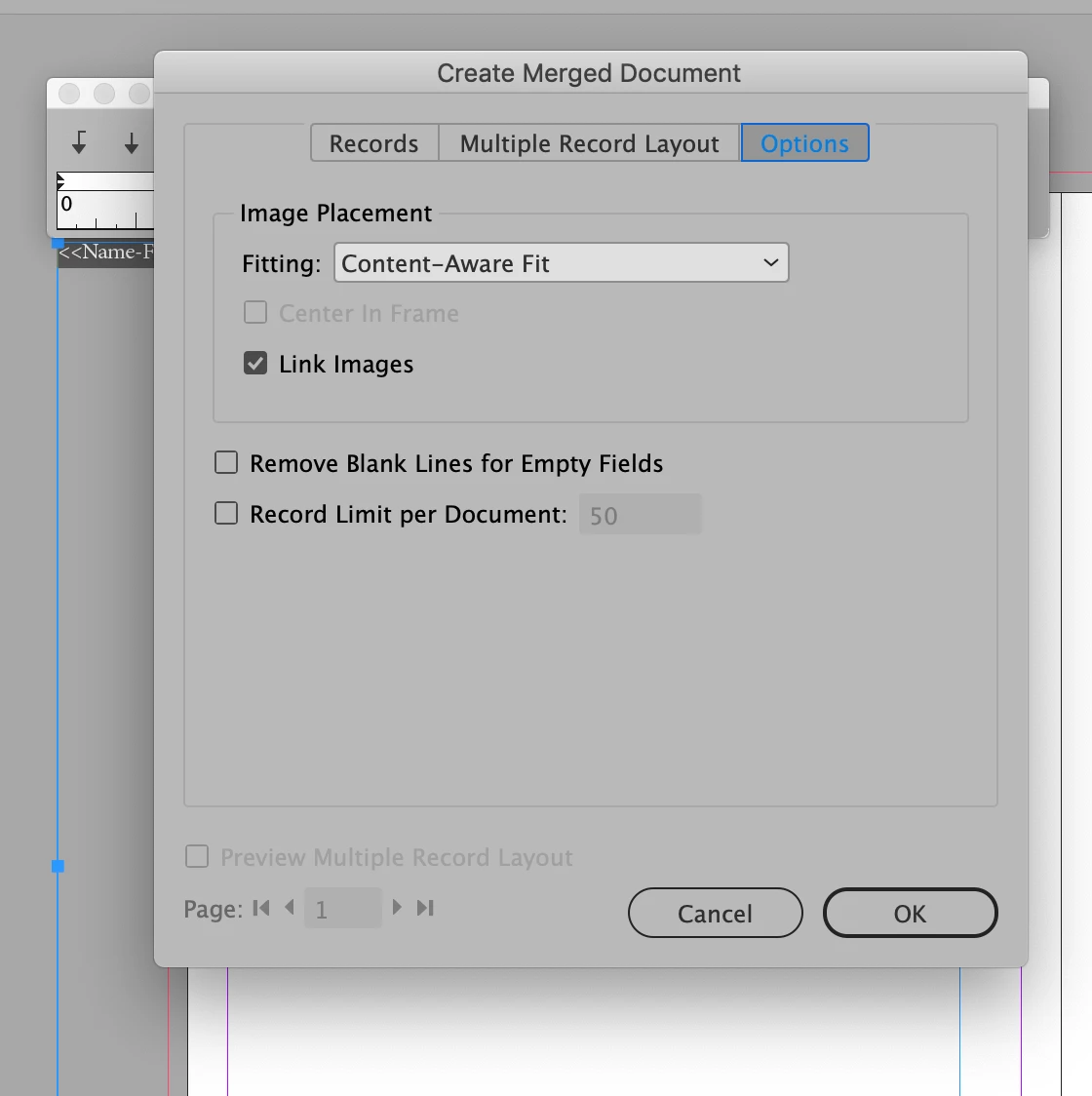
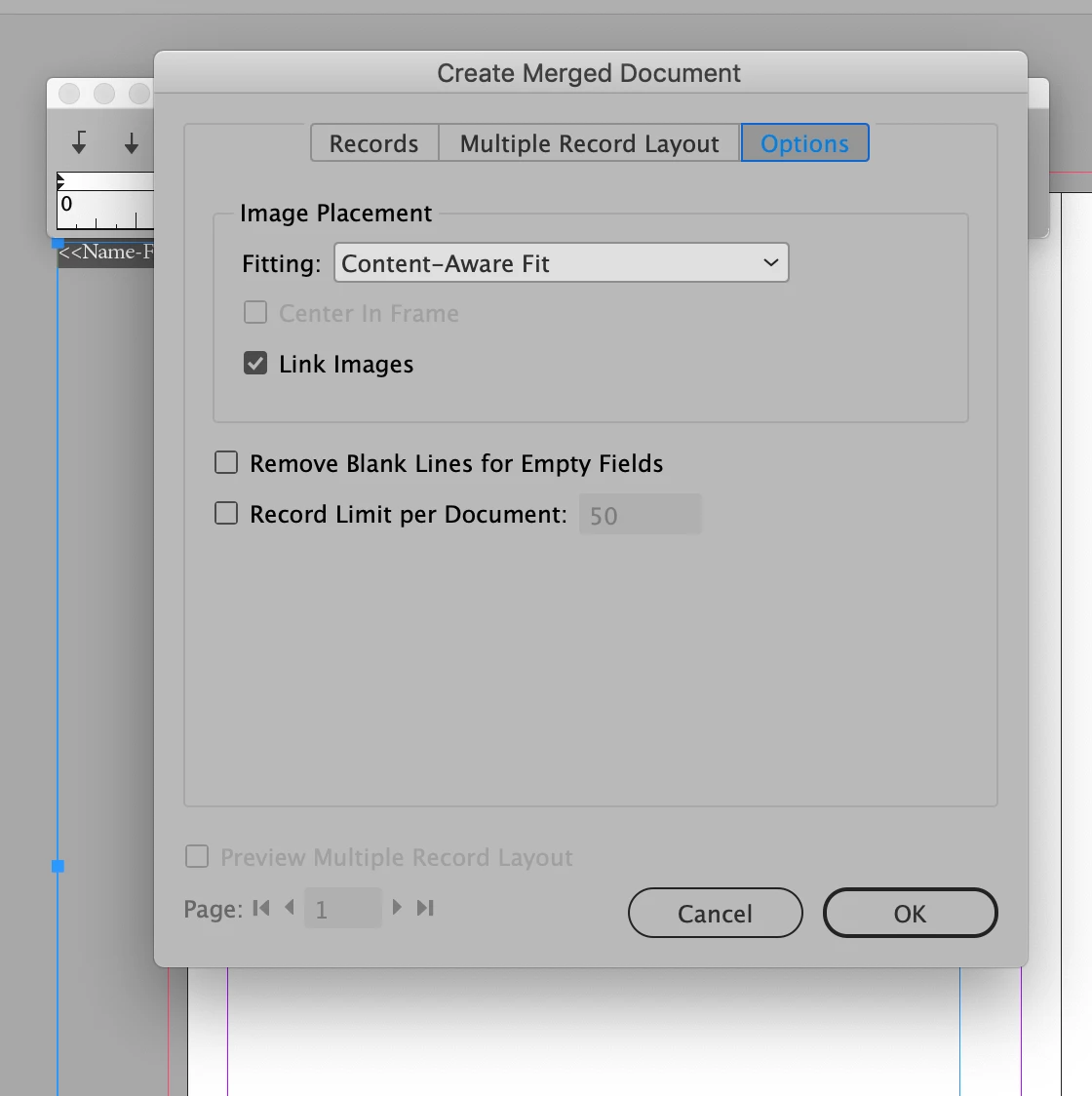
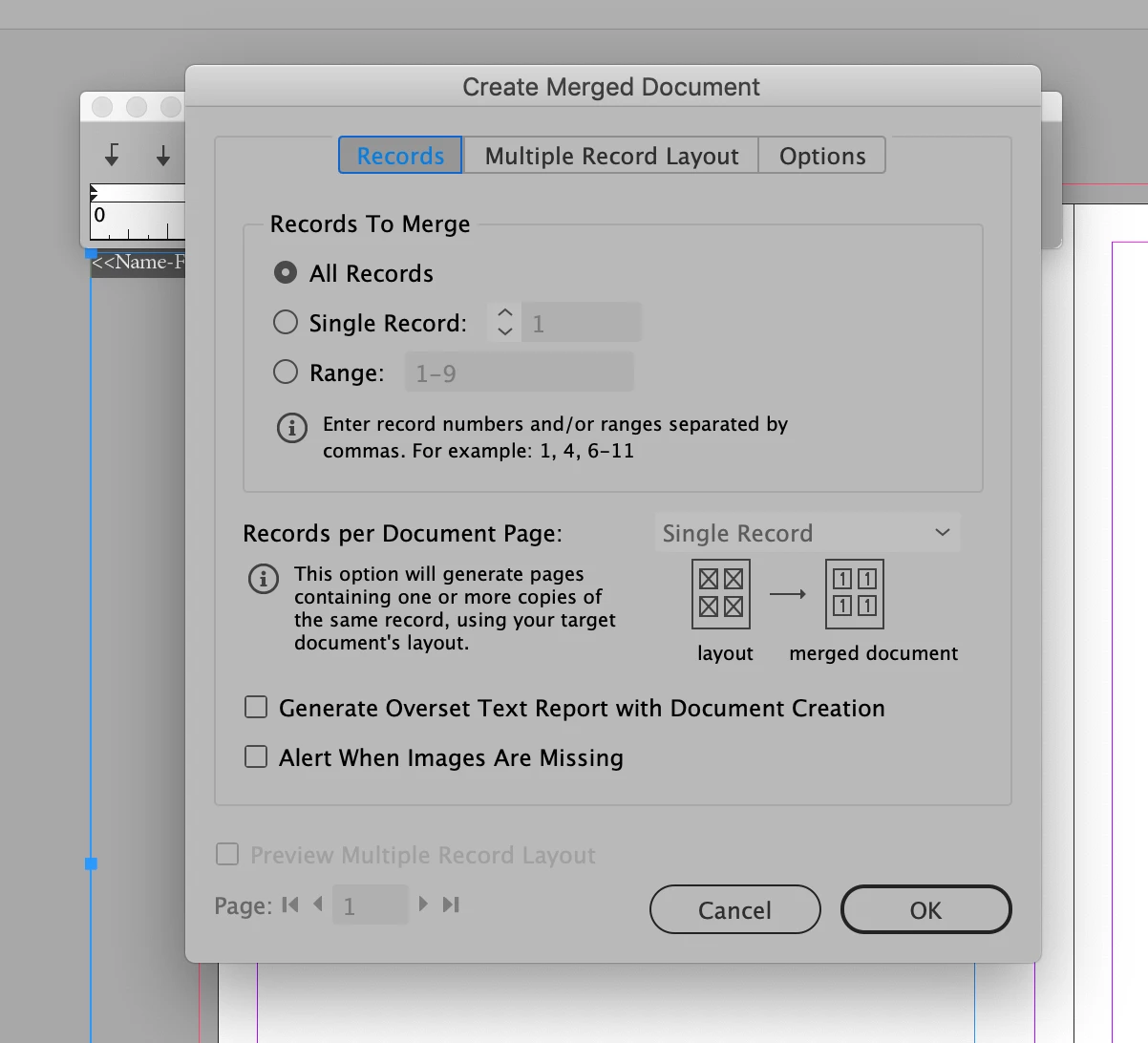
Hi, I'm designing an 8 page  booklet, that will be a list of artists who have entered an art show. I have gone thru the tutorials, and gotten the import to work, but it puts one record on each page. I have checked my settings in the CREATE MERGED DOCUMENTS dialogue box. In the RECORDS TAB I have all records clicked. but when I go to MULTIPLE RECORD LAYOUT, everything is greyed out, and there is an statement on the top that reads:  THESE OPTIOS ARE DISABLED BECAUSE SIGNLE RECORD IS SELECTED FOR RECORDS PER DOCUMENT PAGE. I fear this is a bug, or does anyone have a workaround for this?  I've attached screenshots. I'm using Indesign 14.0.1 CC   Thank you for your help.

Elaine
This topic has been closed for replies.
Correct answer Dave Creamer of IDEAS

Just to clarify, you want to use Data Merge and not bring the records in as a table, correct?

If so, check out this link:

Data Merge: Cannot get multiple records per page

2 replies

Dave Creamer of IDEAS
Dave Creamer of IDEASCorrect answer
Community Expert
March 7, 2019

Just to clarify, you want to use Data Merge and not bring the records in as a table, correct?

If so, check out this link:

Data Merge: Cannot get multiple records per page

David Creamer: Community Expert (ACI and ACE 1995-2023)
Known Participant
March 8, 2019

I'm not sure what you mean by a table,  but I'm wanting a list with tabs  First and Last Name, Name of Artwork, Price

I would not have thought of starting a new document. Here I set up an 8 page document and was working on other pages, such as the cover and inside cover info. So I started a new document, and tried it again, twice. This time, I was able to select multiple records on a page. But it still made on page for each record.

Sorry guys, I'm an experience indesign user, but I've been designing things without importing text.

Elaine

New Participant
December 8, 2022

Hi, I'm working on a similar list booklet. I want my InDesign final document to have a single text box that flows, and I want everything that I import to use tabs to create the columns. What I've found to almost work perfectly is to export my original spreadsheet as a TSV rather than a CSV. You can place a TSV as a link in an InDesign text box. Hopefully this helps.


There IS NO .tsv option in the pop-down menu?  LoL  What are you talking about, a .TSV file? I do not even see that as an available option to choose?

Community Expert
March 7, 2019

Your starting document should have only one page, and only one instance of the merge on that page. If you have more than one page, that is likely the reason you cannot choose Multiple Items per page.

From that one page, you will use the settings in Multiple item merge to choose the positioning of your records on the pages, and InDesign will generate all of the pages that you need.