


In-Design 2023 UI issue - Mouse too Big (2nd screen Dell UHD 27 inch)
Dear all,
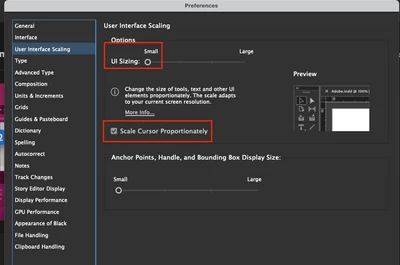
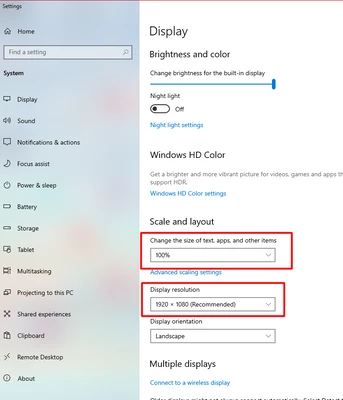
I request you help because I have an issue with InDesign 2023. Indeed the User Interface (especially the mouse) is enlarged on my second screen (Dell UHD 27" 2560x1440px). The resolution of this 2nd screen is lower than my Dell Laptop (3840x2400px), therefore I understand that the interface could be enlarged, but on this case it's mainly the Tools (Black/White Mouse, etc.) of InDesign that have a UI issue. I've already tried to re install the software several times, played with the UI scale mouse preferences in the software and check with the display resolution settings, but none of them changes anything.
Besides, this issue is only appearing in InDesign, all other Adobe apps are working fine.
Does anyone have an idea or is it something that Adobe already know and are fixing ?
Thank you in advance for your answers and help.
Best Regards,
Patrick
 AdChoices