



Question
InDesign 2020 - rounded corners automatically applied to lines
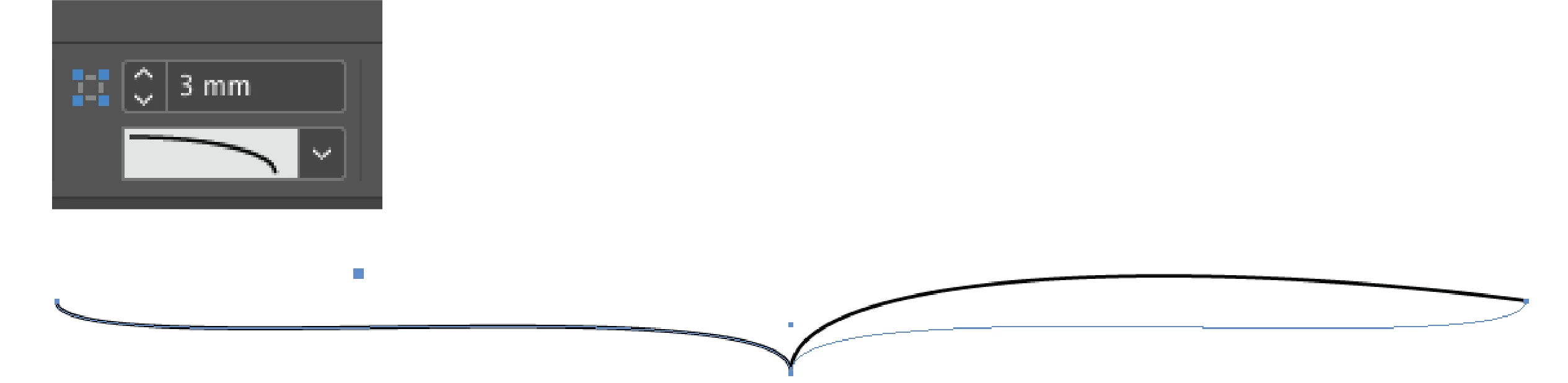
Hi, I've updated to InDesign 2020. When I open files that were made using InDesign 2019 some lines and strokes have the 'rounded corners' applied when previouly it was not. It looks like 'rounded corners' is autmotically applied to any element that was made using the pen tool.
Does anyone know if InDesign 2020 has a preference feature where rounded corners is automatically applied to strokes and lines?
Thank you very much
 AdChoices