Inspiring
December 28, 2023
Question

InDesign 2024 crashing when trying to run script

  • December 28, 2023
  • 6 replies
  • 1825 views

Let me begin by saying that I know extremely little about scripts, so if you respond with a highly technical answer, I'll be lost! 🙂 


I'm using Adobe InDesign 2024 on a 2020 Macbook Pro (Ventura 13.3.1). I have a Bibliography with many entries and was trying to run the "Sort Paragraphs" javascript (as outlined in this article) to sort all entries alphabetically. It is critical that I'm able to retain formatting. For now, I've pulled the Bibliography out of the source document and dropped it into a new InDesign file (see attached).


Each time I run the script (as shown below), InDesign crashes.
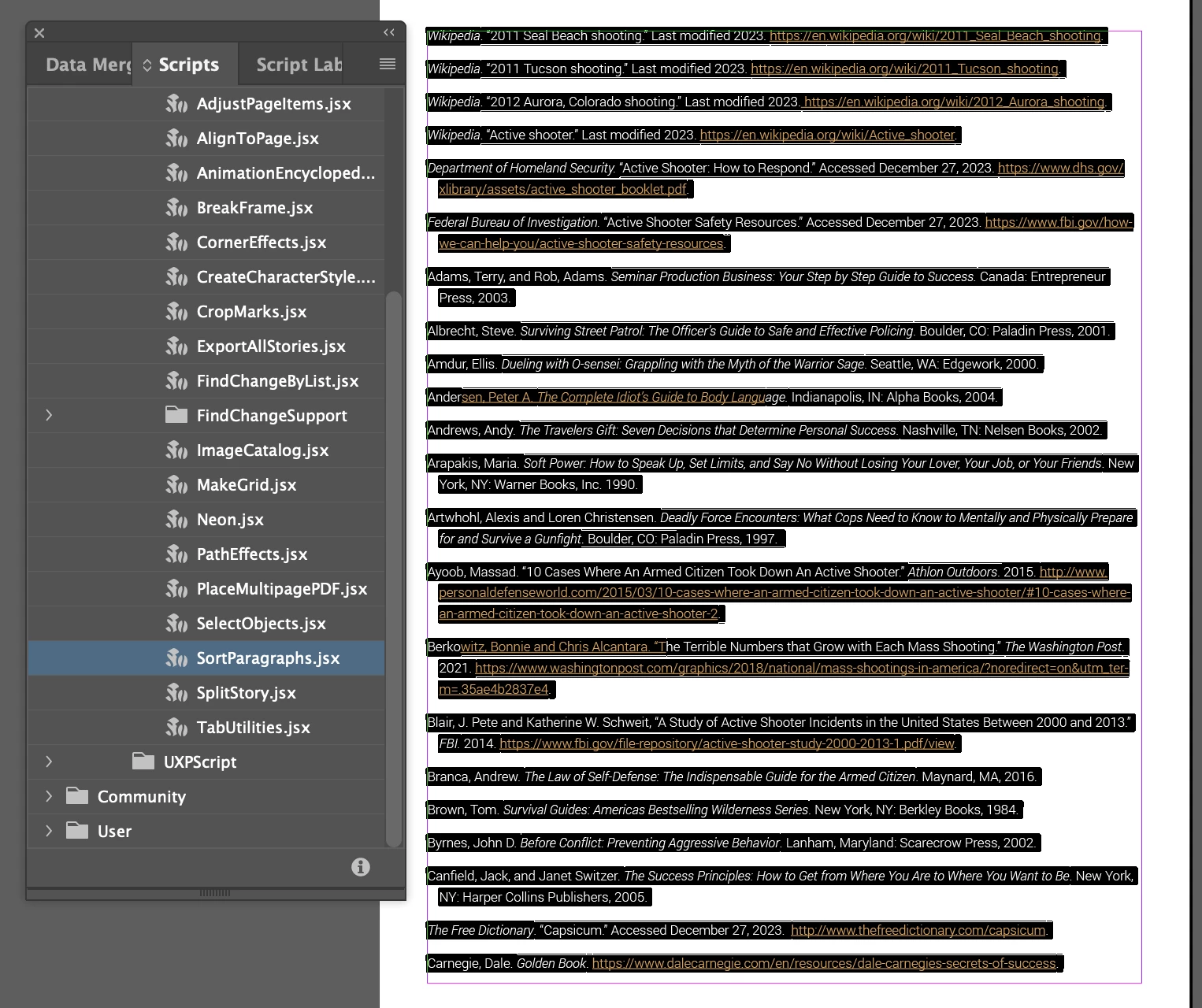


Sometimes I get this warning before it crashes:
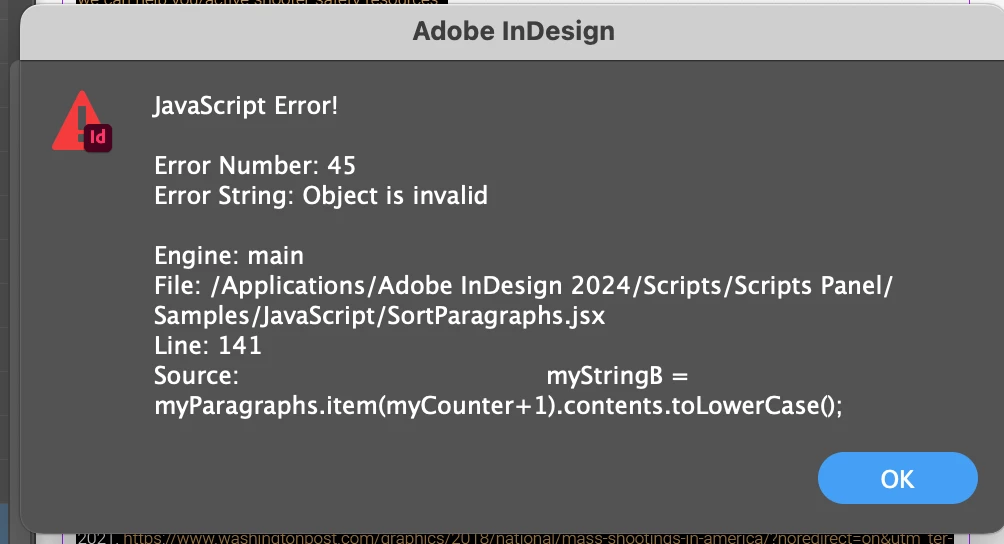
 

Can anyone help???? I really don't want to have to sort these manually!


Thanks in advance! - Kristin

This topic has been closed for replies.

6 replies

Marc Autret
Brainiac
December 29, 2023

• The original document (biblio.indd) seems to contain corrupted hyperlinks and InDesign reports it as “possibly damaged.” It crashes on processing Text objects. IDML export is known as the best way to fix it.


• With this done, paragraph sorting scripts should work without issue. (E.g. SmartSort achieves the task in one second—just tested.)


Best,

Marc

leo.r
Adobe Expert
December 29, 2023

> I'm using Adobe InDesign 2024 on a 2020 Macbook Pro (Ventura 13.3.1).


While it's probably not related to the script issues you're having, make sure to update to the latest version of Ventura, macOS 13.6.x. InDesign can have serious issues on pre-13.5 systems. (Just don't upgrade to macOS 14 Sonoma as it's not fully compatible with InDesign yet).

Robert at ID-Tasker
Brainiac
December 28, 2023

It looks like your original document has been damaged - after IDMLing - it sorted OK.


kg01915Author
Inspiring
December 28, 2023

@Robert at ID-Tasker - So perhaps if I save as an IDML, open it and save as a new INDD file, it might work?

Robert at ID-Tasker
Brainiac
December 28, 2023

That's what I've done - exported as IDML, opened, run sorting and saved and uploaded here for you.


That's a preview of my tool - on the left is effect of the JS script for comparison.

Unfortunately, it's PC only.


Robert at ID-Tasker
Brainiac
December 28, 2023

After removing last empty paragraph - It just crashed for me as well.


kg01915Author
Inspiring
December 28, 2023

Good suggestions, but no luck. I split the document in half and ran both halves, still encountering the same issue. I did get a warning message this time which said, "All corrupt hyperlinks in the selected text have been removed." I clicked OK, but got the same error message again. 


For what it's worth, I've also quit InDesign and then did a hard restart, deleting all preferences. That didn't work either.

Robert at ID-Tasker
Brainiac
December 28, 2023

As per my other reply - your document has been damaged for some reason.


You can either do IDMLing yourself - just for fun - or download file I've attached.


Robert at ID-Tasker
Brainiac
December 28, 2023

Also, try to split your text in half - maybe there is something "extra" in the text? Just for testing. 


brian_p_dts
Adobe Expert
December 28, 2023

Make sure you have no empty paragraphs in what you are trying to sort by runnning a Find Grep for multiple returns.

kg01915Author
Inspiring
December 28, 2023

I ran the Find Grep and there was one extra return, which I removed. Still getting the same error.