Exit
  • Global community
    • Language:
      • Deutsch
      • English
      • Español
      • Français
      • Português
  • 日本語コミュニティ
  • 한국 커뮤니티
0

InDesign adds an unwanted border to all my PDFs after exporting.

Explorer ,
Mar 27, 2019 Mar 27, 2019

This problem has not occurred to me before so I'm starting to wonder if maybe I have turned on something which wasn't on before.

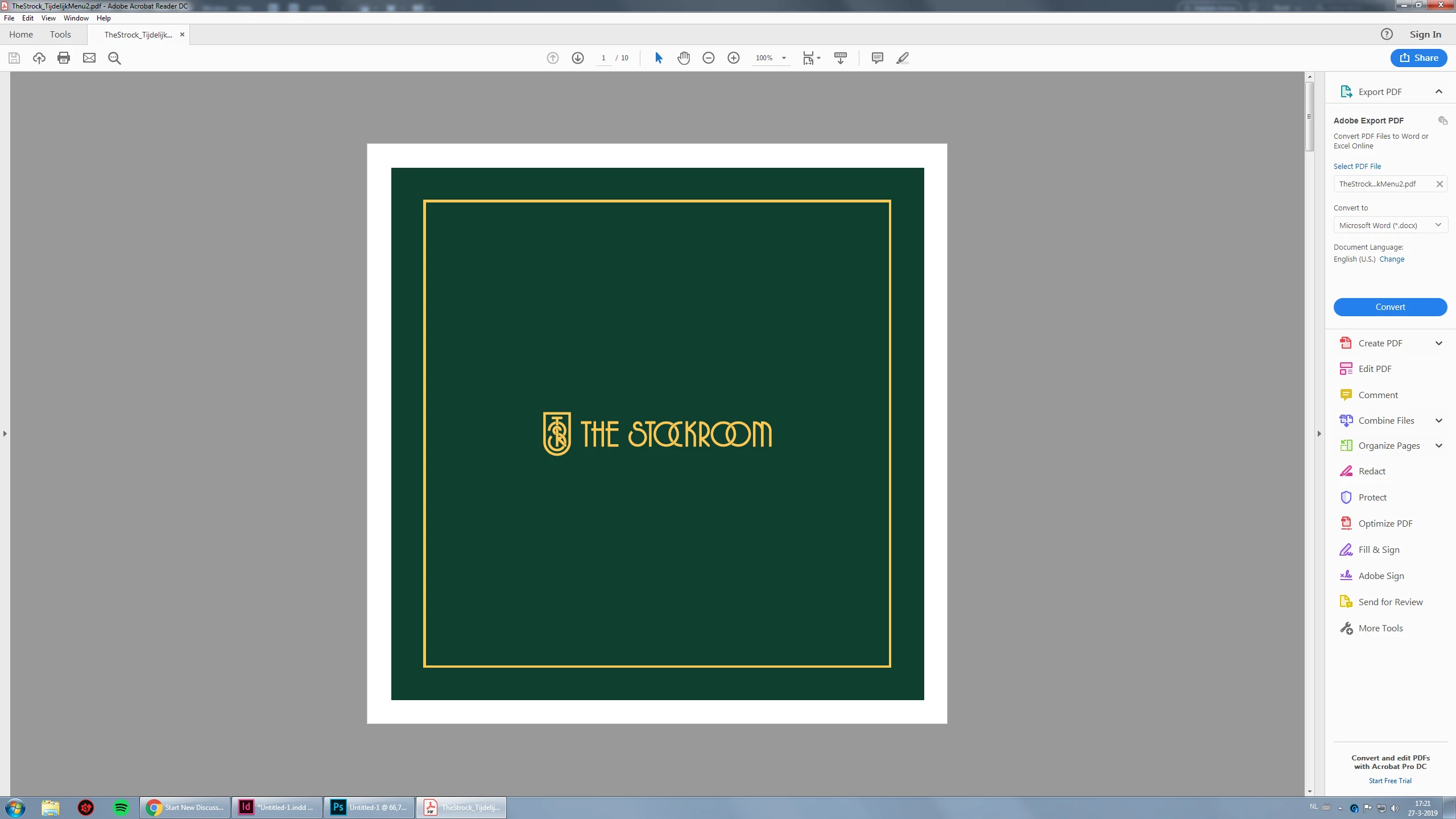
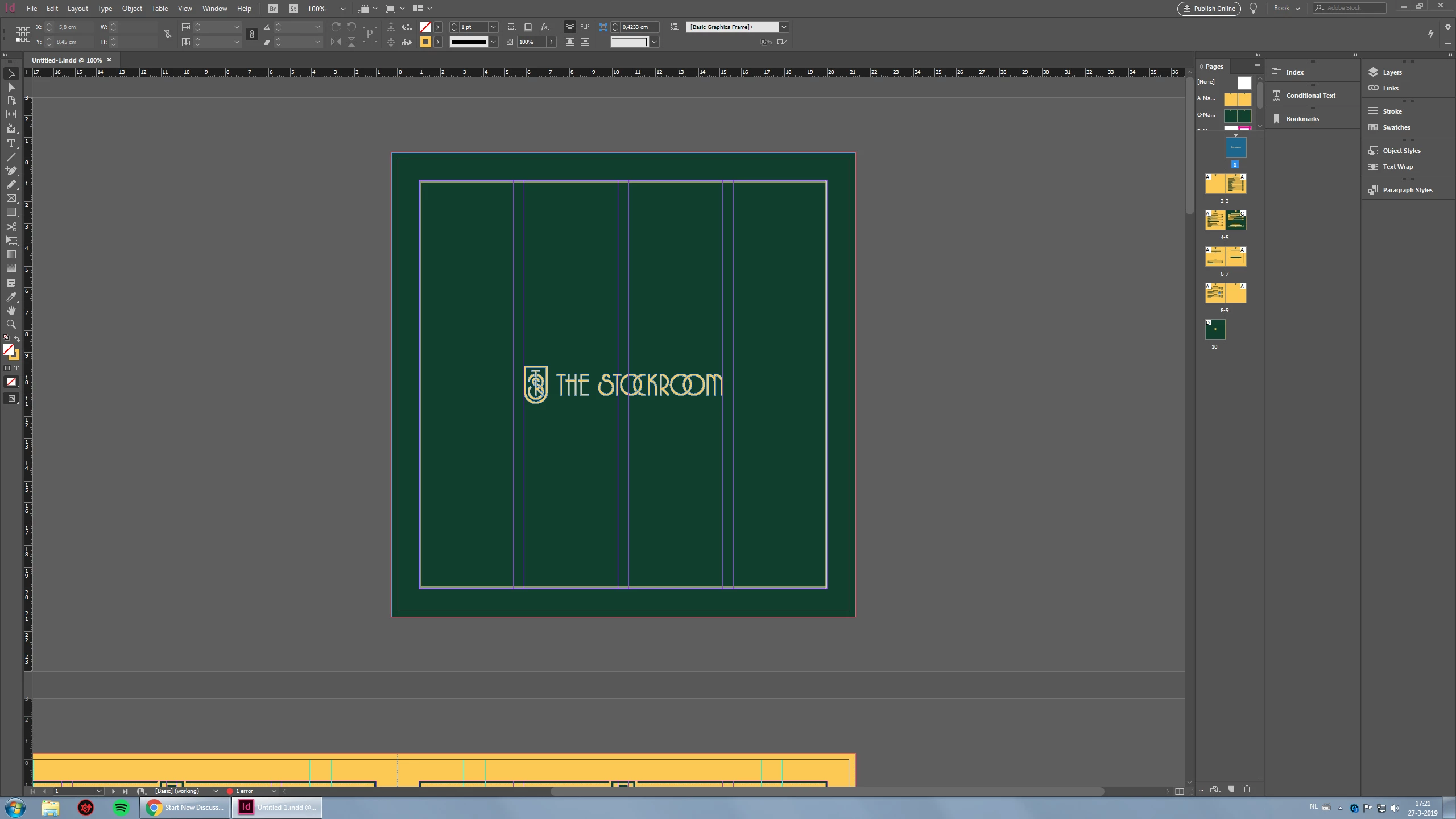
I've created a menu design for one of my clients, the menu will soon be printed but I also want to export a pdf without the bleed marks etc. which can be added to their website to be viewed/downloaded by its visitors. However I'm running into the problem that even if I have all the boxes ticked off, it still adds a white border around my design even though the design (green) should be reaching till the borders.

I have no idea whats causing this as the document I created originally has bleed for printing but I turned it off for the PDF that will be viewed online.
1.jpg2.jpg3.jpg

I would really appreciate a quick answer as the clients website is about to go live and I don't want the menu to be one there looking like this!

7.2K
Translate
Report
Community guidelines
Be kind and respectful, give credit to the original source of content, and search for duplicates before posting. Learn more
community guidelines

correct answers 1 Correct answer

LEGEND , Mar 27, 2019 Mar 27, 2019

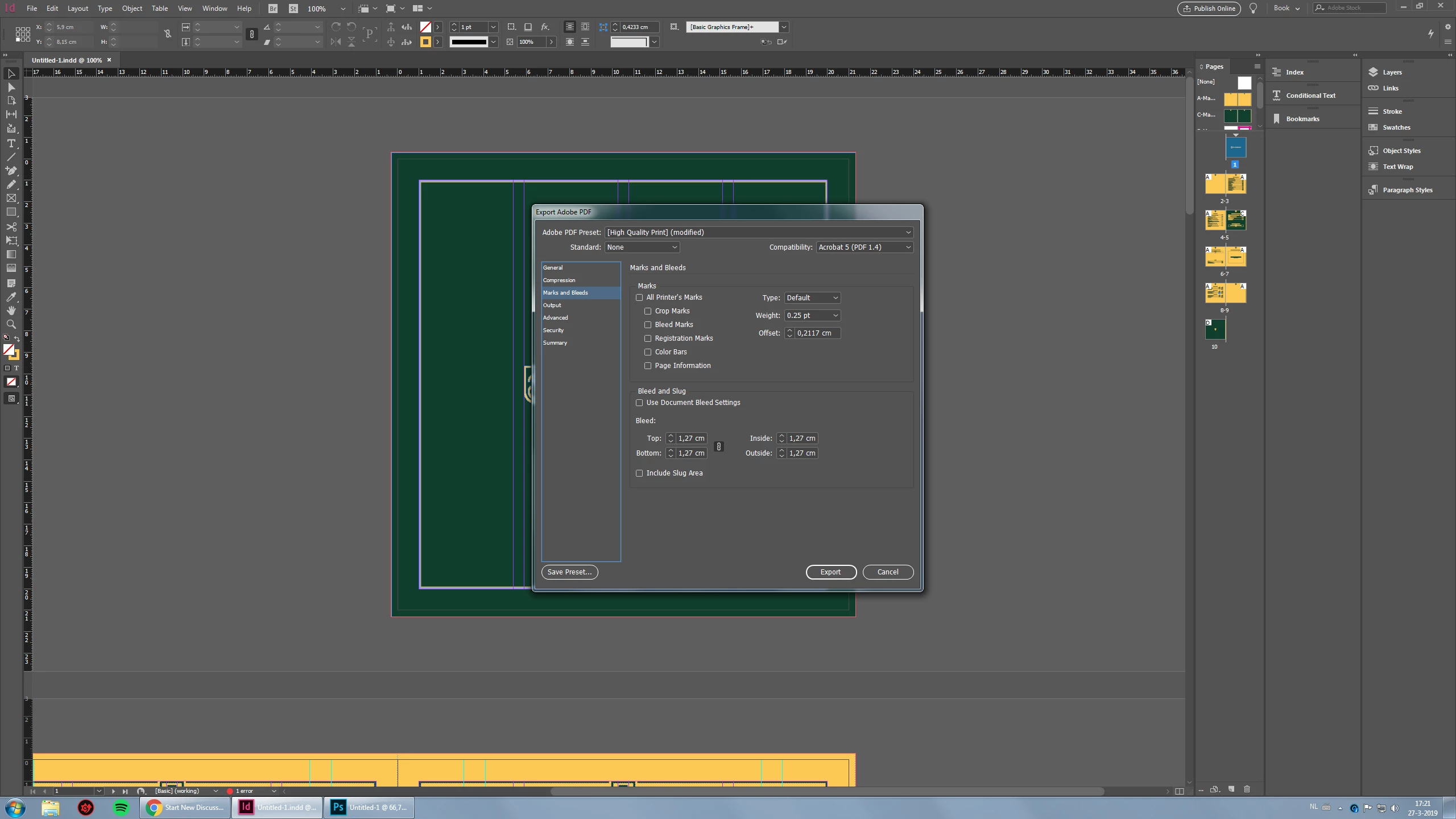
You have unchecked the option to Use Document Bleed Settings, but you have a value of 1,2 cm entered for bleed amount on all sides. If you want no bleed at all, those valves should be zeros.

But it looks like you need full bleed on all of these pages, so it would be better to check the Document Bleed Settings box, and make sure that your color backgrounds extend all of the way into the bleed area.

Translate
Community Expert ,
Mar 27, 2019 Mar 27, 2019

You added bleed in the export.

Translate
Report
Community guidelines
Be kind and respectful, give credit to the original source of content, and search for duplicates before posting. Learn more
community guidelines
Explorer ,
Mar 27, 2019 Mar 27, 2019

Not sure what you mean, bleed is ticked off right?

Translate
Report
Community guidelines
Be kind and respectful, give credit to the original source of content, and search for duplicates before posting. Learn more
community guidelines
LEGEND ,
Mar 27, 2019 Mar 27, 2019

You have unchecked the option to Use Document Bleed Settings, but you have a value of 1,2 cm entered for bleed amount on all sides. If you want no bleed at all, those valves should be zeros.

But it looks like you need full bleed on all of these pages, so it would be better to check the Document Bleed Settings box, and make sure that your color backgrounds extend all of the way into the bleed area.

Translate
Report
Community guidelines
Be kind and respectful, give credit to the original source of content, and search for duplicates before posting. Learn more
community guidelines
New Here ,
Dec 06, 2021 Dec 06, 2021
LATEST

Hi there! 


I have the exact same problem – the white borders while trying to export it as PDF. And yet, my Bleeds are on 0 and else as on the screenshot above! Does anyone have an idea what else could be the problem???

It's driving me insane.


And thank you!

Translate
Report
Community guidelines
Be kind and respectful, give credit to the original source of content, and search for duplicates before posting. Learn more
community guidelines
Explorer ,
Mar 27, 2019 Mar 27, 2019

God I am stupid, sorry for asking this retarded question here. Thanks for the quick response. I had them at 0 before haha, weird, must've added that value by accident.
Exported and approved by client, thanks!

Translate
Report
Community guidelines
Be kind and respectful, give credit to the original source of content, and search for duplicates before posting. Learn more
community guidelines