


nathans92928531
Participant
July 29, 2023
Question

InDesign: Anchored Image flowing off page

  • July 29, 2023
  • 3 replies
  • 1052 views

I'm having trouble with anchored images in InDesign.


I want the anchored image to stay with a specific line of text. But if I do that, some images extend off the bottom of the page. 
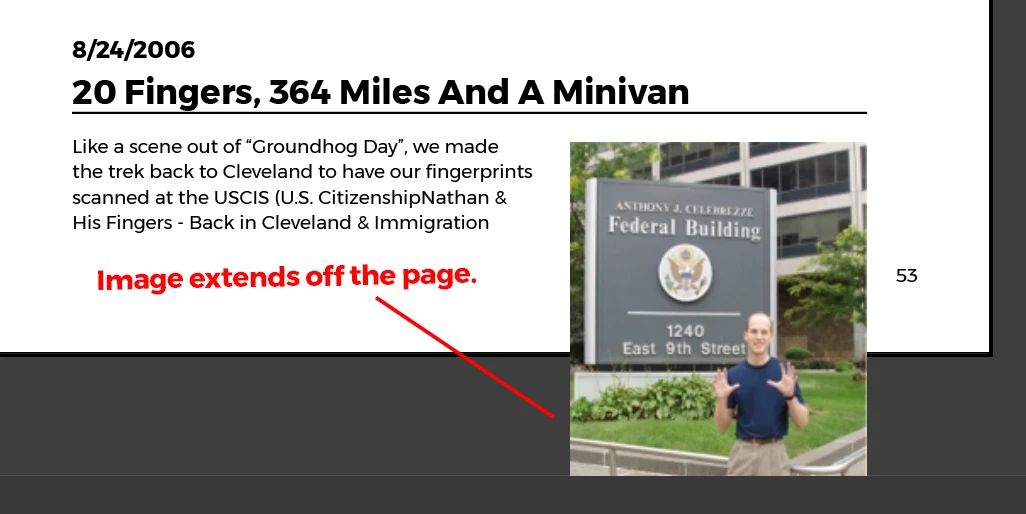
 

To fix that, I select "Keep within Top/Bottom Column Boundaries. This keeps the image on the page, but bumps it up so that it is no longer anchored with the line of text that I want it to be. 
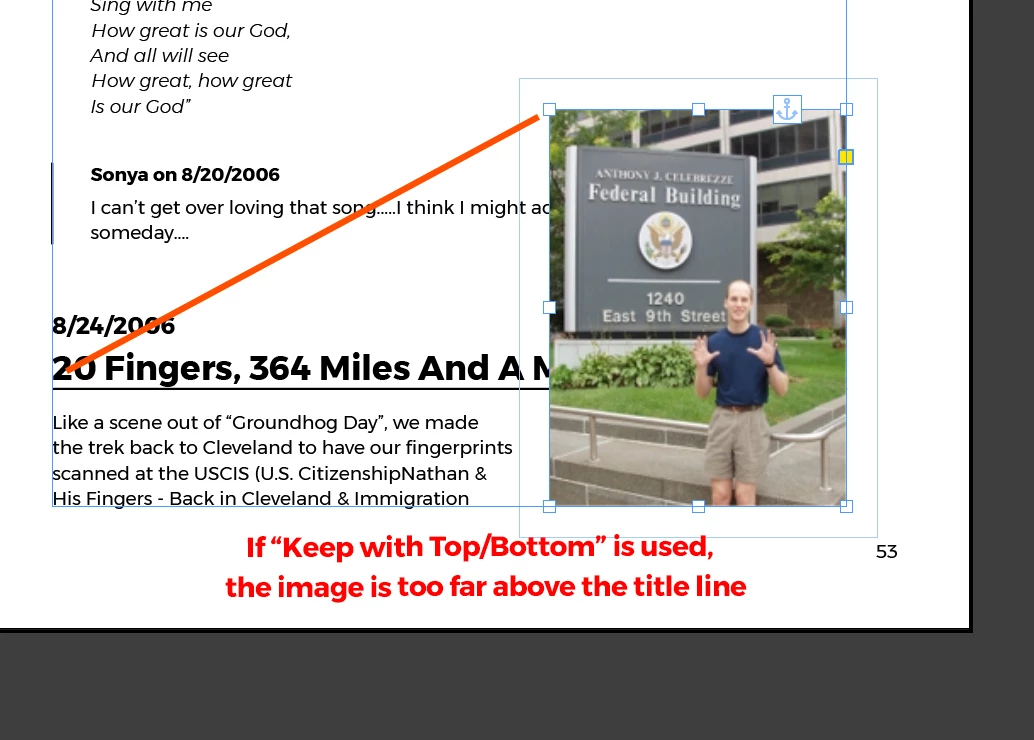
 

What I want InDesign to do is to keep the top of the image anchored and aligned to the title line, and then break that entire group to the next page if necessary in order to maintain the position.

This topic has been closed for replies.

3 replies

Community Expert
July 31, 2023

@nathans92928531 said: "What I want InDesign to do is to keep the top of the image anchored and aligned to the title line, and then break that entire group to the next page if necessary in order to maintain the position."


Hi @nathans92928531 ,

you can do this with a couple of paragraph styles and a table that contains the article main text and the image in a graphic cell. See my attached InDesign document. Play with it and change the height of the graphic frame in the table. Or add and remove text to the first cell of the table.


Regards,
Uwe Laubender
( Adobe Community Expert )

Barb Binder
Community Expert
Community Expert
July 29, 2023

How about adding a column break in front of the heading to force all of it to the next page?


~Barb

~Barb at Rocky Mountain Training
nathans92928531
Participant
July 29, 2023

I can do a manual page break if that's the only solution possible. But I'm working with a book document that is 200+ pages. And it's just a draft. So as the document gets edited, the text and images will need to flow automatically. Any manual page breaks will inevitably cause unintentded gaps as the document gets edited. 


Surely I'm not the only person whose run into this problem. I'm hoping there's a more elegant / simple solution. 

Robert at ID-Tasker
Legend
July 30, 2023

If there is MORE text, that goes to the next page - you could use Keep ALL Lines Together option:


The only other solution is through Scripting - are you on Mac or PC?


If you are on Mac - you'll have to wait for JS gurus as I prefer VB and could write you a simple script only if you work on a PC.


kglad
Community Expert
Community Expert
July 29, 2023

in the future, to find the best place to post your message, use the list here, https://community.adobe.com/

p.s. i don't think the adobe website, and forums in particular, are easy to navigate, so don't spend a lot of time searching that forum list. do your best and we'll move the post if it helps you get responses.


<"moved from using the community">